Need help?
Do you have a question about the Rosco DV6 and is the answer not in the manual?
Details of FCC and Industry Canada compliance for the device.
Critical safety guidelines for electrical connections and cable routing during installation.
Guidelines for safe operation, driver responsibilities, and environmental factors affecting performance.
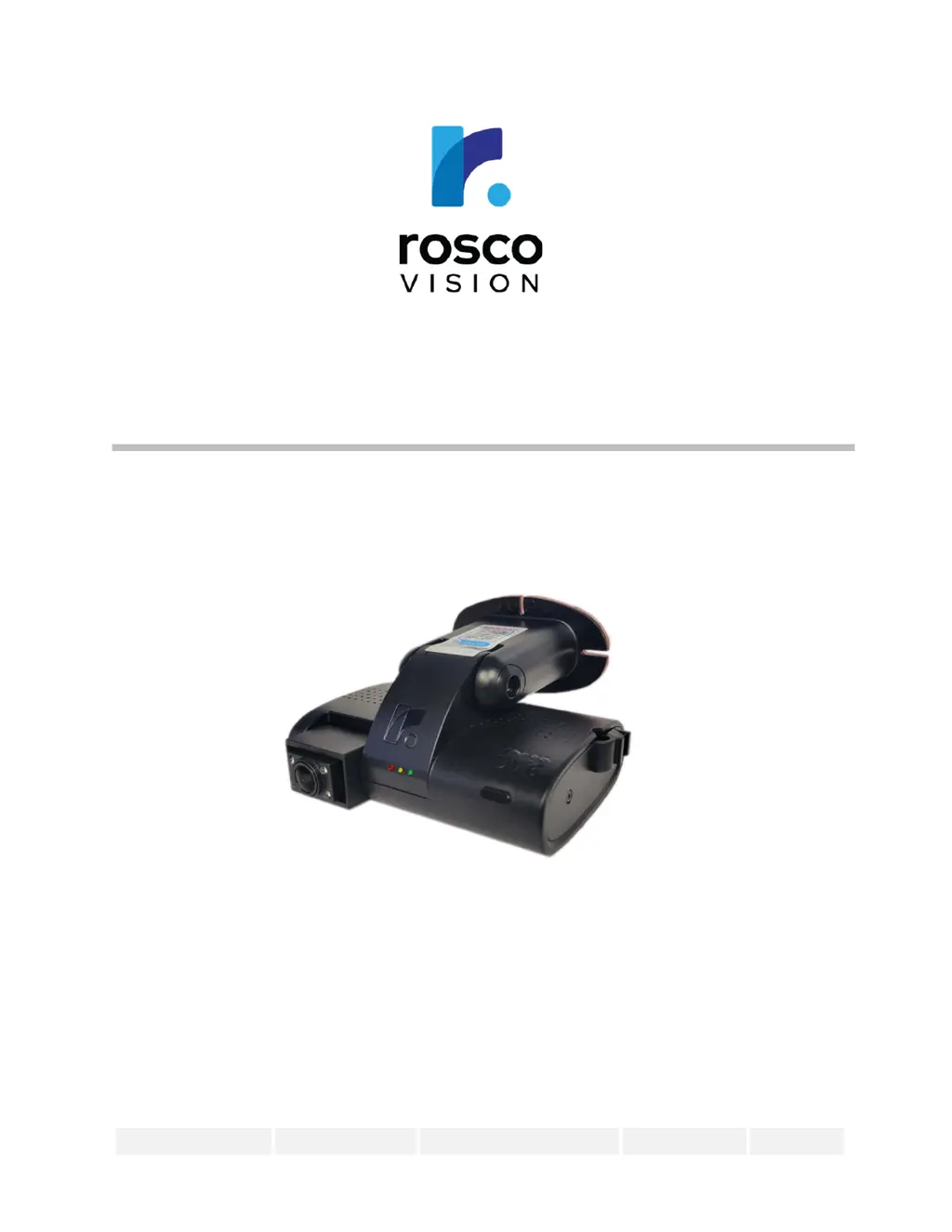
Overview of the Rosco DV6 as an Al-enhanced dual-channel drive-recorder.
Comprehensive list of the DV6's capabilities, including AI monitoring and connectivity.
Labeled diagram identifying the physical parts of the DV6 device.
List of all hardware and accessories provided in the DV6 product packaging.
Details for connecting the DV6 via the vehicle's OBD II port.
Details for connecting the DV6 via the vehicle's J1939 port.
Details for connecting the DV6 directly to vehicle wiring.
LED behavior during device startup and when ready for use.
LED indications for recording, connectivity, and errors during operation.
Explanation of LED patterns for diagnosing errors and firmware updates.
Guide to downloading and using the Rosco Installer mobile application.
Access to a video tutorial for detailed installation steps.
Instructions for logging into the RoscoLive fleet management system.
Guidance on installing optional third camera or AHD video converter.
Steps and tips for scanning the Driver ID card with the DV6 device.
Solutions for device power issues and various LED status errors.
Steps to resolve problems with camera connection to RoscoLive.
Actions for troubleshooting solid yellow/red LEDs and flashing LEDs.
 General
| Brand | Rosco |
|---|---|
| Model | DV6 |
| Category | Dash Cameras |
| Language | English |

 To Next Page