11
Rosen Entertainment Systems
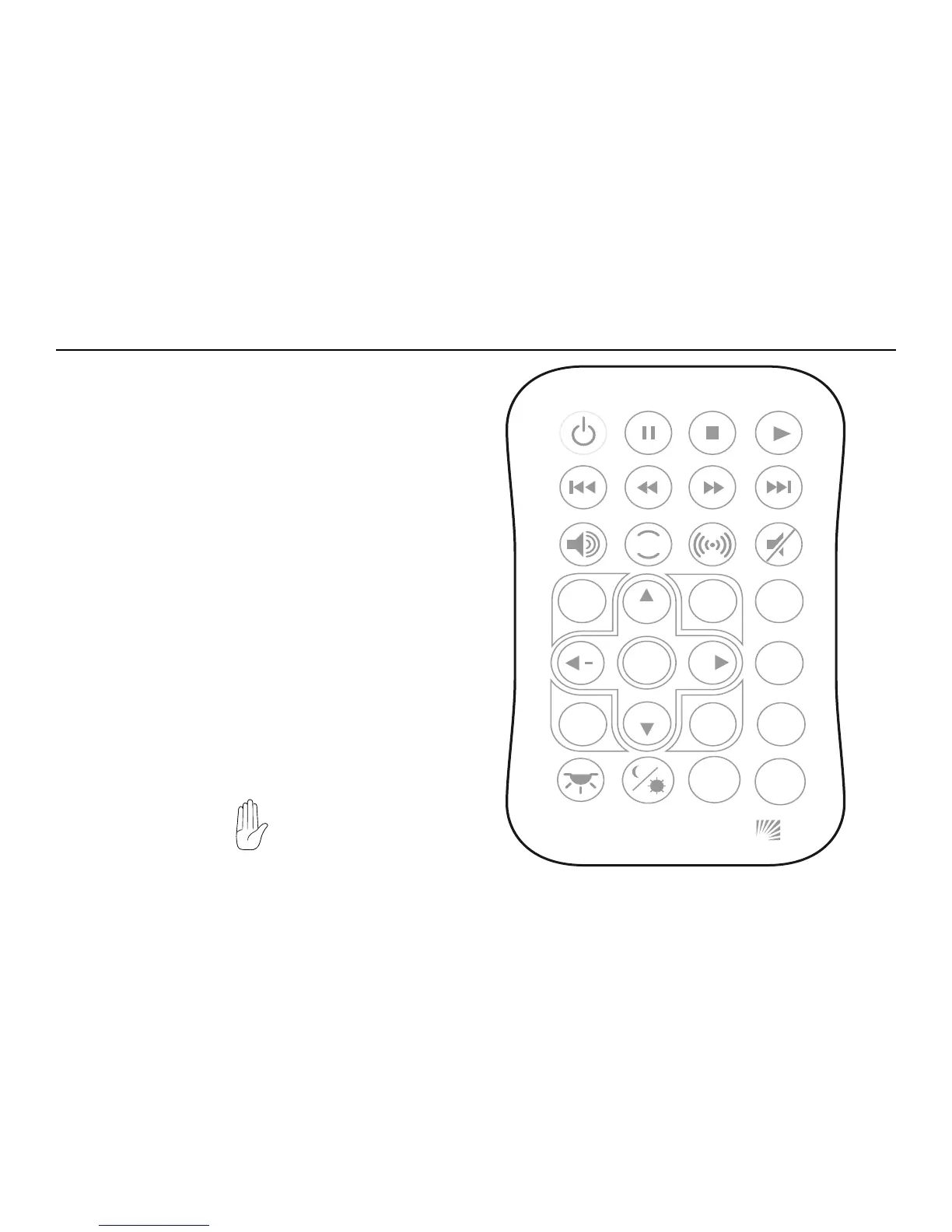
USING THE REMOTE CONTROL
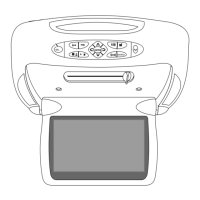
You can use the A7 remote control or the front-panel controls to
operate the system. The remote control offers more functionality than
the front-panel controls. Always aim the remote control at the A7
control panel - it contains the infrared sensor. For definitions of each
remote control button’s specific function, see the following sections
of this manual.
1 Optional Source Unit Power 15 Info
2 Pause 16 Eject
3 Stop 17 Navigate left
4 Play 18 Enter
5 Previous Chapter/Track 19 Navigate Right
6 Reverse 20 Subtitle
7 Fast forward 21 Source Menu
8 Next Chapter/Track 22 Navigate Down
9 Speaker on/off 23 Disc Menu
10 Rosen Entertainment Sound 24 Disc Zoom
11 Surround Sound 25 No function
12 Mute 26 Day/night
13 Source select 27 Random play
14 Navigate up 28 Display Mode
If you try to perform a DVD action that is not permitted (such as
accessing the disc menu while the disc is loading), the on-screen
display will use the following symbol:
SOURCE
+
DISC
ZOOM
DISC
MENU
CH
CH
SOURCE
MENU
ENTER
DISPLAY
RANDOM
INFO
ROSEN
MODE
PLAY
SUB
TITLE
RES
EJECT
1 2 3 4
5 6 7 8
9 10 11 12
13 14 15 16
17 18
19 20
21
25 26 27 28
22
23
24



 To Next Page