EasyManua.ls Logo

Ross HDR-8130USB - User Manual

Ross HDR-8130USB
32 pages
Print Icon
To Next Page IconTo Next Page
Loading...
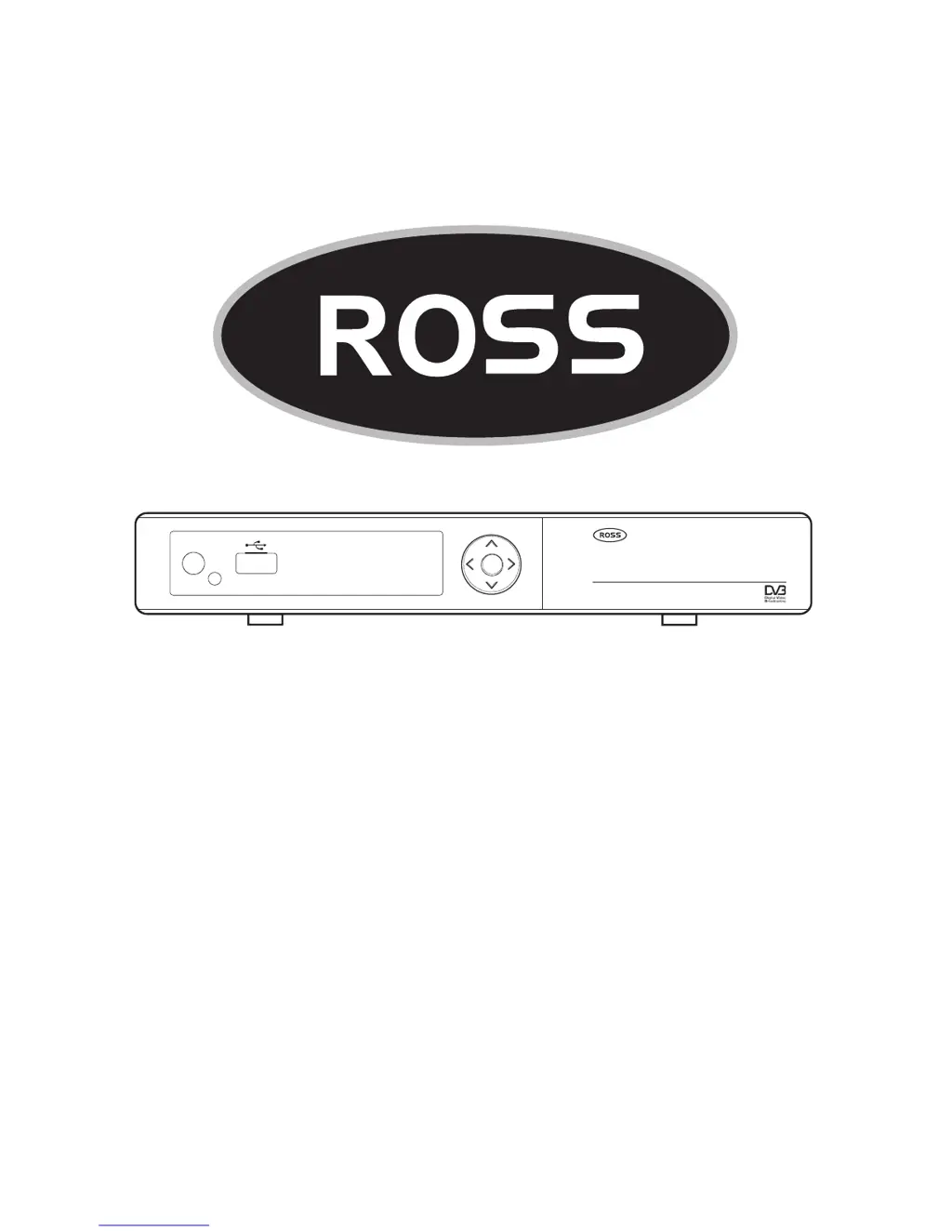
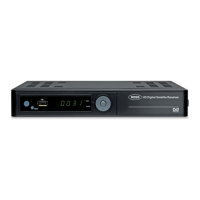
HD Digital Receiver
User Manual
MODEL NUMBER
HDR-8130USB
Please read this Manual thoroughly before using your
Receiver and then retain for future reference.
ME NU
SI GNA L
STAN D BY
HD Digital Satellite Receiver
TM

Questions and Answers

  • D
    dmorrowJul 30, 2025
    What to do if my Ross HDR-8130USB Receiver set top box has power but on TV shows “No signal”?
    • M
      Marcus WellsJul 30, 2025
      If your Ross Receiver set top box displays “No signal” on your TV, first check all the connection cables between the TV and the set top box. If the connections are secure, try pressing the V-format button on the remote control to cycle through the different video formats, as the video format may be incompatible.
  • P
    Pamela AliAug 4, 2025
    Why is there no sound on an HD TV Channel on my Ross Receiver?
    • L
      Lori Bell DDSAug 4, 2025
      If you're experiencing a lack of sound on an HD TV channel with your Ross Receiver, it might be an audio setting issue. Press the "AUDIO" button on your remote and check if the audio is set to AC3. If it is, select the MPEG1/2 option and press OK. Then, press the AUDIO button again, select AC3 and press OK. This should restore your sound.
  • S
    Sean JuarezAug 9, 2025
    What to do if the Ross HDR-8130USB Receiver set top box has power but cannot find any channels?
    • A
      Amy WhiteAug 9, 2025
      If your Ross Receiver set top box has power but isn't finding any channels, several factors could be at play. Ensure the satellite dish is installed correctly and calibrated. Check that the LNB input is correctly connected by reconnecting the cable to the LNB and receiver. Weather conditions can also interfere, so try again during better weather. Finally, verify that the system settings are properly configured for the received program in the system settings menu.
  • J
    janicehortonAug 14, 2025
    How to fix Ross Receiver video that stops or disappears?
    • M
      Megan Jackson DDSAug 15, 2025
      If the video on your Ross Receiver stops or disappears, it might be due to a change in the V-format. The set top box needs time to adjust to the new output format, so wait a few seconds for the video and audio to return.
  • N
    Nina MerrittAug 19, 2025
    Why does my Ross Receiver TV program play a strange sound?
    • A
      Aaron AllenAug 20, 2025
      If a TV program on your Ross Receiver is playing a strange sound, it could be because the channel contains multiple audio tracks or languages. Use the “Audio” button on the remote control to select the correct audio track or language for the program.
  • K
    Kathryn JosephAug 25, 2025
    How to fix a Ross Receiver with power but no display?
    • C
      Christina WilkinsonAug 25, 2025
      If your Ross Receiver has power but there's no display on the screen or lights on the set top box, the plug may not be inserted correctly. Remove the plug and reinsert it into the socket to ensure a proper connection.

Summary

Important Safety Instructions

Safety Information

Read instructions carefully and retain for future reference. Avoid dangerous voltages and fire hazards.

Controls and Functions Overview

Remote Control Layout

Remote Control Button Functions

Installation Guide

Satellite Dish Installation

Guide to installing the satellite dish, referring to separate documentation.

Receiver Installation Overview

Steps for connecting the receiver to the TV and preparing the remote control.

Receiver Installation Details

Menu System Navigation

Channel Manager Menu

System Menu Settings

Timer Setup

User Settings Menu

Parental Control Settings

Factory Default Reset

USB Module Functions

Advanced Installation Guide

Antenna Setting Configuration

Configuring LNB type, frequency, DiSEqC control, and scan options.

Satellite List Management

Transponder List Management

Motor Setup (DiSEqC)

USALS (DiSEqC) Set-Up

Software Update Procedure

Troubleshooting Guide

Technical Specifications

Ross HDR-8130USB Specifications

General IconGeneral
BrandRoss
ModelHDR-8130USB
CategoryReceiver
LanguageEnglish

Related product manuals