EasyManua.ls Logo

Ross HD DVB-S2 1201 - User Manual

Ross HD DVB-S2 1201
28 pages
Print Icon
To Next Page IconTo Next Page
Loading...
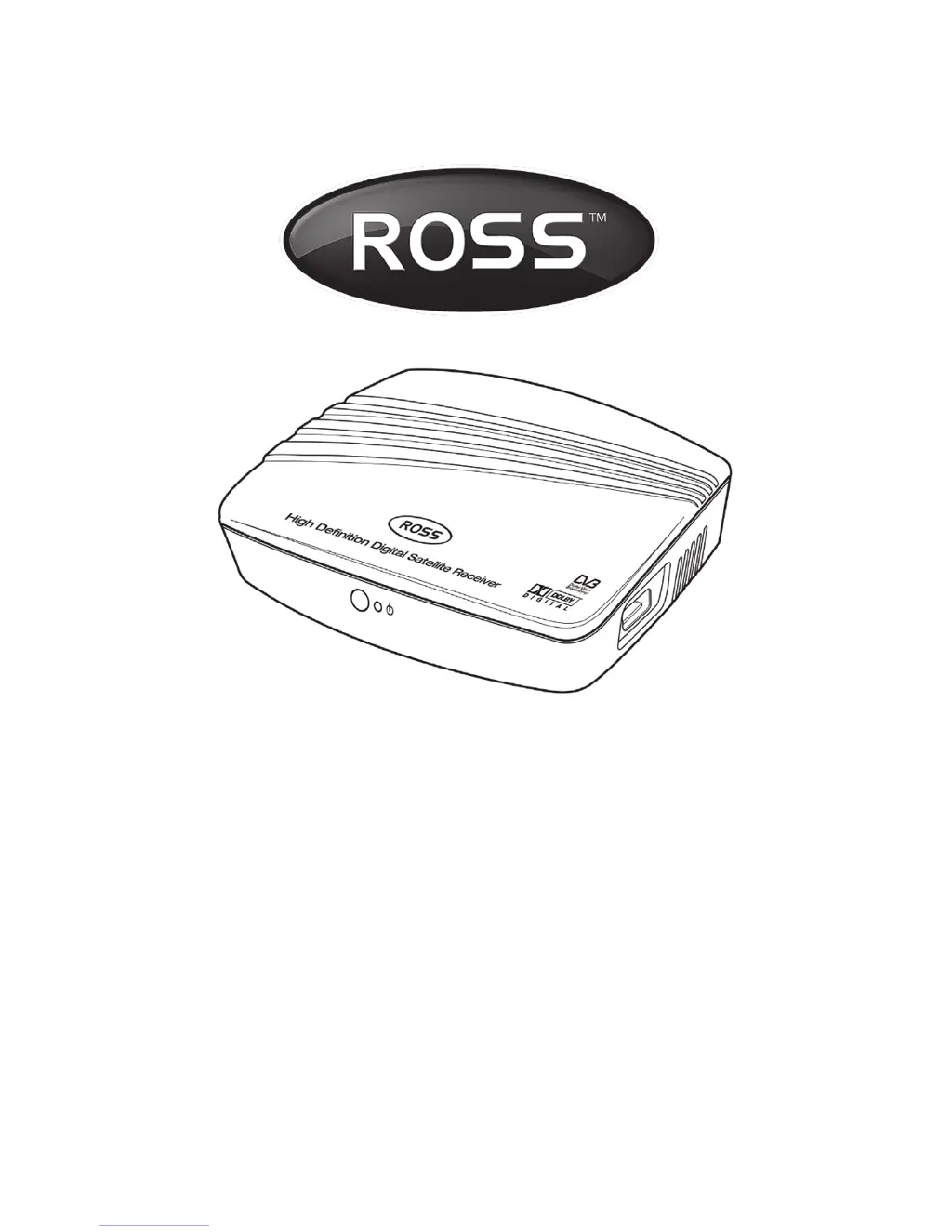
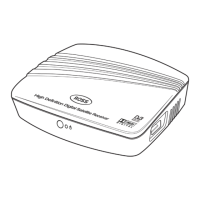
HD Digital Receiver
User Manual
MODEL NUMBER
HD DVB-S2 1201
Please read this Manual thoroughly before using your
Receiver and then retain for future reference.
TM

Questions and Answers

  • Q
    qgoodwinJul 31, 2025
    What to do if my Ross HD DVB-S2 1201 set top box has power but on TV shows “No signal”?
    • A
      Amy HendersonJul 31, 2025
      If your Ross Receiver set top box displays “No signal” on your TV, first check all the connection cables between the TV and the set top box. If the connections are secure, try pressing the V-format button on the remote control to cycle through the different video formats, as the video format may be incompatible.
  • R
    Robert MasseyAug 4, 2025
    Why is there no sound on an HD TV Channel on my Ross Receiver?
    • B
      Benjamin Leach DDSAug 4, 2025
      If you're experiencing a lack of sound on an HD TV channel with your Ross Receiver, it might be an audio setting issue. Press the "AUDIO" button on your remote and check if the audio is set to AC3. If it is, select the MPEG1/2 option and press OK. Then, press the AUDIO button again, select AC3 and press OK. This should restore your sound.
  • T
    Timothy VegaAug 10, 2025
    What to do if the Ross Receiver set top box has power but cannot find any channels?
    • D
      David BrownAug 10, 2025
      If your Ross Receiver set top box has power but isn't finding any channels, several factors could be at play. Ensure the satellite dish is installed correctly and calibrated. Check that the LNB input is correctly connected by reconnecting the cable to the LNB and receiver. Weather conditions can also interfere, so try again during better weather. Finally, verify that the system settings are properly configured for the received program in the system settings menu.
  • L
    Laura RussellAug 14, 2025
    How to fix Ross HD DVB-S2 1201 Receiver video that stops or disappears?
    • B
      brockheatherAug 14, 2025
      If the video on your Ross Receiver stops or disappears, it might be due to a change in the V-format. The set top box needs time to adjust to the new output format, so wait a few seconds for the video and audio to return.
  • C
    Courtney DonovanAug 20, 2025
    Why does my Ross Receiver TV program play a strange sound?
    • S
      Susan ZavalaAug 20, 2025
      If a TV program on your Ross Receiver is playing a strange sound, it could be because the channel contains multiple audio tracks or languages. Use the “Audio” button on the remote control to select the correct audio track or language for the program.
  • C
    Christina CollinsAug 25, 2025
    How to fix a Ross HD DVB-S2 1201 with power but no display?
    • M
      Michael MonroeAug 25, 2025
      If your Ross Receiver has power but there's no display on the screen or lights on the set top box, the plug may not be inserted correctly. Remove the plug and reinsert it into the socket to ensure a proper connection.

Summary

Important Safety Instructions

Safety Information

Read instructions carefully and retain for future reference. No user-serviceable parts inside.

General Information

Thank you for choosing the receiver. Notes on disposal and automatic sleep function.

Controls and Functions

Side Panels

Details the 12V DC power input and USB 2.0 input ports on the receiver's side.

Rear Panel

Identifies LNB IN/OUT, TV SCART, and HDMI sockets for satellite and TV connections.

Front Panel

Describes the front panel layout, including the standby indicator LED.

Remote Control

Illustrates the layout and labeling of all buttons on the remote control.

Remote Control Functions

Explains the function of each button on the remote control for operation.

Installation

Satellite Dish Installation

Refer to separate guide for dish assembly, erection, and alignment.

Receiver Installation Steps

Connect receiver, prepare remote, set TV format, check signal, and scan channels.

Menu System

Channel Search

Guides channel tuning by selecting satellites, scan options, and performing scans.

DB Management

Enables backup and update of channel databases for easy management.

Channel Manager Menu

Manage programs: edit, move, set favorites, and view electronic program guide.

System Menu Settings

Configure picture, time, and schedule settings for the receiver.

User Settings and Security

Customize OSD, parental controls, system passwords, and factory defaults.

USB Module Functions

Utilize USB for multimedia playback, software upgrades, and database management.

Recording and Live Pause

Schedule Recording

Schedule recordings based on time and program details, or set timers.

Live Recording

Record programs live by selecting the recording key on the remote.

Live Pause

Pause live TV with USB storage; fast-forward and rewind missed moments.

Troubleshooting

Power and Display Issues

Resolves issues with no display, no sound, or power on the set top box.

Signal and Channel Problems

Addresses problems finding channels, poor signal strength, or 'No signal' messages.

Video and Audio Playback Issues

Resolves video playback interruptions, format mismatches, and incorrect audio.

Specifications

Tuner & Modulator

Technical details for the tuner and modulator components: frequency, impedance, etc.

MPEG2 Decoding

Specifications for MPEG2 decoding capabilities, aspect ratios, and audio formats.

Connectors

Details on available input and output connectors: SCART, HDMI, USB, S/PDIF.

Power Supply

Information on input voltage, power consumption, and operating/storage temperatures.

Ross HD DVB-S2 1201 Specifications

General IconGeneral
BrandRoss
ModelHD DVB-S2 1201
CategoryReceiver
LanguageEnglish

Related product manuals