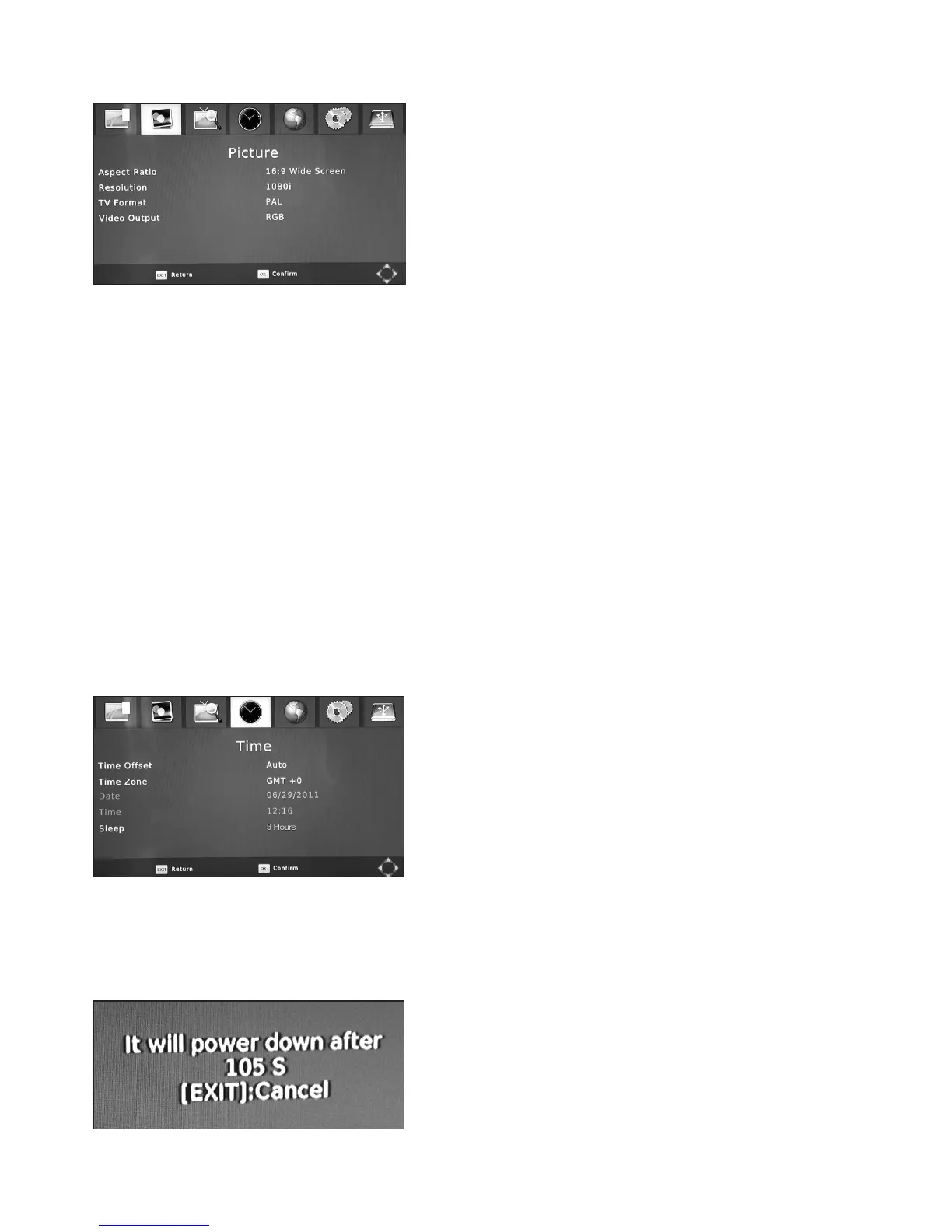
5.3.1 Picture Settings
• AspectRatio:To select between 16:9 (wide screen)
and 4:3 TV screen mode or AUTO (RECOMMENDED
SETTING) which is the factory default. Use the
VOL+- buttons to select your preference. You will be
prompted to save your new settings on exiting.
• Resolution–This enables you to set the Receiver to
match the video resolution of your TV, you can choose
from 480i, 480p, 560i, 560p, 720p50Hz, 720p60Hz,
1080i50Hz (RECOMMENDED SETTING FOR HDMI)
or 1080P60Hz. Using the VOL+- adjust the resolution
to suit your TV. You will be prompted to save your new
settings on exiting.
CAUTION:SomeTV’swillnotacceptthe1080p60Hzsettingandyoumayloosethe
displayifyouselectthatoption.IfthisoccursconnecttotheTVusingtheSCARTlead
andadjusttheresolutiontoacompatiblemode.
• VideoOutputMode:To choose the Video Output when using the SCART Connector.
Select from CVBS (RECOMMENDED SETTING or RGB. Use the VOL+- buttons to select
your preference. You will be prompted to save your new settings on exiting.
• TVFormat: to Select between PAL (recommended) and NTSC dependent on TV video
Input type.
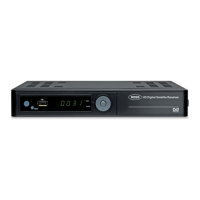
5.3.2 Time Settings
Here you can set TIME, DATE and other related functions on your Receiver.
• Timeoffset:Select Time offset. This is an adjustable
offset against received time from satellite, set to AUTO
will update regularly to time received from satellite data.
This can be selected with Vol+ and Vol- to allow
customer adjustment of time and date.
NOTE:IfyousettheLocalSystemClocktoON
thenyouwillnotbeabletoadjusttheLOCAL
DATEandLOCALTIME.
• TimeZone:Select Time Zone. This is an adjustable offset between GMT +12 and -12 hours.
The Factory default setting is “0” which equates to GMT. Use the VOL+- buttons to select
your preference. Press Exit, then OK to save your new settings.
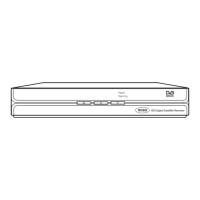
•Sleep: After 3 hours (default) of inactivity, the receiver
will enter standby mode. It will give a 2 minute warning
before standby. This feature is to reduce wasted energy
from inactive use.
It can be turned off or adjusted under Menu Time
settings.
13


 To Next Page