3
A
B
A
B
C
D
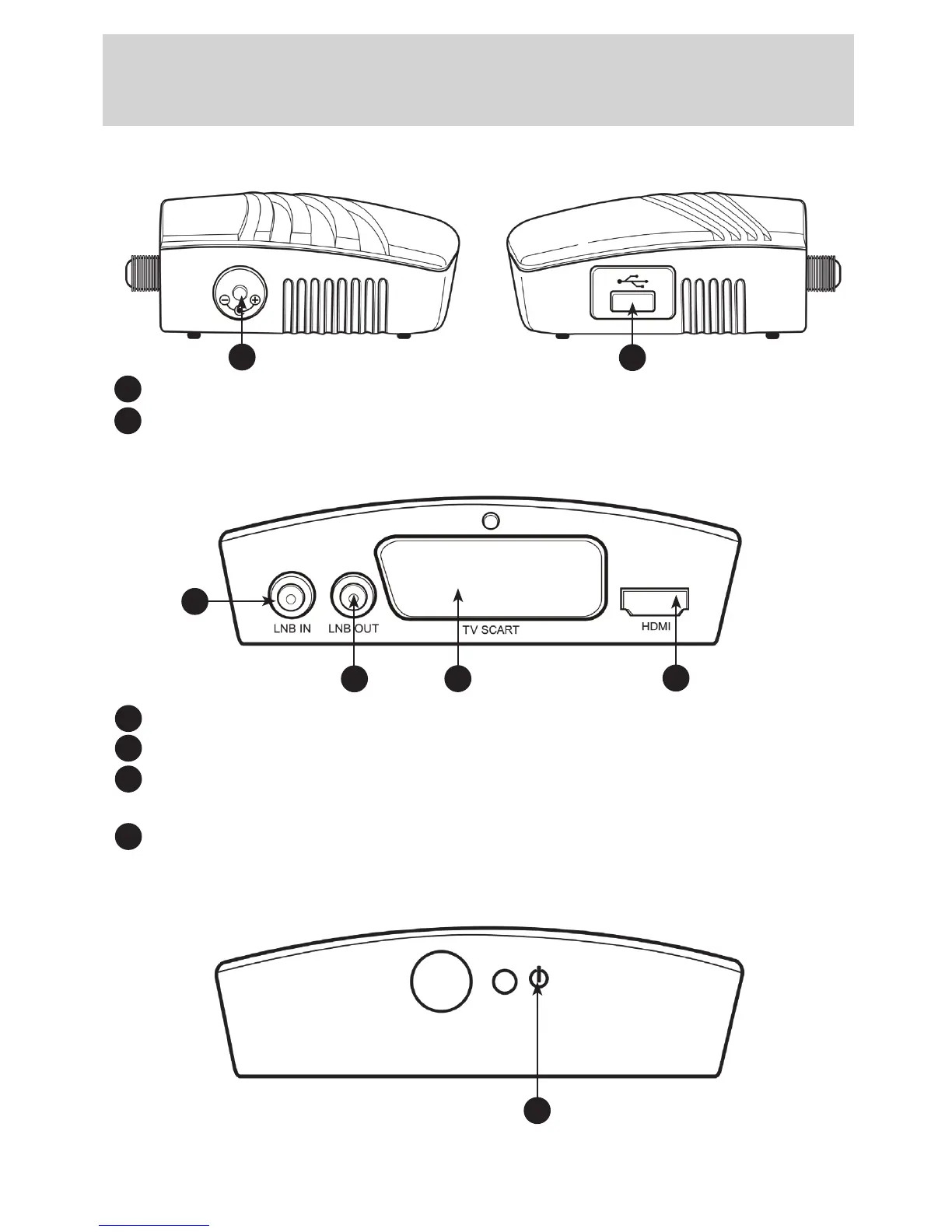
3.0 Controls & Functions:
3.1 Side Panels
-12VDCpowerinput
-USB2.0Input
3.2 Rear Panel
-LNBIN:To connect the input cable from the satellite dish (13/18V 500mA).
-LNBOUT: To connect to another satellite receiver if required.
-TVSCARTSocket: To connect to the video/audio (SCART) input of the TV for
SD (Standard definition) viewing only.
-HDMISocket:To connect to an HDTV with an HDMI cable for HD (High Definition) viewing.
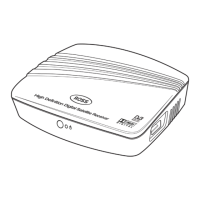
3.3 Front Panel
-STANDBYINDICATOR:The LED will turn red if the unit enter standby mode, it will turn
green when the unit is working. The LED visually show power state of the set top box.
A
B
B
A
DC
E


 To Next Page