A
Rev. 08-Mar-11
Pg. 2/6
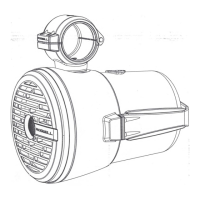
R6 Hanging Speaker
Installation Instructions
If you have any questions please call : 1-780-962-0868
B
C
RCA Wiring Harness Master Wiring Harness
Terminal
FunctionWire Colour
1+
1–
2+
2–
3+
3–
4+
4–
Port Speaker +
Port Speaker –
Starboard Speaker+
Starboard Speaker –
(Optional LED +)
(Optional LED –)
(Optional Nav. Light+)
(Optional Nav. Light –)
Red
Black
Orange
Brown
Yellow
Blue
White
Green
Note – You may not end up using all wires in the
master wiring harness, they are there for your future
use and convenience.
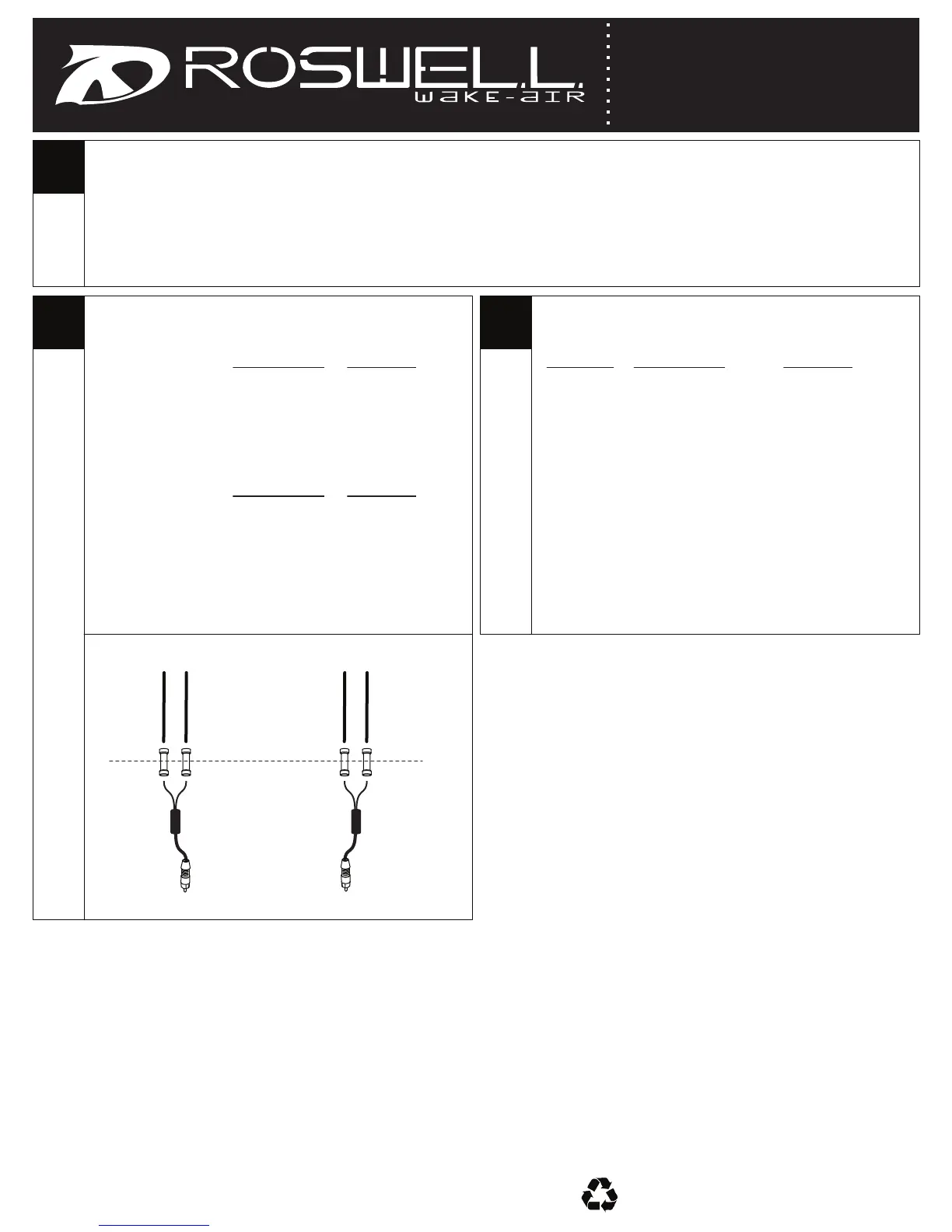
• If you are NOT using our MASTER wiring harness you will need to connect the 12” included RCA wiring harness to
your tower wires according to the chart in STEP B.
• If you ARE using our MASTER wiring harness you will need to connect the included RCA wiring harness to the master
wiring harness according to the chart in STEP C.
* If you are using an Area 52 SI Tower (pre-wired) follow STEP B *
Port RCA
Starboard RCA
Function
Port Speaker +
Port Speaker –
Function
Stbd Speaker +
Stbd Speaker –
Wire Colour
Red
Black
Wire Colour
Red
Black
Crimp
Red Spk + Black Spk –
Port
Starboard
Crimp
Red Spk + Black Spk –



 To Next Page