EasyManua.ls Logo

Rotem RLD-14 - User Manual

Default Icon
22 pages
Print Icon
To Next Page IconTo Next Page
Loading...
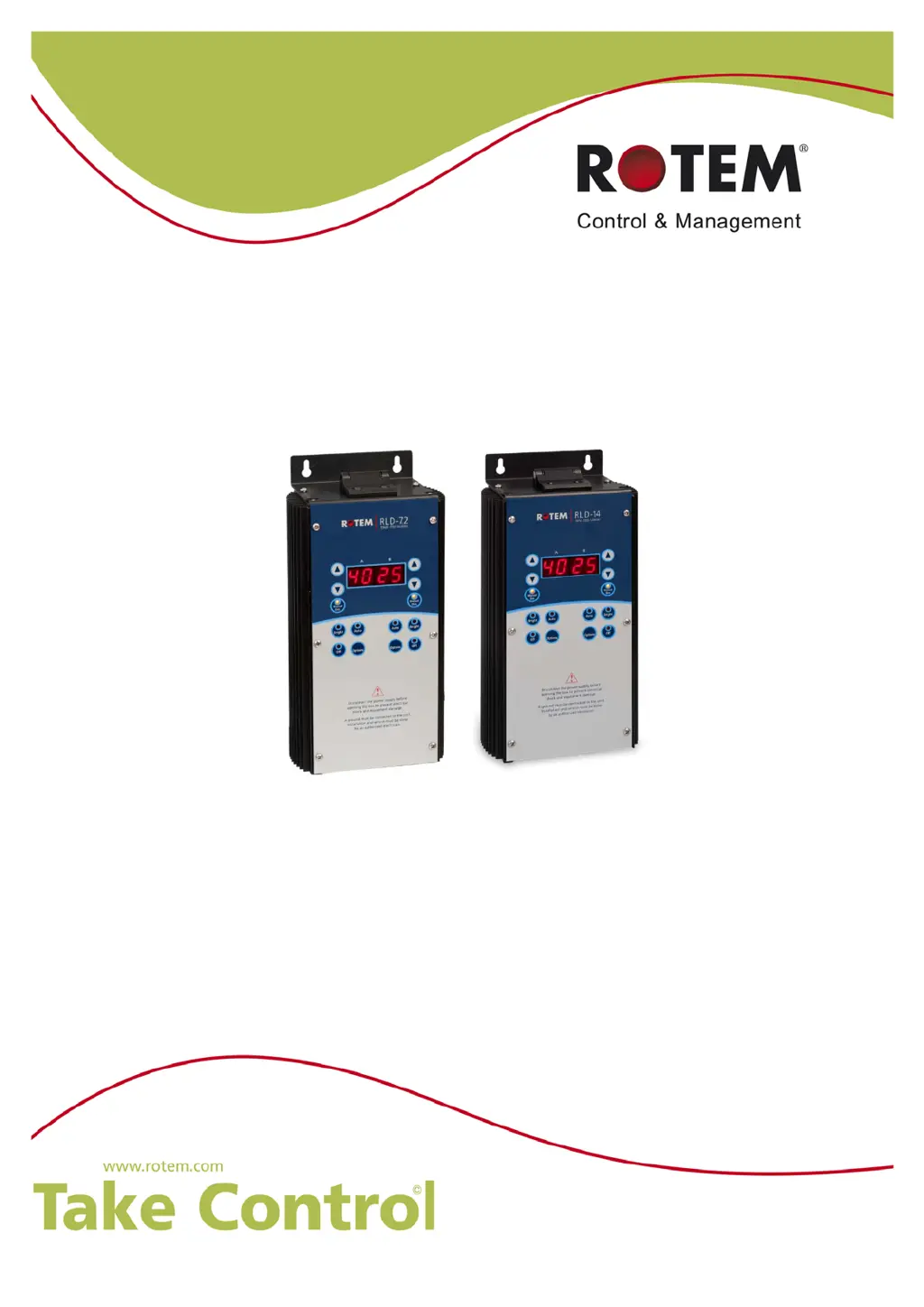
RLD 7.2/RLD-14
Two Channel Light Dimmer
Installation and User Manual
P/N: 110036

Questions and Answers

Summary

FRONT MATTER

Introduction

Provides an overview of the manual's purpose and scope, including how to use the table of contents.

Conventions

Explains symbols and formatting used for important details, cautions, and warnings to ensure correct procedures.

Document Information

PRECAUTIONS

INTRODUCTION TO THE RLD-7.2 AND RLD-14

Device Description

Describes the RLD-7.2 and RLD-14 units and their main features for controlling light and brightness in poultry pens.

Software Type

Details the supported Rotem software versions (3.0 and 4.01) for the RLD units.

Abbreviations and Terms

Defines common abbreviations and technical terms used throughout the manual, such as LED, Default, and Cold Start.

User Interface

Explains the front panel layout, buttons, and display for operating the RLD units.

USING THE RLD DIGITAL

Preliminary Setup Options

Guides users through initial setup parameters like bulb type, channel configuration, low limit, and brightness restriction.

Bright Mode

Explains how to gradually increase light intensity to a set maximum over a period of 20 minutes.

Manual Dim Mode

Describes how to manually set light brightness levels using the UP/DOWN arrow keys.

Auto Mode

Details connecting the RLD to a controller using analog output or communication cards.

Performing a Cold Start

Provides steps to reset the RLD unit to its default factory state by unplugging and pressing arrow buttons.

SPECIFICATIONS

Environmental Protection

Information on recycling raw materials and sorting plastic components for environmental-friendly recycling.

INSTALLATION

RLD Wiring Diagram

Illustrates how to connect the RLD units to power sources and lighting systems.

Configuring the Channel Levels

Guides on setting channel levels by using an analog output card or a communication card.

TROUBLESHOOTING

PARTS CATALOG

Summary

FRONT MATTER

Introduction

Provides an overview of the manual's purpose and scope, including how to use the table of contents.

Conventions

Explains symbols and formatting used for important details, cautions, and warnings to ensure correct procedures.

Document Information

PRECAUTIONS

INTRODUCTION TO THE RLD-7.2 AND RLD-14

Device Description

Describes the RLD-7.2 and RLD-14 units and their main features for controlling light and brightness in poultry pens.

Software Type

Details the supported Rotem software versions (3.0 and 4.01) for the RLD units.

Abbreviations and Terms

Defines common abbreviations and technical terms used throughout the manual, such as LED, Default, and Cold Start.

User Interface

Explains the front panel layout, buttons, and display for operating the RLD units.

USING THE RLD DIGITAL

Preliminary Setup Options

Guides users through initial setup parameters like bulb type, channel configuration, low limit, and brightness restriction.

Bright Mode

Explains how to gradually increase light intensity to a set maximum over a period of 20 minutes.

Manual Dim Mode

Describes how to manually set light brightness levels using the UP/DOWN arrow keys.

Auto Mode

Details connecting the RLD to a controller using analog output or communication cards.

Performing a Cold Start

Provides steps to reset the RLD unit to its default factory state by unplugging and pressing arrow buttons.

SPECIFICATIONS

Environmental Protection

Information on recycling raw materials and sorting plastic components for environmental-friendly recycling.

INSTALLATION

RLD Wiring Diagram

Illustrates how to connect the RLD units to power sources and lighting systems.

Configuring the Channel Levels

Guides on setting channel levels by using an analog output card or a communication card.

TROUBLESHOOTING

PARTS CATALOG

Rotem RLD-14 Specifications

General IconGeneral
BrandRotem
ModelRLD-14
CategoryController
LanguageEnglish

Related product manuals