Installation manual
5
RKRTW
Room thermostat
4PW50082-1
3. Setting up codes in the installer menu
You can set up codes, starting from the time and date menu (in
advanced mode).
1 Activate the advanced mode by pressing > during 5
seconds in OFF mode (
D).
2 Navigate to the date and clock setting menu (
G) by pressing
>.
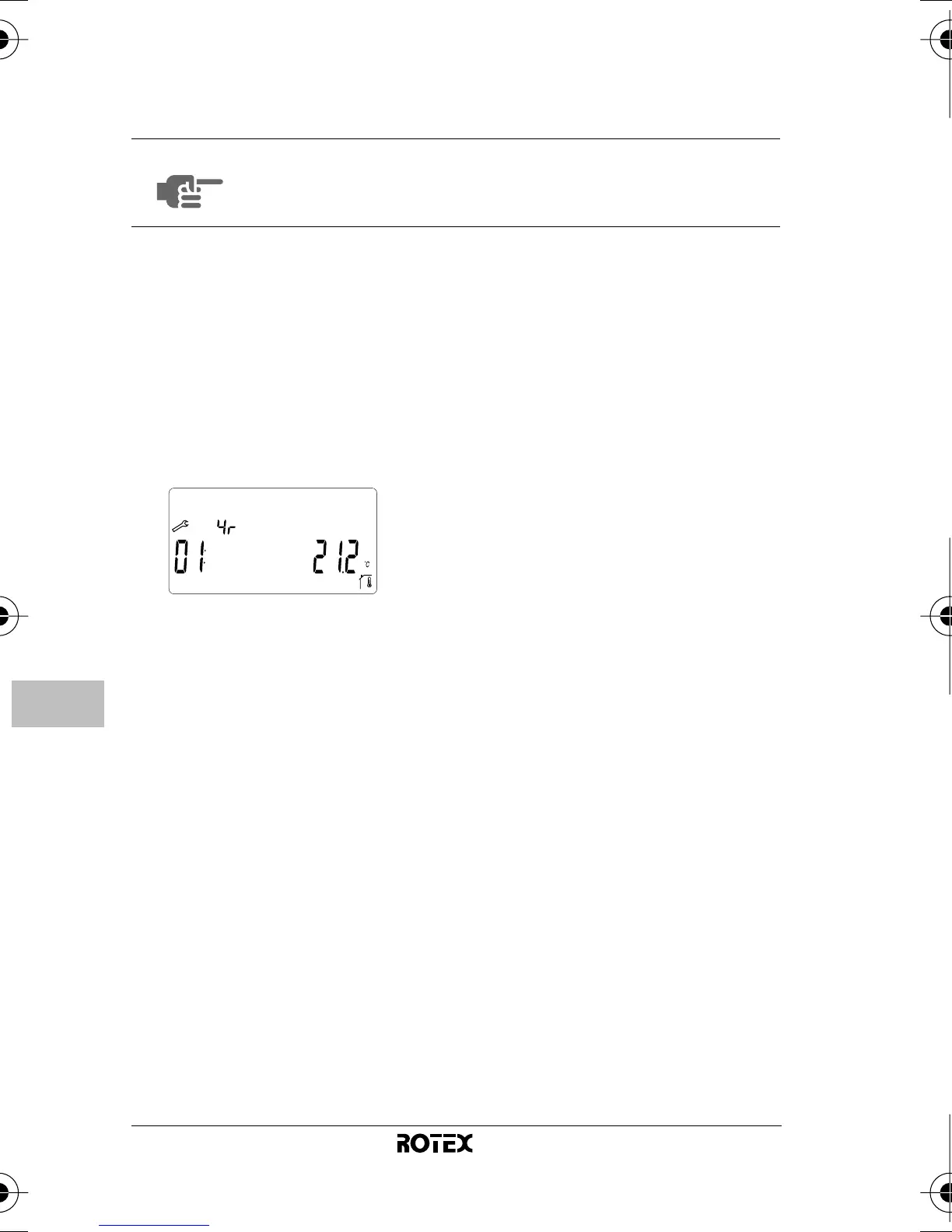
3 Press
> and keep it pressed while now pressing =
during 10 seconds.
y is displayed next to 4®.
4 Press < or > to consult the current settings of the
codes.
5 To modify codes, press
+, - or =.
The value is flashing when being modified.
6 Press
+ or - to increase or decrease the code value by
1 step.
To put a code back to its default value, press
+ and - at
the same time.
7 Press
= to save your selection.
You can exit this code menu by going to the "
/" code and
pressing
=.
NOTE
As a consequence of a customized configuration, it
is not abnormal that some codes are no longer
accessible.
1O_IM_4PW50082-1.book Page 5 Monday, October 20, 2008 9:15 AM



 To Next Page