Operation manual
15
RKRTWA
Room thermostat
4PW56104-1
6. Setting up codes in the user menu
1 Activate the advanced mode by pressing during 5
seconds in OFF mode (
&).
2 Navigate to the date and clock setting menu (
)) by
pressing
.
3 Press
during 5 seconds.
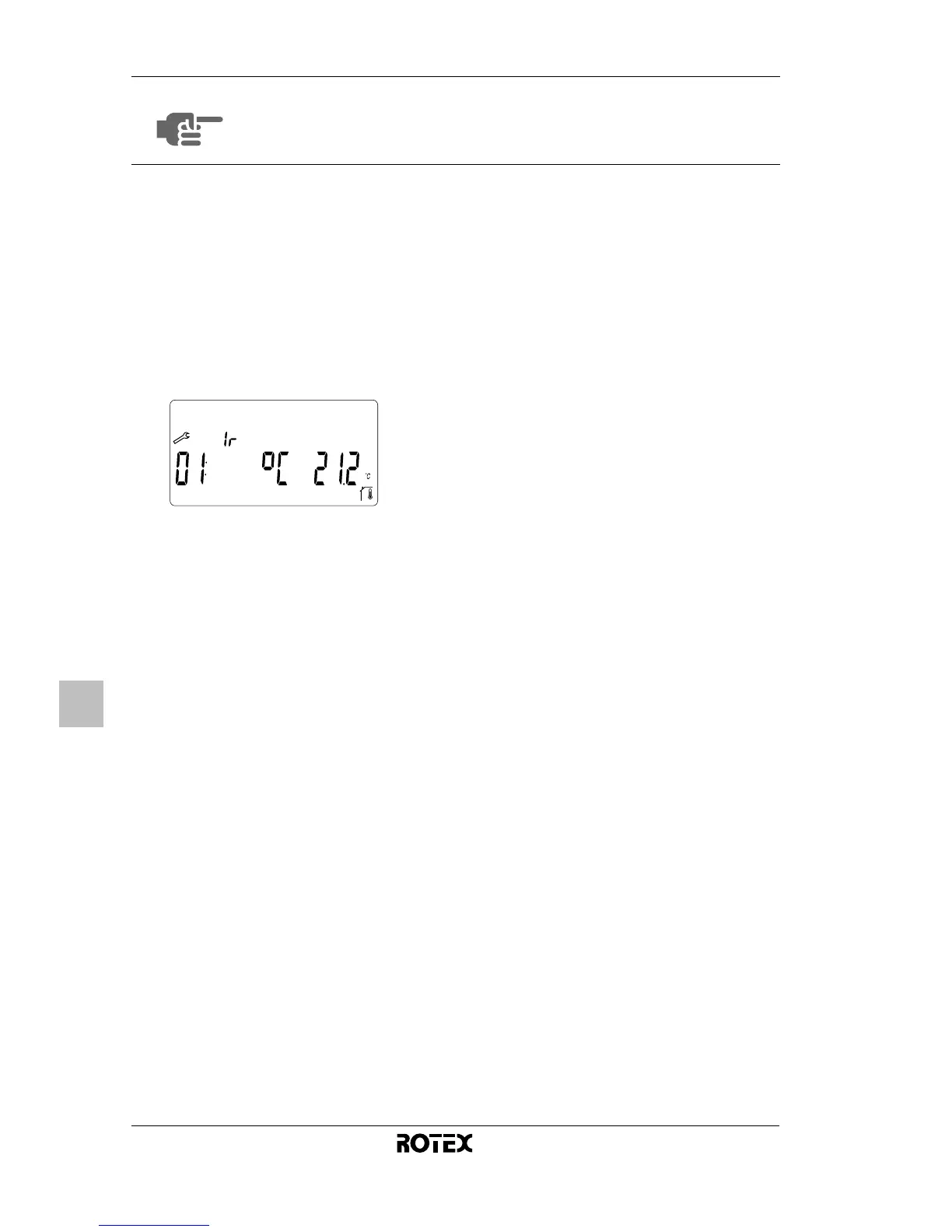
[ is displayed next to .
4 Press
or to consult the current settings of the
codes.
5 To modify codes, press
, or .
6 Press
or to increase or decrease the code value by
1 step.
7 Press
to save your selection.
You can exit this user code menu by going to the “
” code
and pressing
.
To put a code back to its default value, press
and at
the same time.
NOTE
As a consequence of a customized configuration, it
is not abnormal that some codes are no longer
accessible.



 To Next Page