102
2
Power supply
Shut down the automatic
circuit breaker. Make sure
that is shut off in all poles.
3
Electrical connec-
tion
An external switch e.g. light
switch, thermostat, etc.
must be used to control the
device, it must be located
between the L and the T
wire.
4
Cable port
Remove the cap from the ca-
ble port.
5
Cable routing
1. Slide in the cable through
the cable port.
2. Place the cable through
the cable route.
1
Installation
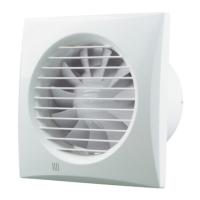
1. Unscrew the cover ele-
ments.
2. Mark the holes of the in-
stallation brackets on the
wall.
3. Drill the holes and fit the
plugs.
4. Fix the back valve to the
device.
6
Wiring
Install the device with the
screws and connect the ca-
ble to the terminal as shown.


 To Next Page