103
7
Adjusting the timer
The device will operate for a
certain period after it switch-
es off. Use the trimmer to set
the desired time:
A-: Short approx. 3 min.
B+: Long approx. 30 min.
8
Status LED
The status LED lights red
during operation.
10
Care & maintenance
Disconnect the fan
from power mains
prior to any operations
on the device.
1. Clean the cover with a
damp, soft and lint free
cloth.
2. Use a soft clean brush to
clean the impeller.
Do not immerse the cover in
water.
9
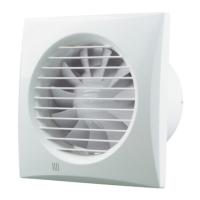
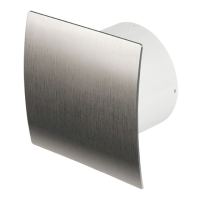
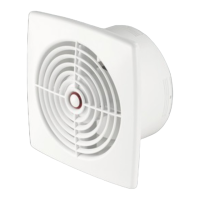
Cover
Attach the cover elements
to the device as shown. Fix
them with the small screws
accordingly.


 To Next Page