5
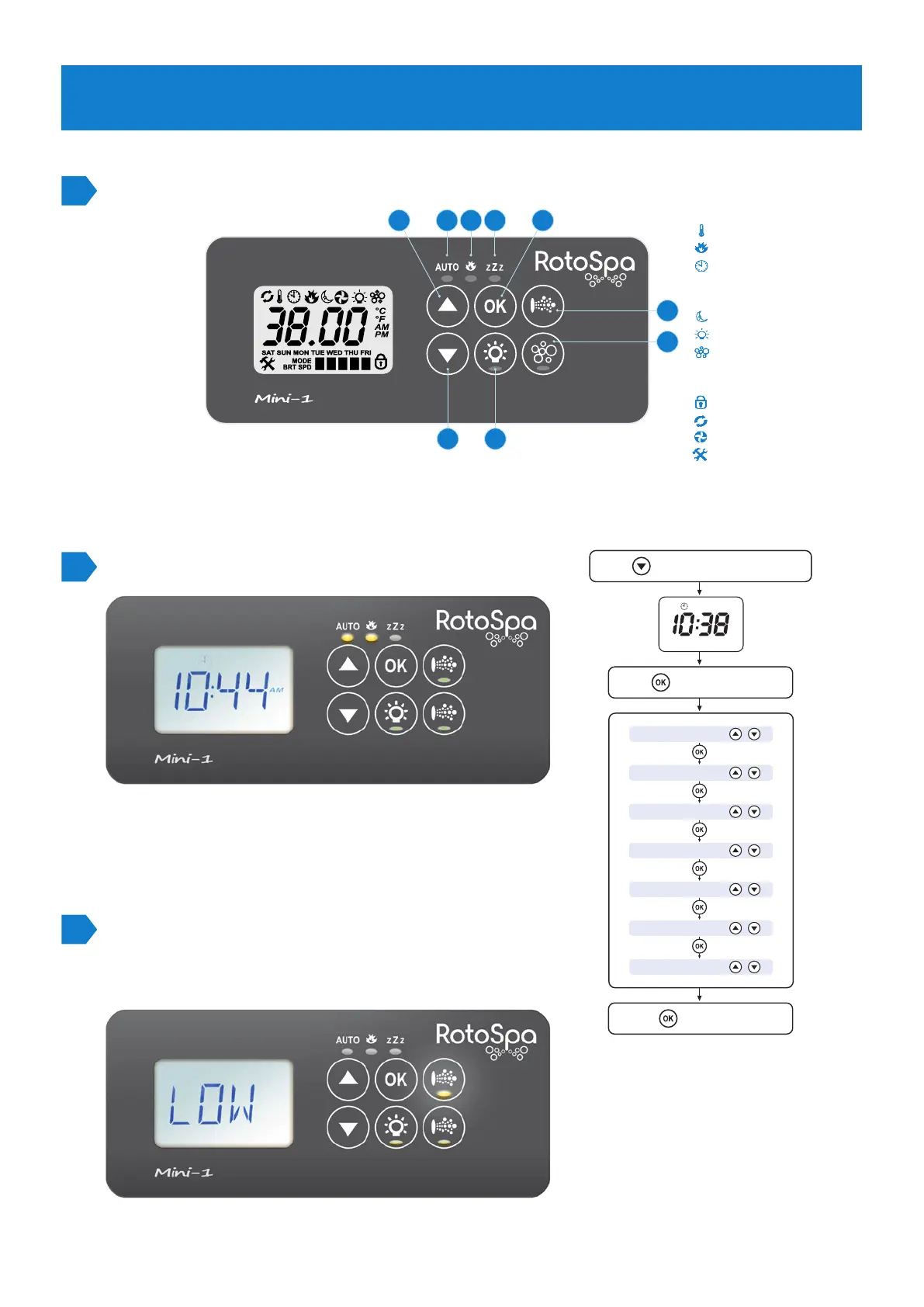
Familiarise yourself with the panel.
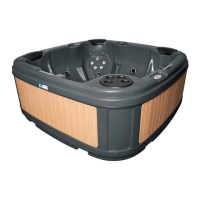
Setting time and date.
8 9 37
5
6
1
42
UP button
DOWN button
OK button
Light ON/OFF
Pump A
Auxiliary
AUTO mode LED
Heater On LED
Sleep Cycle LED
1
2
3
4
5
6
7
8
9
Press to select TIME display mode
Press to enter adjustment
Press to confirm & save
Time format
Year
Month
Day
Weekday
Hours
Minutes
MON
AM
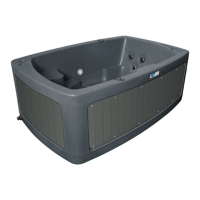
Normal operation
To use the spa, press the pump button
to toggle to LOW from Auto.
Water temperature
Set temperature
Clock
DISPLAY MODE ICONS
Sleep timer menu icon
Light menu icon
Blower menu icon
MENU ICONS
Keypad locked
Sanitise cycle operating
Filtration cycle operating
Fault conditions has occurred
STATUS ICONS
STEP 5
CONTROL PAD


 To Next Page