19
SETUP MENU
The SV Mini controllers feature a setup menu which allows customisation of adjustable software settings.
These settings do not need to be modified often and in most cases the default settings are all that is required,
however if the spa owner wishes to customise any settings it is completed through the setup menu.
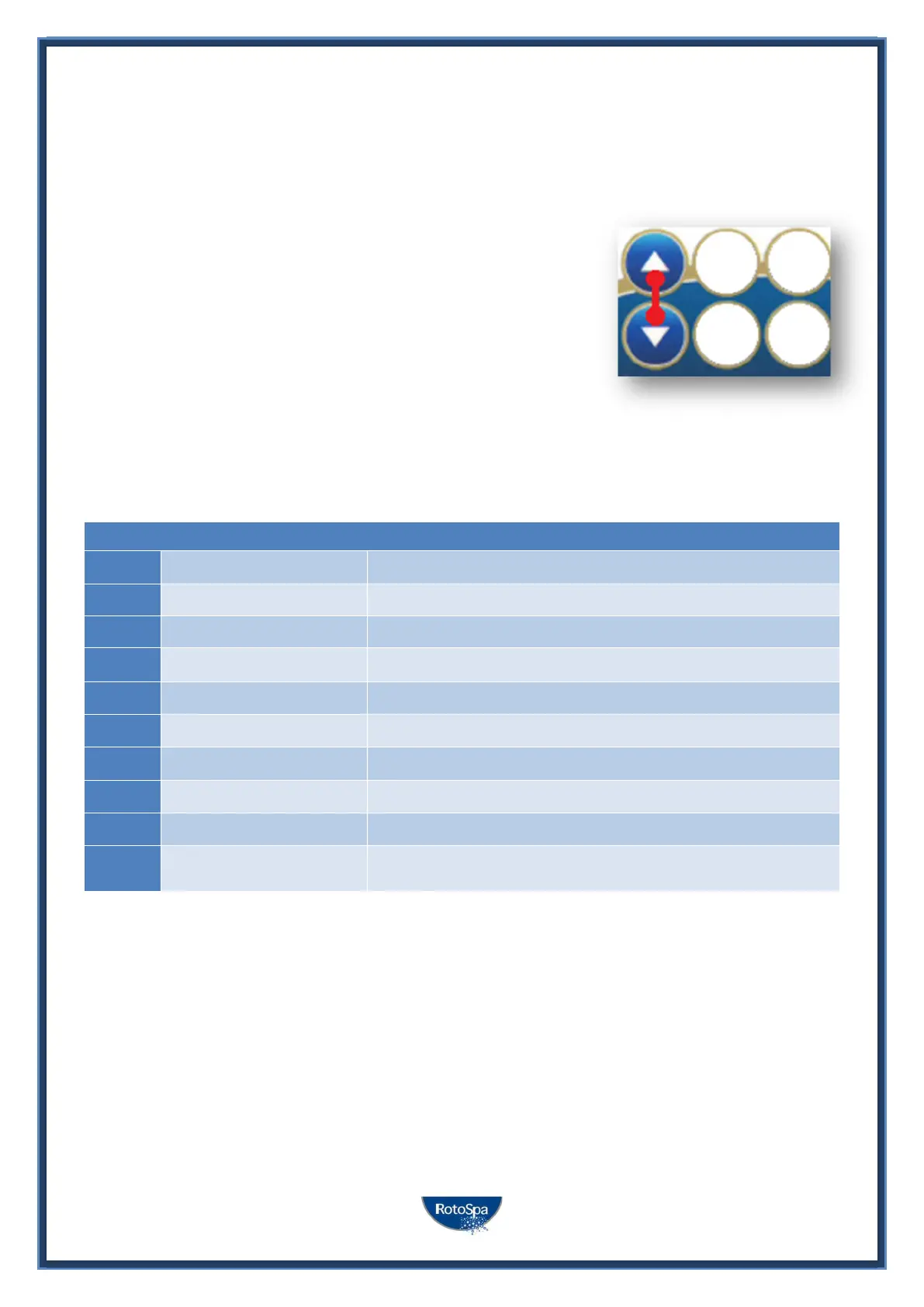
- To access the setup menu press and hold the UP + DOWN
buttons simultaneously until display shows FILT
- Use the UP or DOWN buttons to navigate through setup menu
items
- Press the OK button to enter setting adjustment
- Press the UP or DOWN buttons to adjust setting
- Press the OK button to confirm and save the setting adjustment
Refer to the following table for details on setup menu items:
Setup Menu List
ITEM SETTING NOTES
FILT Hours of filtration per day Adjustable from 1 to 24 hours
SNZE Sleep Timer Menu
1.SNZ Sleep timer 1 [1.DAY] Days of week, [1.BGN] Begin Time, [1.END] End Time
D.DIS Default display mode Water Temp (W.TMP) / Set Temp (S.TMP) / Clock (TIME)
WIFI Wi-Fi Setup Menu
HOT Hot spot mode Activates hot spot mode for Wi-Fi setup process
INFR Infrastructure mode Force a disconnect/reconnect to Wi-Fi server to refresh connection
RSET Reset Wi-Fi module Deletes all settings and prepares Wi-Fi module for setup process
H.PMP* Heat pump mode Auto (heat & cool) / Heat only / Cool only / Off (HP disabled)
H.ELE* HP + element boost
Off = heat pump only, electric heater disabled (default setting)
On = heat pump + electric heater combined for heating
* H.PMP and H.ELE setup menu items will only be visible if a SV Series heat pump is installed and connected to the SV
Mini control.
Notes:
1. The setup menu settings are stored in non-volatile memory (EEPROM) and are remembered when the mains power is
turned OFF. No need to reprogram settings when power is restored.
2. A ten (10) second idle menu time out period exists. If a button press is not detected for 10 seconds the menu will time
out and the screen will return to the default display mode.



 To Next Page