32
_______________________________
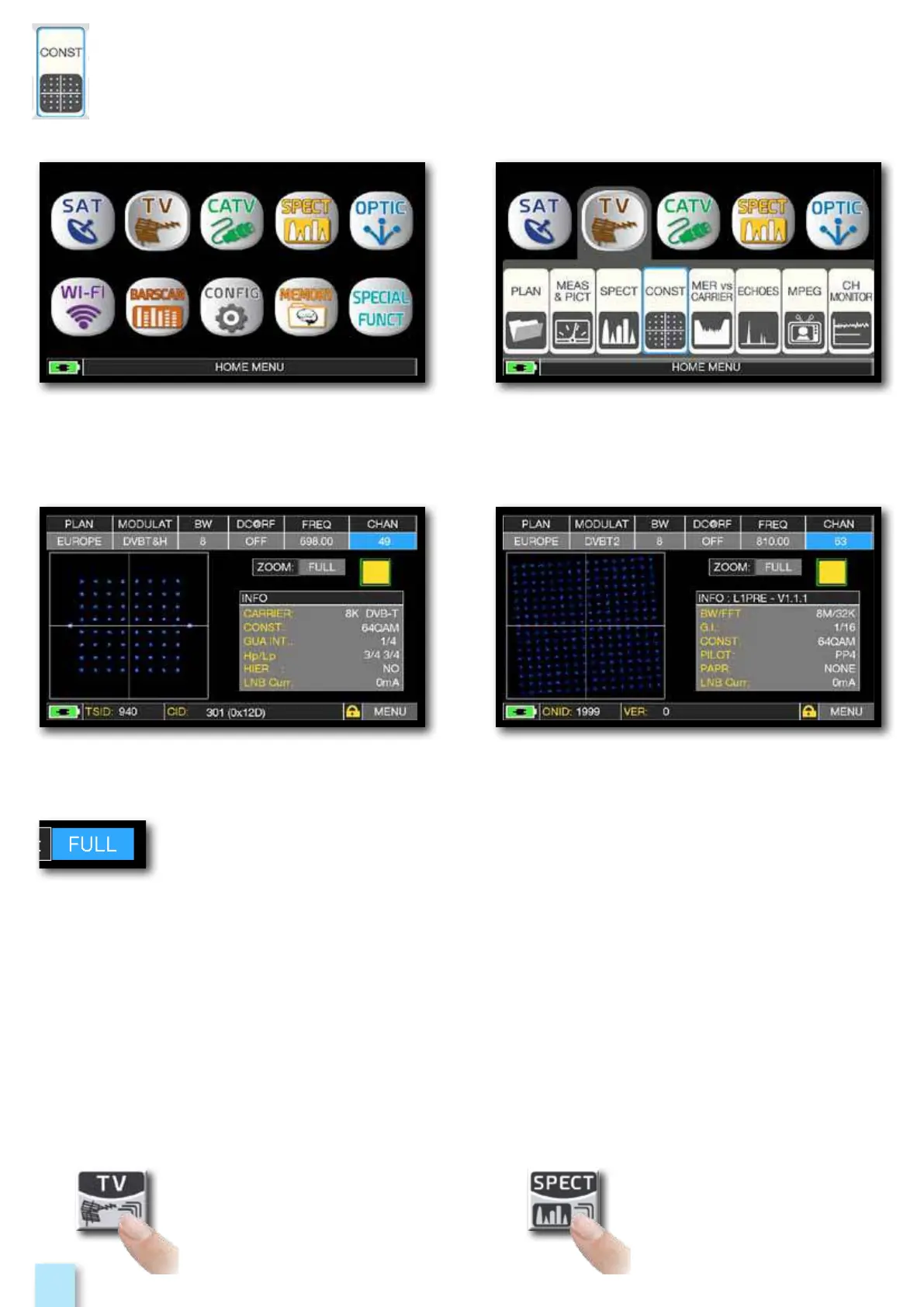
Press the “HOME” key. Touch “TV” and the “CONST”
or use the encoder.
Touch “FULL” and select the box of constellation to enlarge.
Constellation DVB-T. Constellation DVB-T2.
Example 2: Example 1:
_________________________________________
Press to enter in
the spectrum.
Press repeatedly to navigate
into TV measures screens:
Measures, Constellation, Echoes
and MER vs CARRIER.



 To Next Page