44
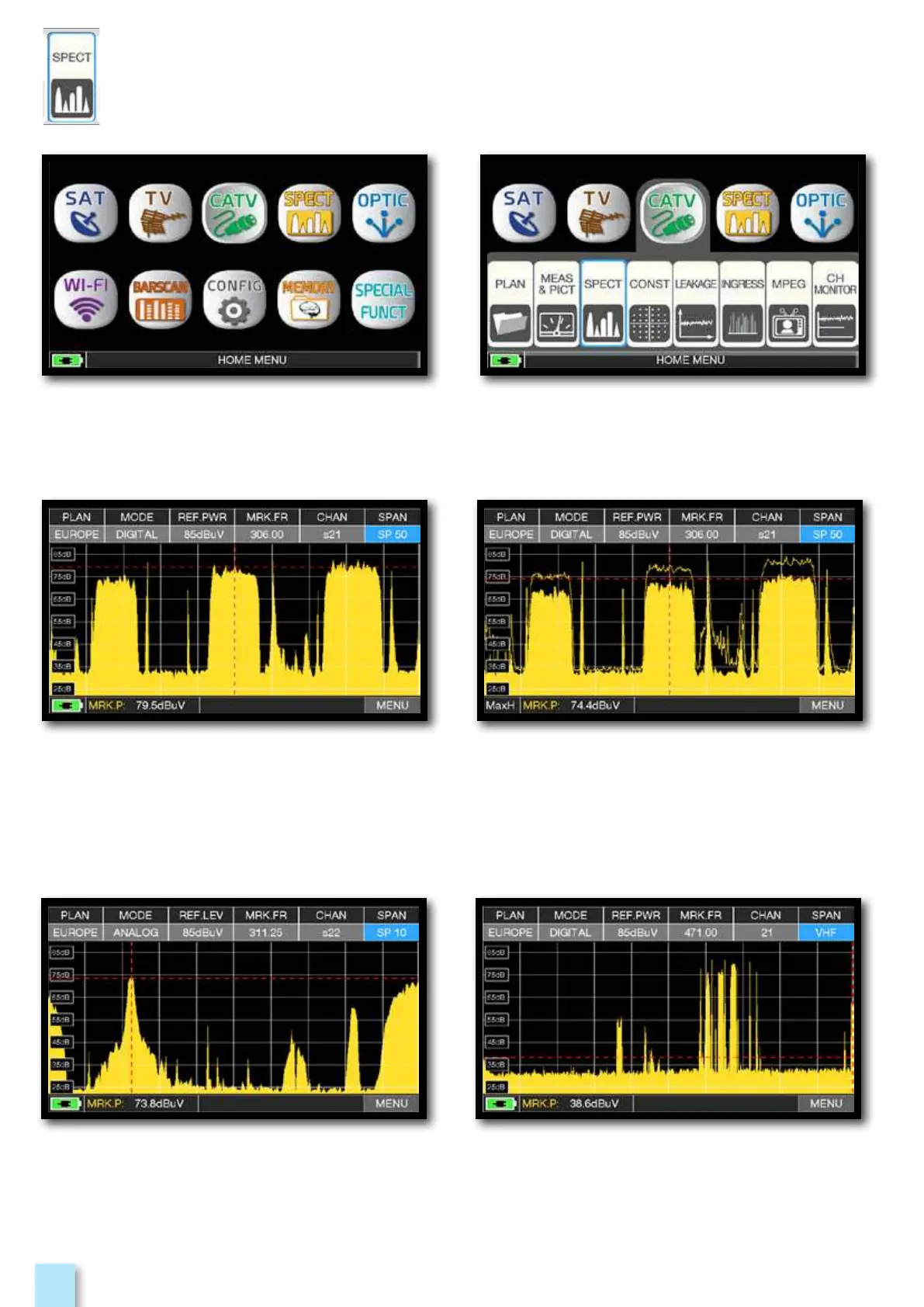
CATV spectrum SPAN 50 MHz.
Press the “HOME” key.
Touch “CATV” and then “SPECT”
or use the encoder.
CATV spectrum SPAN “10 MHz”. CATV spectrum SPAN VHF.
Example 2: Example 1:
Press again te spectrum key to activate the
“MAX HOLD” function.
Touch “SPAN” and rotate the encoder to select the desired SPAN value:
1-2-5-7-10-20-50-100-200-500-FULL-UHF VHF
____________________________________



 To Next Page