68
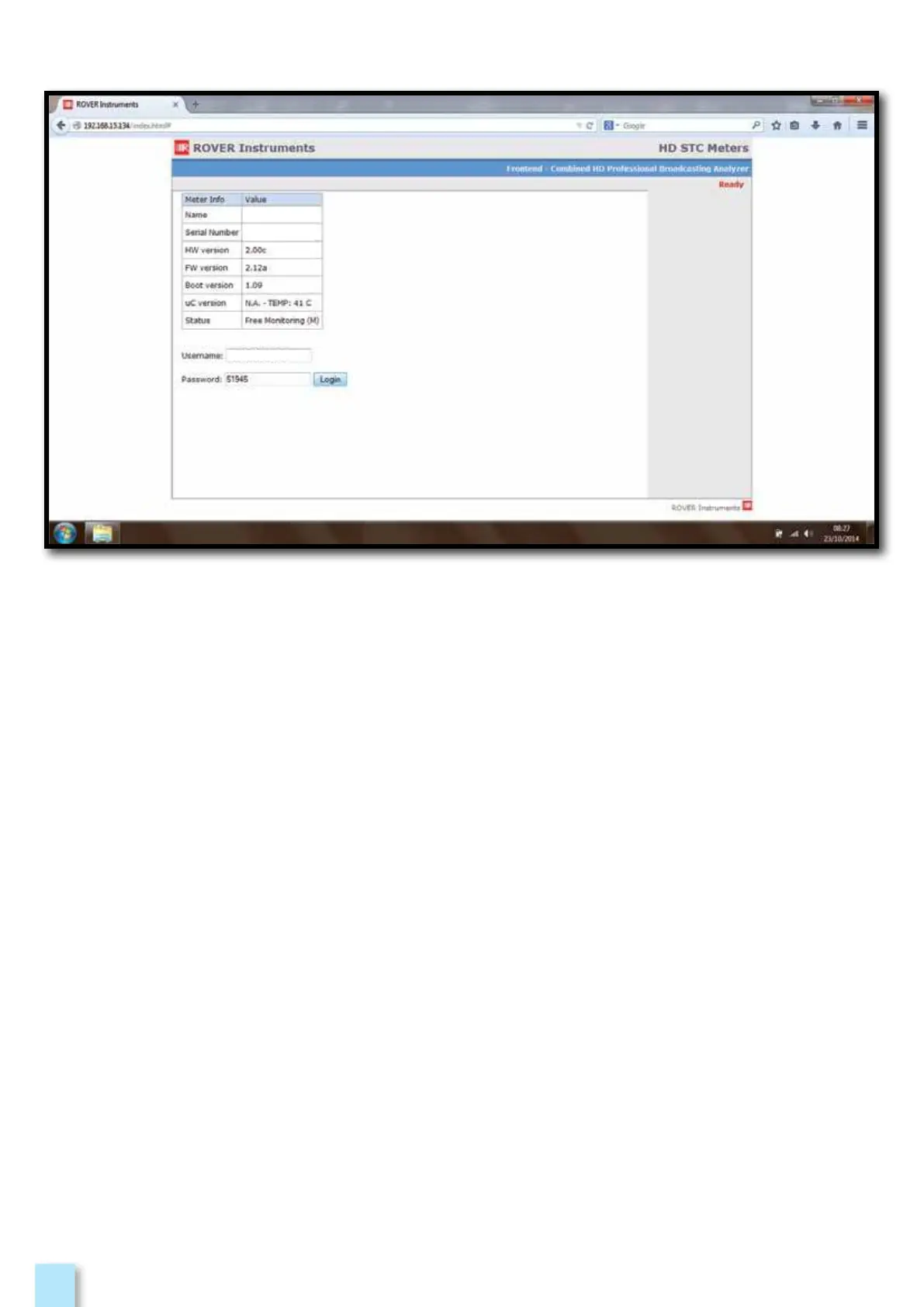
Example of “DHCP” remote connection:
1. Open a web browser,
2. Insert the assigned IP, Example 192.168.15.134/index.html,
3. Insert in the “USERNAME” field the name of the instruments (NAME) preceded and followed
with symbol_ , Example: _HD TAB 900_,
4. Insert in the “PASSWORD” field the Instrument Serial Number, Example: 51945,
5. Make the “LOGIN”.
51945
HD TAB 900
_HD TAB 900_



 To Next Page