7
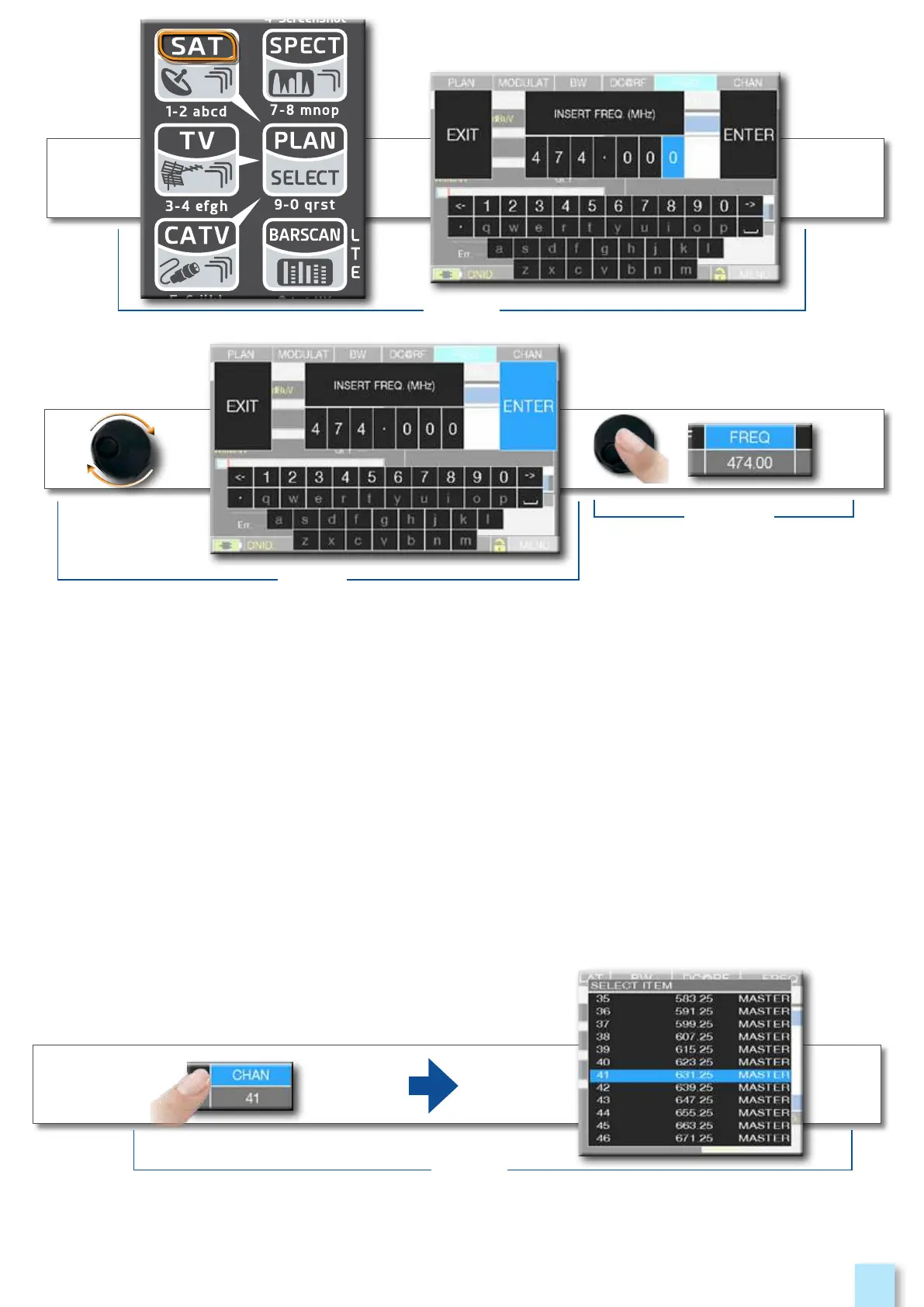
•Touch a value in the menu (fig. 1)
•Rotate the wheel to adjust the value (fig. 3) or touch the value required (fig.2)
•Press the wheel and confirm the selection (fig.3)
or touch the monitor outside the drop down menu (fig.3)
fig. 5
fig. 4
fig. 3
Select from the menus and adjust the value using the drop down menu:
•Touch a value in the menu to visualize the drop down menu (fig. 1)
•Rotate the wheel to adjust the value (fig. 2) or touch the value required (fig. 2)
•Press the wheel and confirm the selection (fig. 3), or touch the monitor outside the drop down
menu (fig. 3)
Example of TV channel selection:
fig. 1



 To Next Page