70
S.M.A.R.T. PROGRAM
The S.M.A.R.T. program was created by ROVER to enable you to interface your Meter with a PC.
After you have accessed the Update SW Area, download and install the ROVER S.M.A.R.T.
program on your PC for SW upgrades and upload Memory Plans (.mem).
The S.M.A.R.T. program allows you to continuously update your Meter’s SW and to create mixed
SAT-TV-CATV Memory Plans, download Data Loggers and manage your Meter’s Memory.
•ROVERoffersyouthepossibilityofcarryingout and
on your Meters, by simply REGISTERING your data in the
;
•Onceyouhaveregistered,youcandownloadthe
, which is necessary for the installation of SW and/
or Memory Plan upgrades;
•ROVERalsooffersyouthepossibilityofregisteringtoourNewsletter service,
which allows you to receive, by email and information
regarding: New SW upgrades, Technical Communications, Training
Courses, Technical Articles, Product News, Invitations to exhibitions and
roadshows and much more besides.
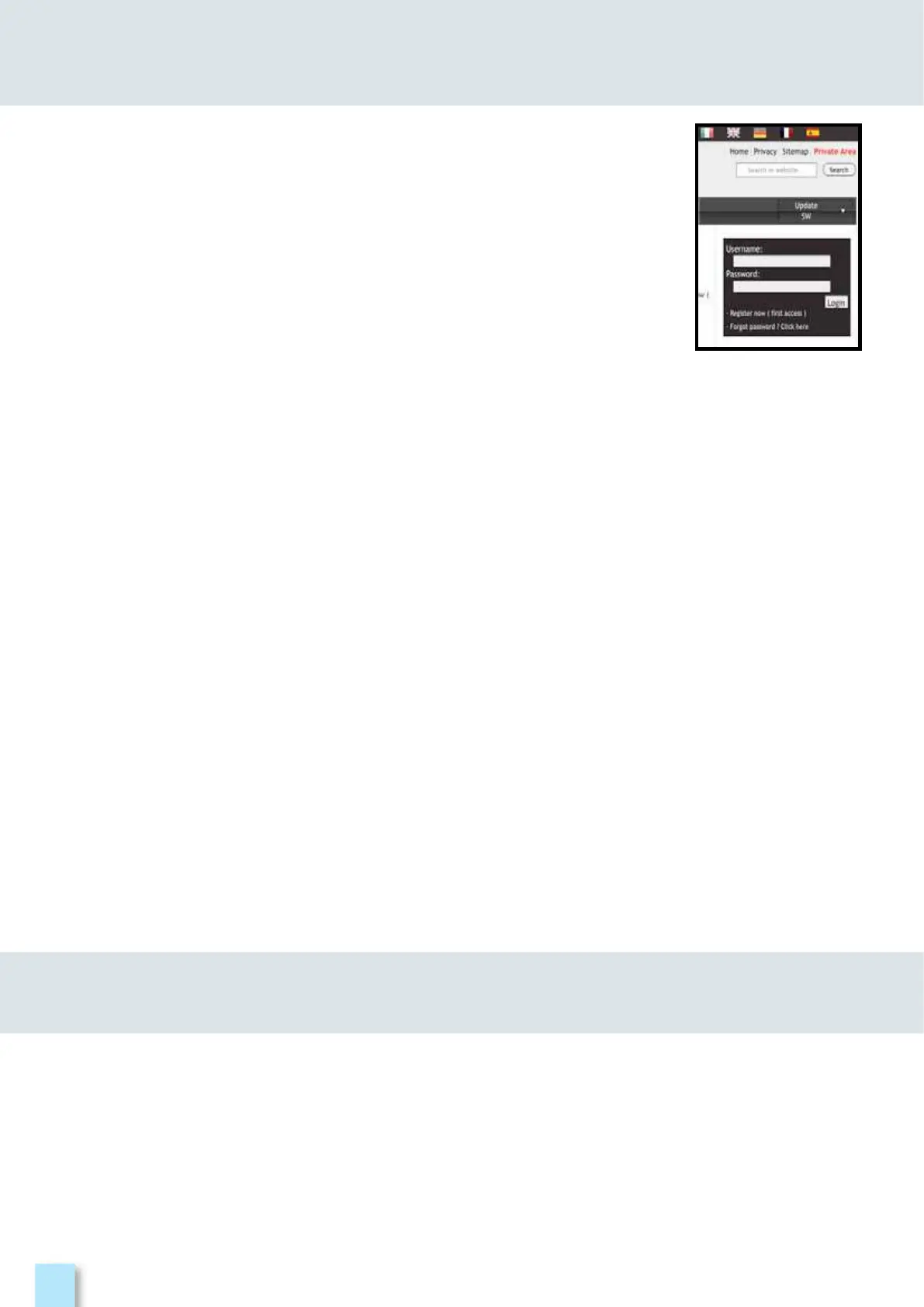
If you have not already registered, click on the words in the menu in the top, right-
hand corner of your screen:
•Clickon in the dropdown menu to access the Update SW Area;
•Fillintheelectronicformwithall and the of your choice;
•Afteryouhavecompletedtheform,confirmbypressingtheblack key at the bottom of
the page;
•Oncesent,apagewillbeshownwithasummaryofyour where you can
modify your data by clicking on the BLUE “Change Data” key, print it by clicking on the BLACK
“Print Data” key or directly access the Update SW Area by clicking on the RED “Access SW
Upgrade Area” key;
•Youwillalsoreceiveane-mail message, reminding you of your chosen and the
Password assigned by ROVER. Keep it in a safe place for future access to the Update SW Area
and so that you can download new SW upgrades and/or Memory Plans;
•If you lose your User Name or your Password assigned by ROVER, click on the function “Forgot
User Name or Password? Click here” in the drop down menu in the ”Update SW”.
SERVICE AND SUPPORT WEB REGISTRATION
AND SOFTWARE UPGRADES



 To Next Page