Lights & indicators
62
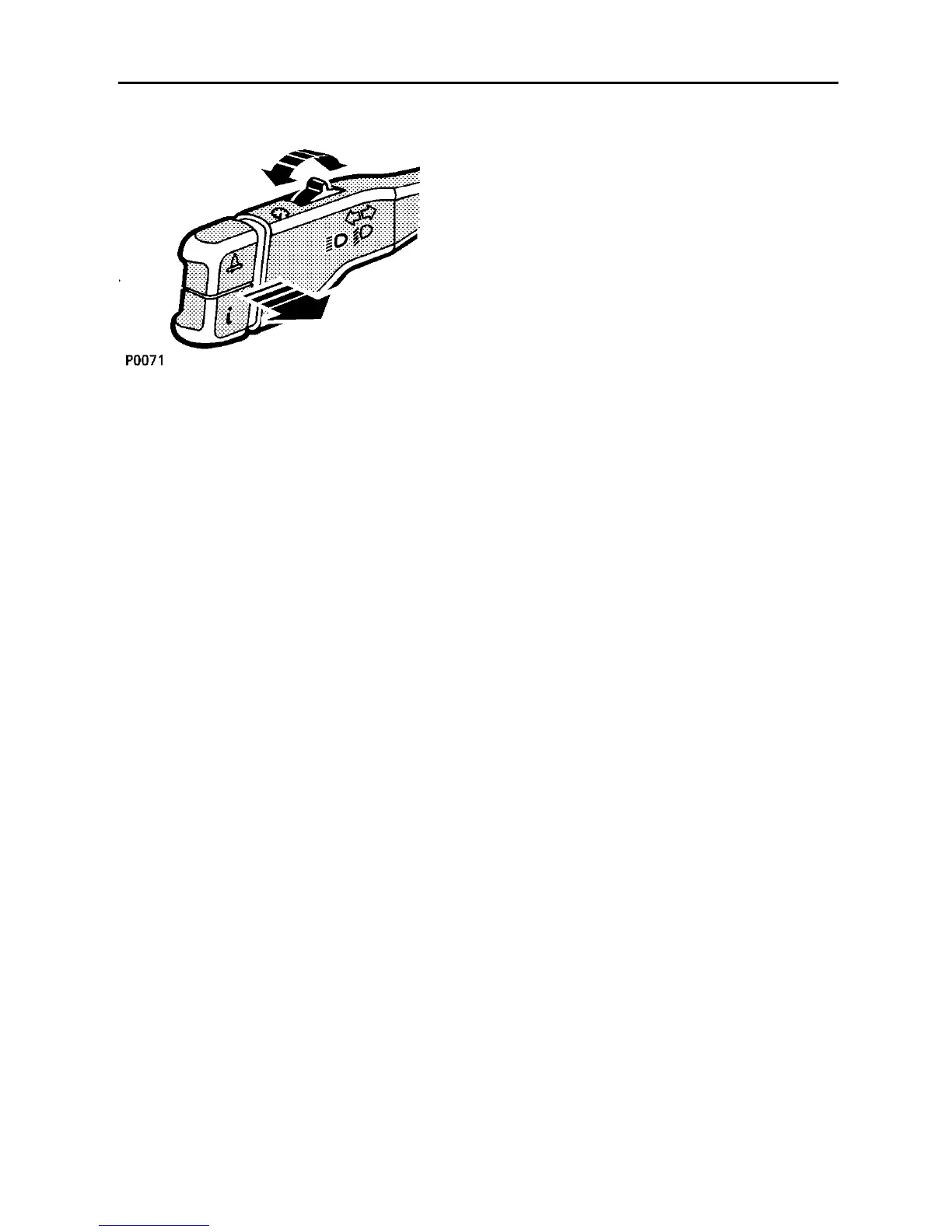
Headlight main and dipped beams
Pull the lever fully towards the steering wheel
to change from dipped beam to main beam
(BLUE warning light on the instrument panel
glows when the headlights are on main
beam).
To flash the headlights, pull the lever part-way
toward the steering wheel (to the first
position) and release.
Parking lights
With the lighting switch in position ’1’ and the
starter key removed, move the direction
indicator lever fully DOWN to illuminate the
left hand side and tail lights, or UP to
illuminate the right hand side and tail lights
(lights on both sides will remain on if the lever
is in its CENTRAL position). To switch off,
turn the lighting switch to position ’0’.
Daylight running lights
(Canada only)
With the lighting switch off, the daylight
running light system illuminates the headlight
low beams, as soon as engine speed exceeds
500 rpm. The instrument panel illumination
remains off.
The daytime running lights will extinguish
when the parking brake is applied and also
when ’P’ (park) is selected.
Instrument dimmer control
Rotate the rocker switch to the left or right to
reduce or increase the intensity of instrument
panel illumination. The dimmer also controls
the illumination level of switches and (where
fitted) the intensity of the air conditioning LCD
display.
The instrument dimmer also controls the
intensity of the message centre display.
However, note that if the illumination level is
set to its maximum (rotate rocker switch to
the right and hold), then a momentary press
of the rocker switch to the left will dim the
message centre display, but leave the
instrument illumination at maximum.
NOTE: If the side lights are switched on when
a driver’s seat position is stored in the seat
memory, then the illumination level of the
instrument panel will be stored at the same
time.



 To Next Page