Need help?
Do you have a question about the ROXEL DAB RADIO NOD and is the answer not in the manual?
Instructions for powering the device using the AC adapter.
Lists the items included in the product packaging.
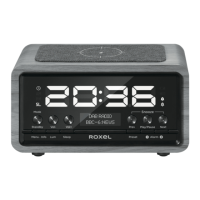
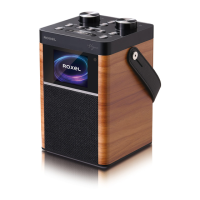
Overview of the product's capabilities and features.
Detailed explanation of each button and indicator on the Roxel Nod.
Instructions for turning the device on, off, and managing standby mode.
Information on using the wireless charging feature for compatible phones.
Guide on tuning into and operating the DAB radio functions.
Guide on tuning into and operating the FM radio functions.
Instructions for connecting and playing audio via Bluetooth.
How to configure system preferences and set the time and date manually.
Steps for setting up and managing the device's alarm functions.
How to adjust display brightness and set the automatic sleep timer.

 To Next Page
 General