Need help?
Do you have a question about the ROXEL DAB RADIO NOD2 and is the answer not in the manual?
Explains symbols indicating dangerous voltage and risks of electric shock.
Covers reading instructions, avoiding wet conditions, cleaning, and ventilation.
Advises against heat sources and explains plug types for safety.
Warns about battery handling and provides guidance on responsible product disposal.
Instructions for connecting the device to a power source via AC adapter.
Lists all items included in the product packaging.
Technical details including output power, frequency response, input power, and dimensions.
Overview of the device's integrated features like DAB, FM, Bluetooth, and wireless charging.
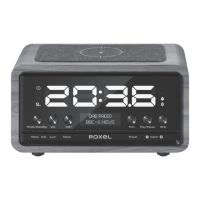
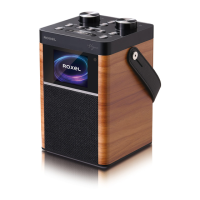
Identifies the physical parts and numbered controls of the device.
Detailed explanation of each button's function (Mode, VOL, Menu, Lum, Sleep, Preset, Alarm, Play/Pause, Snooze).
Instructions for powering on/off, standby mode, and using the wireless charging pad.
Guides on automatic station searching and selecting DAB stations.
Steps for saving and recalling preset DAB radio stations.
Instructions for automatic FM station searching and selecting stations.
Steps for pairing a Bluetooth device and playing audio.
How to access system settings and manually set time, date, and format.
Detailed steps for setting up and managing the dual alarm clock functions.
Adjusting screen brightness and configuring the automatic sleep timer.

 To Next Page
 General