16
User
Manual
Display Off
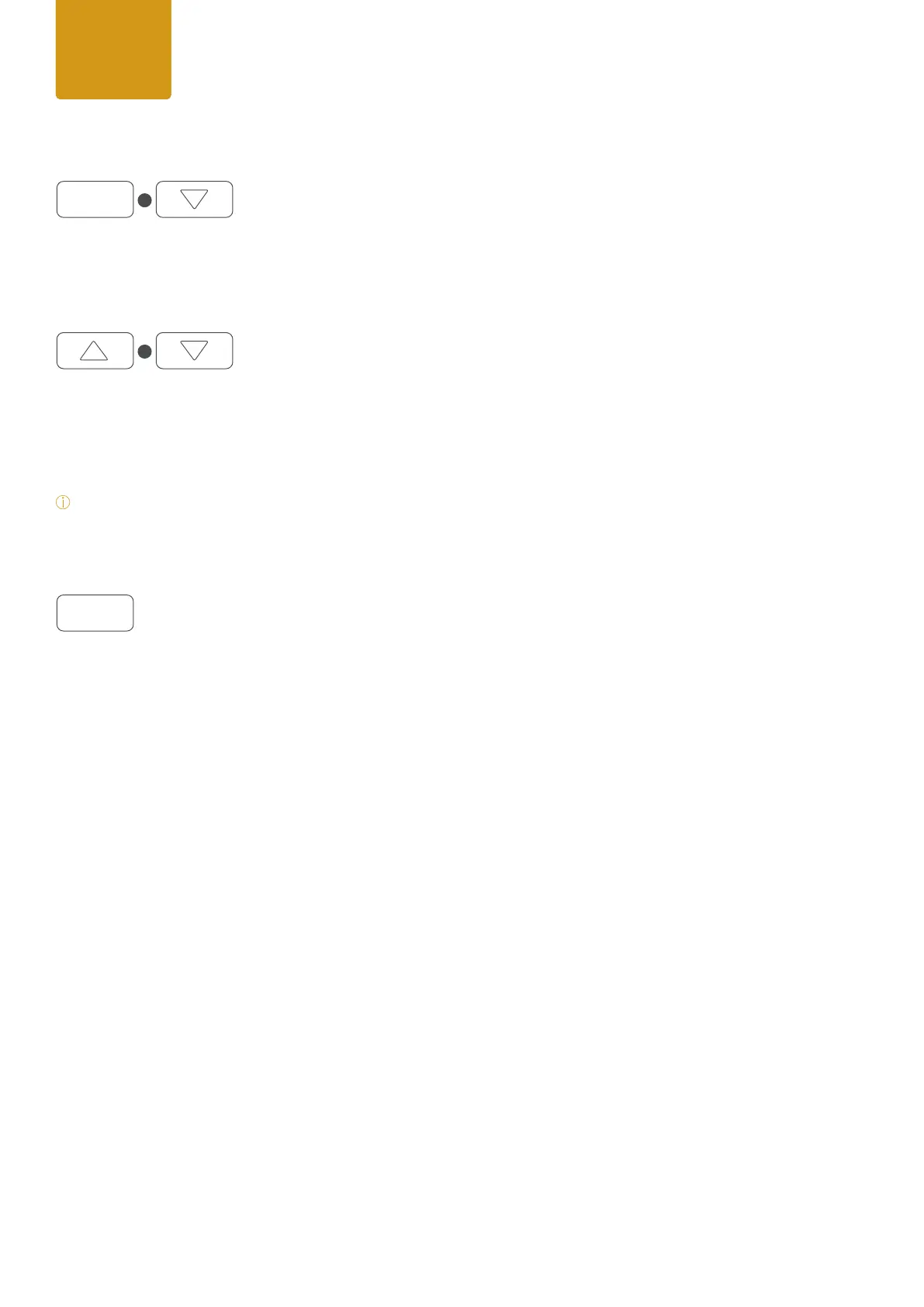
Pressing ESC + arrow down simultaneously the display backlight function will set to off and the display will turn off
immediately. Once a control is pressed the display backlight will turn on.
Manual display ip function*
The xture includes an auto display ip function by default.
To use the manual display ip function please disable the auto ip function under Settings / Display rst. Once the
auto display ip function is disabled you can use the manual display ip function by pressing arrow up + arrow down
simultaneously. The display will rotate 180. By pressing both arrows simultaneously again the display will ip back.
*Note:
Once the display is ipped both Up / Down controls will work according to the display rotation.
Quick Light function
(hold 3 seconds)
For easy and fast operation during setting the lights the xture includes a user-friendly Quick Light function (Daylight
5600 Kelvin). If DMX is not assigned please press and hold ENTER for 3 seconds at homescreen, after the Quick Light
function will appear.
Here dimmer can be adjusted from 0-100% by using up/down arrows, to take over the dimming value please press
ENTER to conrm.
User
Manual
ESC
ENTER
+
+


 To Next Page
 Loading...