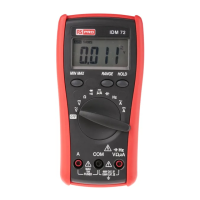
Heavy Duty True RMS Digital Multimeter/English Heavy Duty True RMS Digital Multimeter/English
4 5
13/08/2017 Version No. 001 13/08/2017 Version No. 001
HOLD
REL
RANGE
4. Feature
4-1. Understanding the Push Buttons
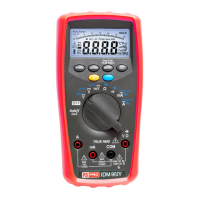
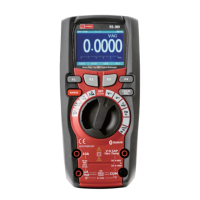
The 6 push buttons on the front of the Meter
activate features that augment the function
selected using the rotary switch, navigate menus
or control power to Meter circuits.
F1 Software key. Default switch to Graph measure.
F2 Software key. Default modes related to the rotary switch function
F3 Software key. Default into save mode default Display. And wake up for APO.
F4 Software key. Default modes MINMAX starts and stops MINMAX recording.
RANGE Into manual range and select range of the measure. If Pressing the Range
button for greater that 1 second will return Auto Range.
HOLD/REL Freezes the present reading in the display and allows the display to be
saved. If Pressing the HOLD/REL button for greater that 1 second will
switch relative mode.
GRAPH MODE SAVE MAX
F1 F2 F3 F4
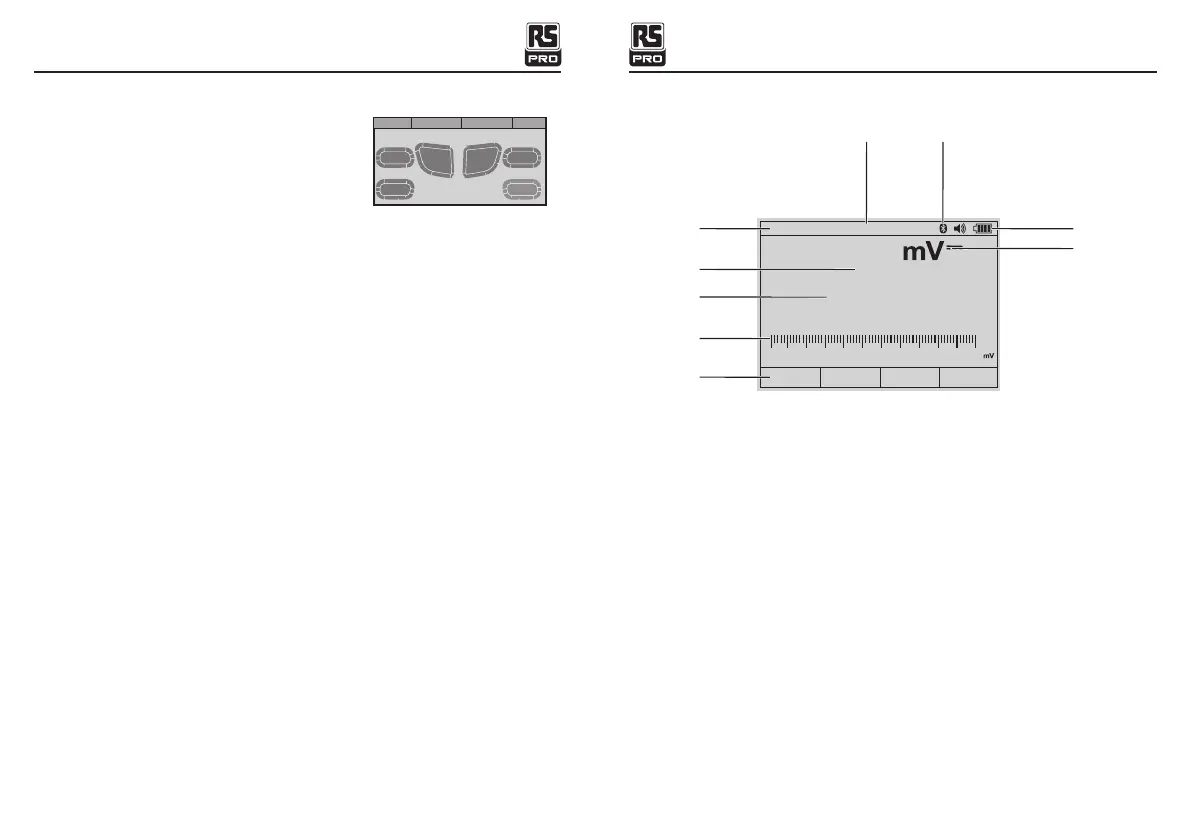
4-2. Understanding the Display
1-Soft key labels Indicates the function of the button just below the displayed label.
2-Bar graph Analog display of the input signal.
3-Minus sign Indicates a negative reading.
4-Displays measurement information about the input signal.
5-Indicates the range the Meter is in and the ranging mode (auto or manual)
6-Time Indicates the time set in the internal clock.
7-Battery level Indicates the charge level batteries.
8-Beeper Indicates the Meter’s beeper is enabled (not associated with the continuity
beeper).
9-Units Indicates the units of measure.
- . 40 0
Auto range
06:32pm
GRAPH MODE SAVE MAX
-500
-300
-100
0 1 0 0
3 0 0 5 0 0
5
3
2
1
4
8
9
6 7


 To Next Page