19
It’s Under Control
®
CHAPTER 4 | OPERATION
THE CONTROL PANEL PAGE
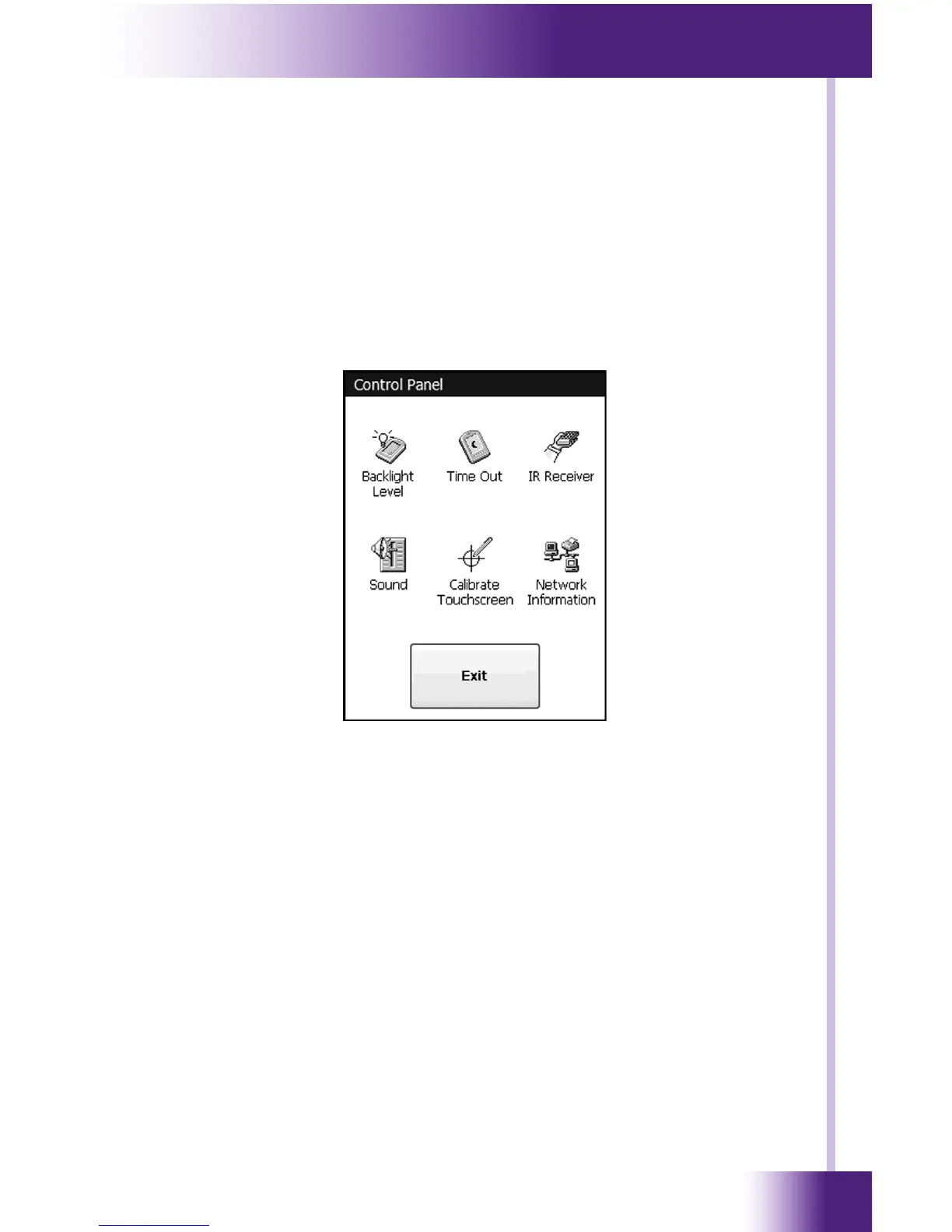
The Control Panel page can be displayed by pressing and holding the home
button while momentarily depressing the reset button. Continue to hold
the home button until the loading bar appears on the screen, then release
the home button.
You can also access the Control Panel page by assigning a “Control Panel”
page link to a button using the Integration Designer
®
software.
A representation of the Control Panel page is shown below:
To return to the user program, press Exit.


 To Next Page