5
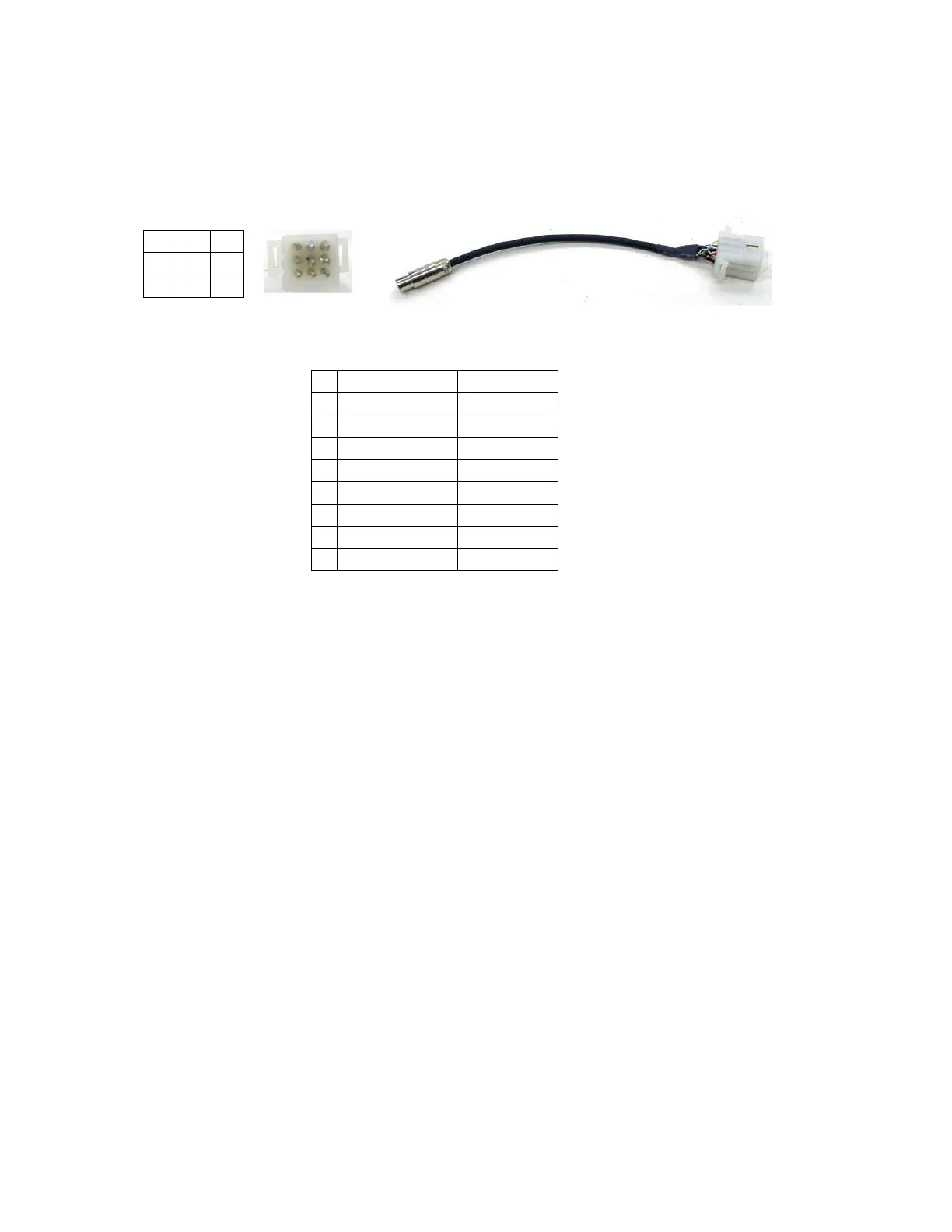
Optional accessory cable
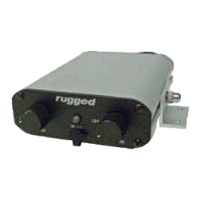
The RRP600 has the ability to connect cell phones, in car cameras, and stereo systems with
the rear 9 pin detachable Molex plug. When not installing these devices this cable will not
be used. But if you are using these devices simply plug in the accessory cable into the AUX
post on the back of the intercom. Follow the diagram for proper hook up of these devices.
Note: When looking at the Molex connector the aligning bumps are on the left side.
Cell phone hook up
Follow the wiring diagram for proper connection of speaker and microphone. There is a cell
microphone audio control located behind the back panel of the intercom. This will control
the microphone transmit level of the cell phone. Simply remove the 4 screws on the back
panel of the RRP600 intercom. Located on the bottom of the circuit board is a blue housing
volume pot. While talking over the cell phone rotate the volume pot until the desired
transmit level is reached. Replace the back panel and tighten the 4 screws.
Optional DSP
Rugged now has an optional Digital Speech Processing upgrade. DSP removes 90% of the
background noise for crystal clear communication between driver, co-driver, and
passengers. DSP samples your voice and blocks out the rest. Call today for the easy to
install and unbelievable performing DSP. PN# DSP-B
Conclusion
Thank you for purchasing the Rugged RRP600 intercom system. These intercoms are
highly adjustable and can be configured for any application. If you have any questions or
concerns please feel free to contact our tech line. We appreciate your comments and
suggestions.
Customer Service and Tech Line: 888-541-7223 or 805-541-1696
1 4 7
2 5 8
3 6 9
1
Music In R Red
2
Music In L White
3
Ground LG Black
4
Audio Out L Green
5
Audio Out R SM Black
6
Ground LG Black
7
Cell Mic Yellow
8
Cell Speaker Blue
9
Ground LG Black


 To Previous Page
 Loading...