Action Programming
Press the "Action Programming " button until
hearing a "beep" sound. Up to 50 functions can be
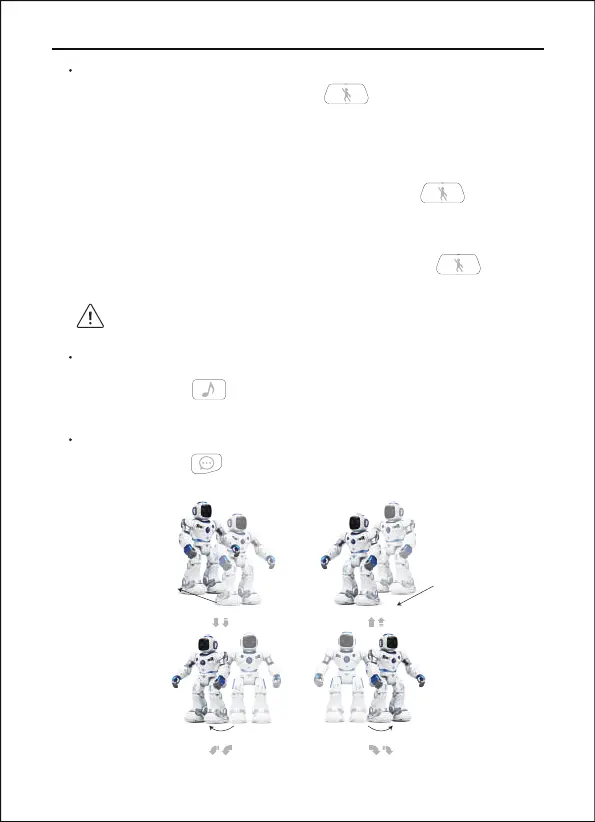
programmed. You can move forward/backward, turn
left/right, twist waist, hand up/down, music, gymnastics,
song, story. Press the"Action Programming "
button to perform programmed actions again.
Programming is not enough for 50 functions, wait for 5
seconds or press the “Actions Programming
” button to enter directly.
Three buttons in the middle of the remote control
are not included in the programming operation.
Copyright ©2022 Ruko All Rights Reserved.20
1088 User Manual
Song
Press the "Song " button and the robot will sing
a song while moving.
Story
Press the "Story " button, the robot tells a story,
there are four stories in all.
Walk or glide backward Walk or glide forward
Turn left
Turn right


 To Next Page