13 Orbit Manual
Battery and Charging
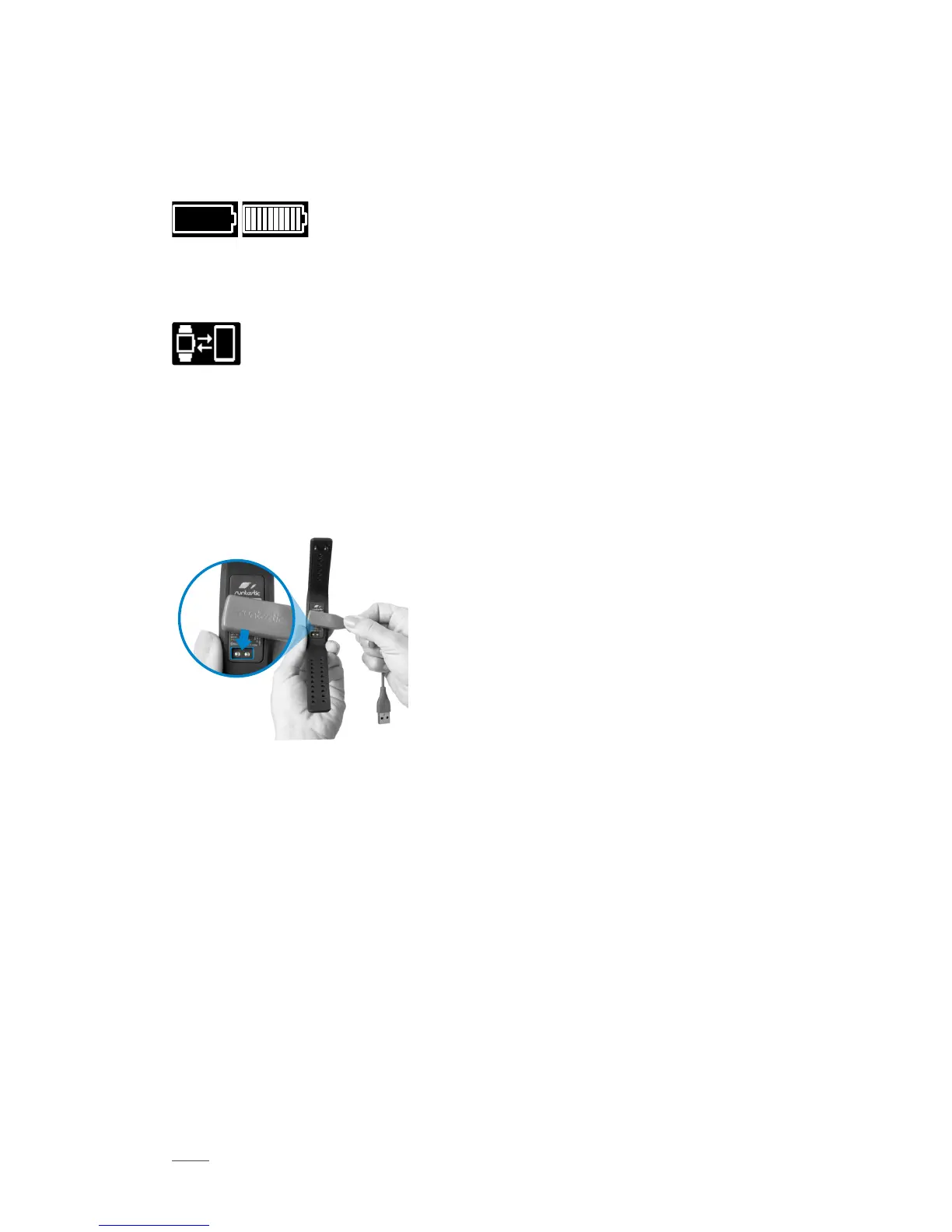
Runtastic Orbit has a powerful battery that lasts between 5 and 7 days. See empty
and full battery icons below.
When you see this icon, your Orbit has been out of battery for a long time. Please
recharge your Orbit with the provided charging cable.
For those using the Runtastic Me app: Simply start and connect the Runtastic Me
app to continue tracking.
For those using Orbit as a stand-alone device: Press reset at 12:00 p.m. to continue
tracking with optimum accuracy.
To recharge the battery, simply connect
the included charging cable to your
Orbit and plug it into a USB power
source.
Firmware Update
You can update your Orbit to the latest version in the Orbit Settings within your
Runtastic Me app. This option is only visible if a newer version of the firmware is
available.
How to Reset Your Orbit
To delete all user data from your Orbit, you need to reset the device. Therefore, it
is recommended to select “Remove this Orbit” in the Runtastic Me app or you can
reset the device by pressing the Reset button.



 To Next Page