8 Orbit Manual
Sleep Duration
When in sleep mode, Runtastic Orbit determines your sleep duration.
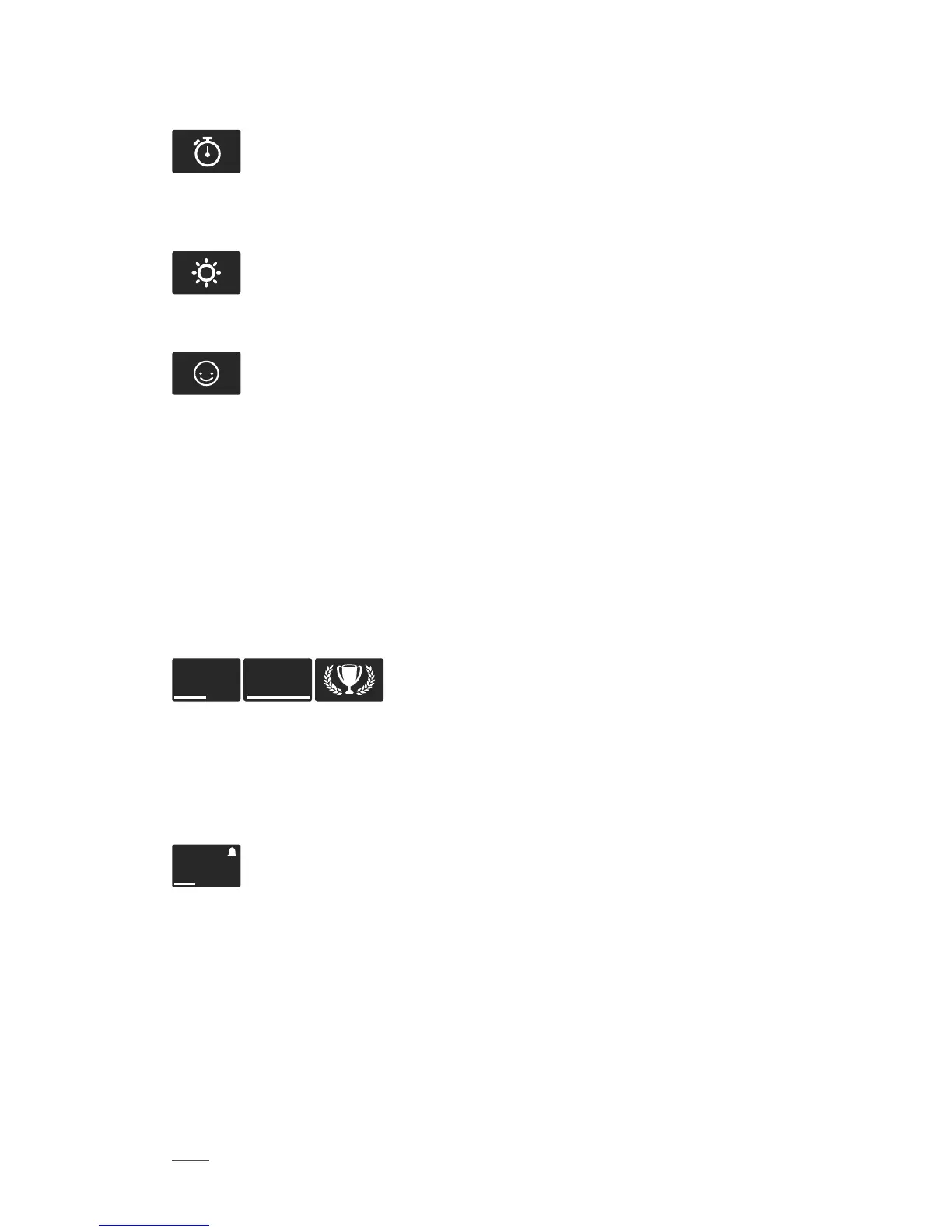
Press the Navigation button several times until the Sleep Duration icon
is displayed to see your current sleep duration.
Exit Sleep Mode
When you wake up, press the Navigation button again for 3 seconds
until your Orbit vibrates and the sun icon is displayed.
Happy Tracking
Runtastic Orbit allows to track your mood and happy moments. Happy
Tracking is triggered by quickly pressing the Navigation button twice.
Runtastic Orbit and Runtastic Me
FEATURES
Goals
Runtastic Orbit displays your current progress towards your step goal. You are
notified by vibration alerts and special icons when you reach 50% or 100% of your
goal.
50% 100%
The progress bar below the time display shows your current progress towards your
daily Step Goal. You can set further goals or change your Step Goal in your Me app.
Activities recorded with other Runtastic apps also help you reach your goals! When
setting personal goals, the app will support you with individual suggestions to help
you find your ideal target value.
10:56
P
M



 To Next Page