6 Orbit Manual
Up-to-date and complete personal information allows for
precise and personalized data calculations for you.
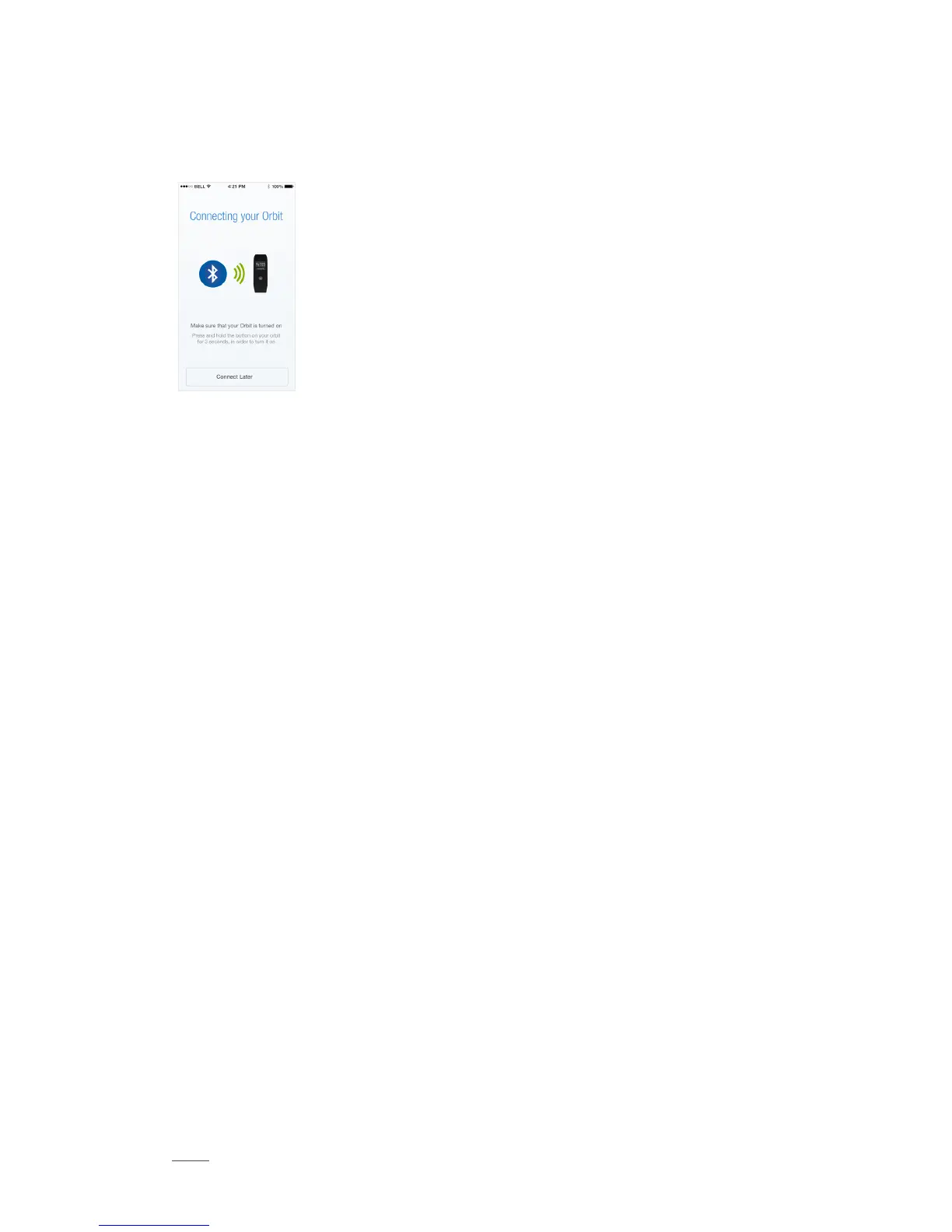
Connect and set up Runtastic Orbit:
Follow the steps indicated in your Me
app.
Without Runtastic Me App
Set the time by pressing the Reset button at exactly 12:00 p.m.
Orbit counts your steps and shows the total steps taken per day
(starting at 12:00 a.m.).
The default daily step goal is 8,000.
The calculation of your calories burned is based on the values of an average
Runtastic user. The following body metrics are used:”
Weight: 72 kg (159 lb)
Height: 172 cm (5‘8“)
Date of Birth: 1. 1. 1989
Gender: Male
This data cannot be modified without the Runtastic Me app.
Modes and Views
Orbit works in 3 different modes:
1. Activity Tracking Mode: Tracks your steps during the day
2. Sleep Mode: Tracks your sleep duration and cycles
3. Orbit Connect: Allows other Runtastic apps to use Orbit as a second display
You can switch between activity tracking and sleep mode by pressing the Navi-
gation button for 3 seconds. Orbit Connect mode will be activated automatically as
soon as you start an app supporting Orbit Connect.
Each mode has different views which can be switched by pressing the Navigation
button.



 To Next Page