9 Orbit Manual
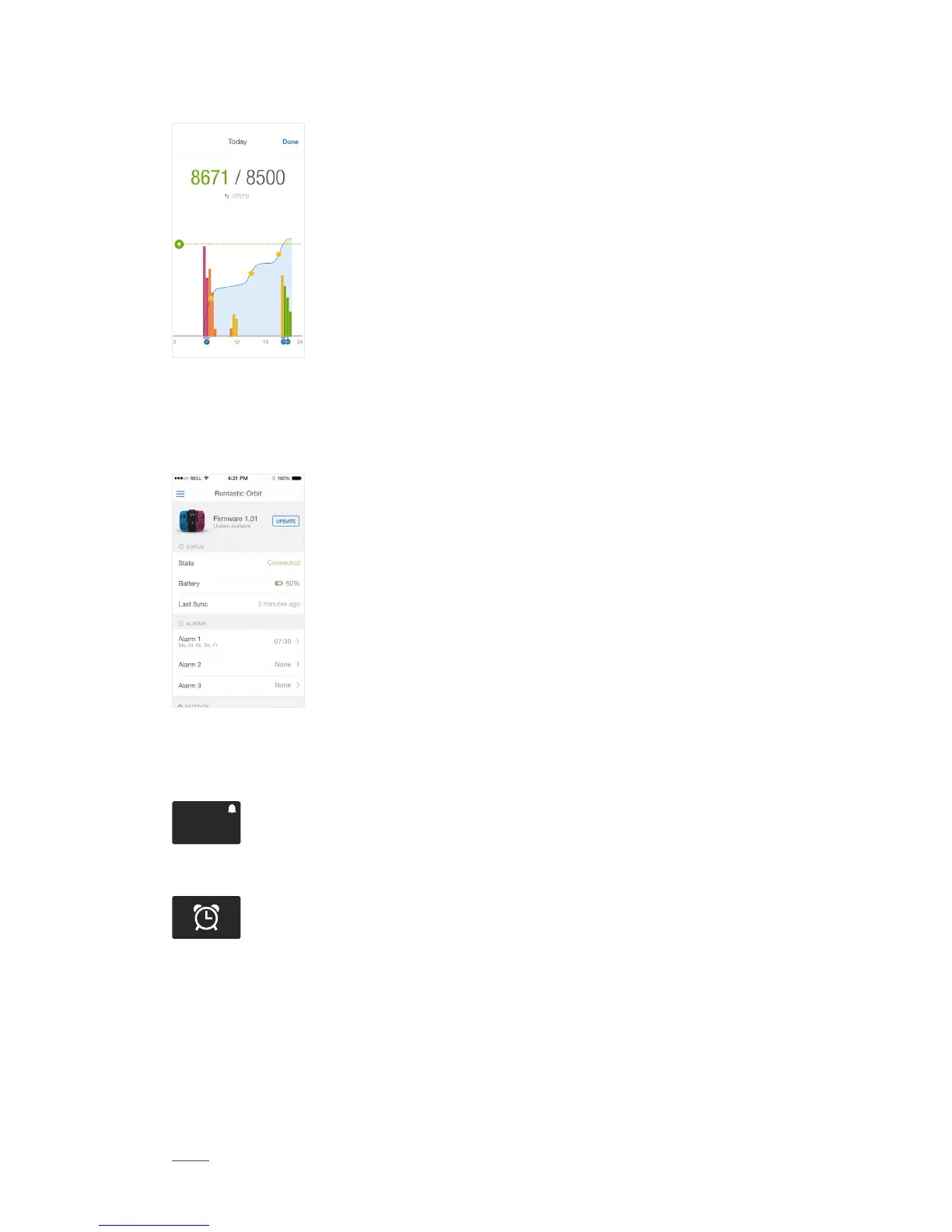
Daily Value Detail
Your Me app has a screen for every value detail where the
current day‘s data is displayed. Activities tracked with other
Runtastic apps are also displayed, as well as your “Happy
Tracking.“
The Sleep Detail screen shows your different sleep phases, as well as the ambient
light measured by Orbit.
Alarm
Set alarms directly
in the Orbit Settings
of your Me app.
You can set up to three, one-time or recurring, alarms. If an alarm has been set, a
corresponding icon is displayed on the time view of your Orbit:
10:56
P
M
When an alarm goes off, your Orbit vibrates and the following icon is displayed:
Snooze feature: Unless you turn off the alarm by pressing the Navigation button,
your Orbit will start vibrating again every five minutes for a maximum of five times.
Idle Notification
Orbit motivates its users to engage in a more active lifestyle. A vibration alert



 To Next Page