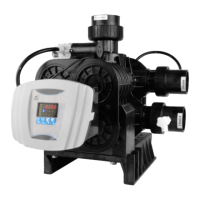
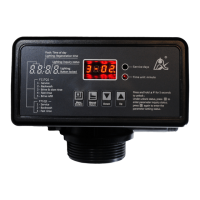
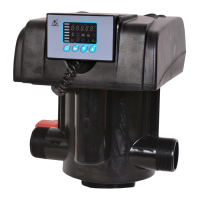
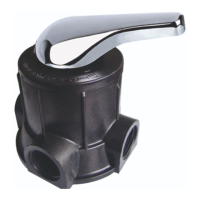
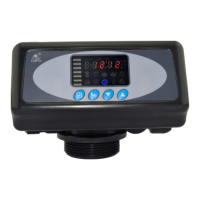
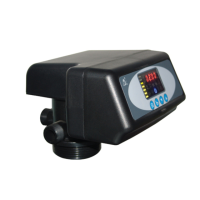
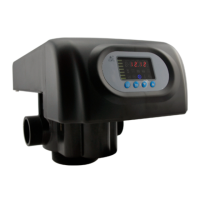
MODEL 51240B/53540B/53640B/61240B/63540B/63640B
40
①Press and hold both and to lift the button lock status( light off);
②Press ,and light on;
③Press or continuously until light on. Then the digital area shows:
5-12M;
④Press , and12 flash;
⑤Press continuously until 12 changed to 15;
⑥Press , there is a sound “Di” and the figure stop flashing; the program
back to inquiry status
⑦If you want to adjust other parameters, you can repeat the steps from ②
to ⑤; if you don’t, press and quit from the inquiry status, the display will
show the current service status.
3.6. Trial Running
After installing the multi-functional flow control valve on the resin tank
with the connected pipes, as well as setting up the relevant parameter,
please conduct the trail running as follows:
A. Close the inlet valve B & C, and open the bypass valve A. After cleaning
the foreign materials in the pipe, close the bypass valve A. (As Figure 1-2
shows)
B. Fill the brine tank with the planned amount of water and adjust the air
check valve. Then add solid salt to the tank and dissolve the salt as much
as possible.
C. Switch on power. Press and go in the Backwash position; when
light on, slowly open the inlet valve B to 1/4 position, making the water
flow into the resin tank; you can hear the sound of air-out from the drain
pipeline. After all air is out of pipeline, then open inlet valve B completely
and clean the foreign materials in the resin tank until the outlet water is
clean. It will take 8~10 minutes to finish the whole process.
D. Press , turning the position from Backwash to Brine& Slow Rinse;
light on and enter in the process of Brine& Slow Rinse. The air check valve


 To Next Page
 Loading...