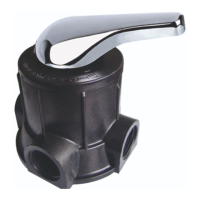
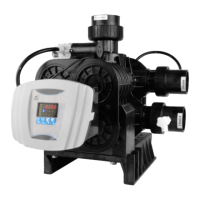
MODEL F71B/F71G/F67C/F67G/N75A/N75B
14
Press , light on, enter program display mode and use or to
view all values.
In program display mode, press , flash, enter program set mode,
press or and adjust values.
re set, and then the voice “Di” means all setting are success and return
program display mode.
E. Manual/Return button
Press in working conditions, it can proceed to next step. (Example:
when the outlet water fails to reach the requirement, you can press
to end the service and start an immediate rinsing. During the process
of rinsing, pressing the button can end one step in advance and
proceed to the next step.)
Press in program display mode, and it will return in Service; Press
in program set mode, and it will return program display mode.
Press while adjusting the value, then it will return program display
mode directly without saving value.
F. Down ▼and Up▲
In program display mode, press ▲or▼ to view all values.
In program set mode, press ▲or▼ to adjust values.
Press and hold both ▲and ▼for 5 seconds to lift the Button Lock
status.



 To Next Page