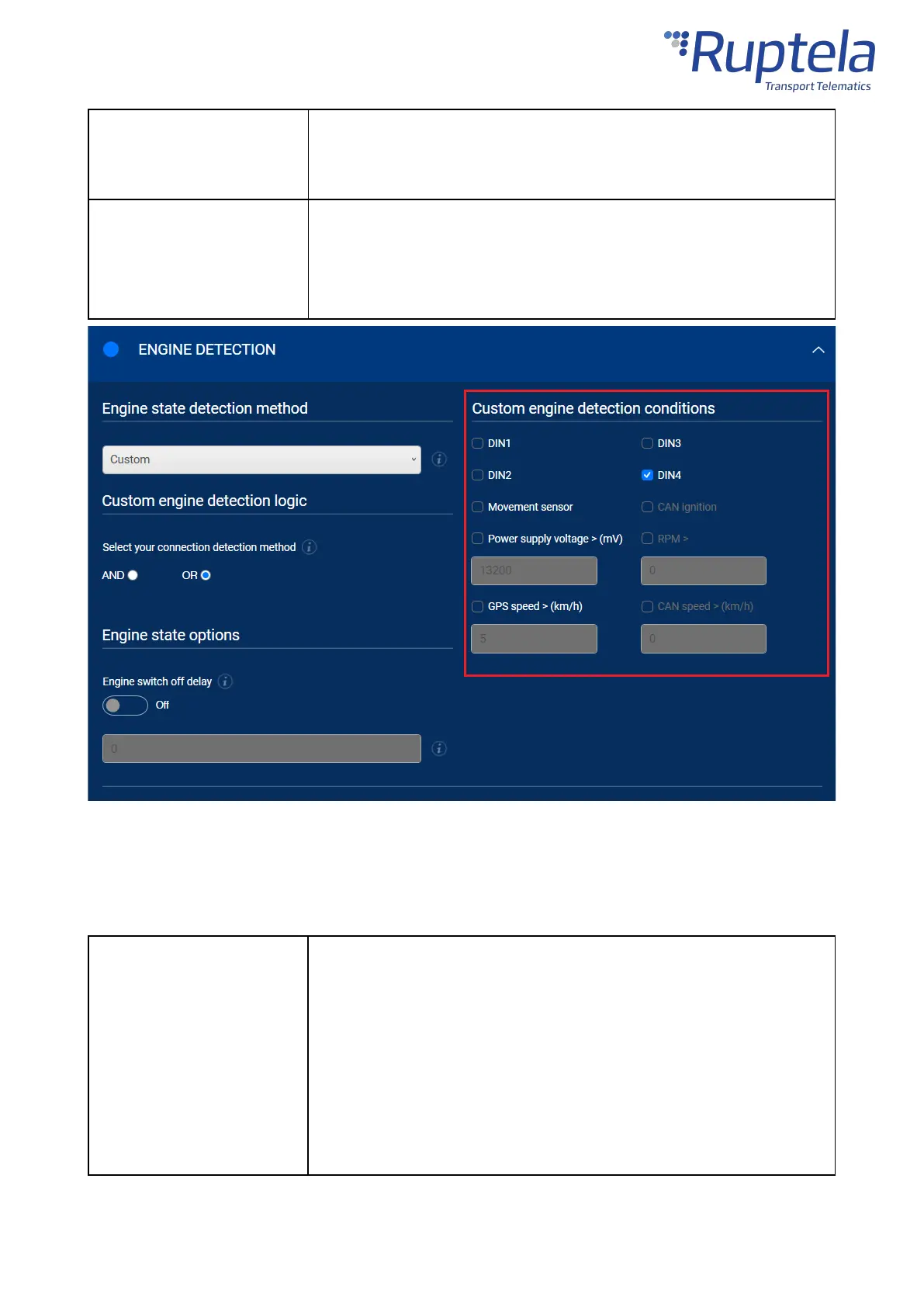
If ticked, the condition is true if the speed value obtained from GPS is
greater than the entered value.
Default value: Disabled
If ticked, the condition is true if the speed value obtained from CAN data is
greater than the entered value. Active only when at least one CAN
interface is turned on.
Default value: Disabled, inactive
Location Accuracy
Select the location update rate and set the location accuracy to generate more accurate coordinates.
How often the device updates its location. This controls how often data is
collected and sent. Possible values:
·
High
– at least twice a minute when driving (3-7 MB/month on
average)
·
Medium
– at least once a minute when driving (2-5 MB/month
on average)
·
Low
– at least once every two minutes when driving (1-3
MB/month on average)


 To Next Page