EasyManua.ls Logo

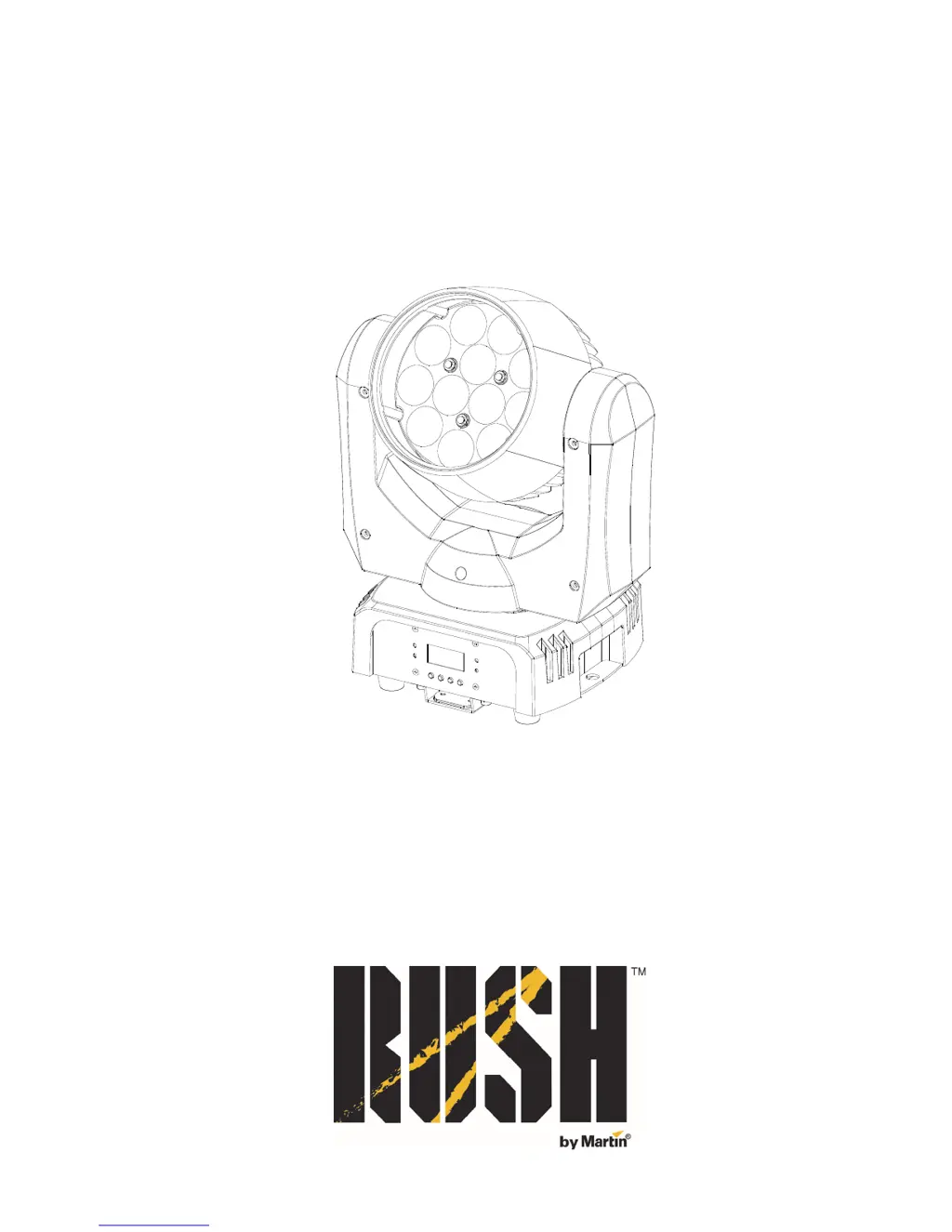
Rush MH 6 Wash - User Manual

Rush MH 6 Wash
36 pages
Print Icon
To Next Page IconTo Next Page
Loading...
RUSH MH 6 Wash
User Manual

Questions and Answers

  • D
    Douglas MeyerAug 1, 2025
    What to do if my Rush MH 6 Wash Lighting Equipment does not respond to DMX control?
    • J
      Joshua LutzAug 1, 2025
      If your Rush Lighting Equipment isn't responding to DMX control, first ensure the fixture’s DMX address matches the address set on your DMX control device. Check that the fixture's DMX LED is on; if it's not, inspect all DMX cables and connections. Make sure the DMX link is terminated and that all components on the DMX link use standard DMX polarity. Try controlling the fixture with another DMX control device. If the link is near an unshielded high-voltage installation, move or shield it.

Summary

Safety Information

Physical Installation

Mounting the fixture on a truss

Guidance on clamping the fixture to a truss or rigging structure using compatible clamps.

Securing with a safety cable

Procedure for attaching a safety cable to the fixture for secondary support and fall prevention.

Control Data Link

Fixture Setup

DMX Addressing

Setting the DMX start channel for controlling the fixture via a DMX console.

Blackout or hold if DMX signal stops

Configuring fixture behavior when the DMX signal is lost.

Reset

Performing a manual reset of the fixture's settings to default or previous state.

Home Position (Offsets) Adjustment

Adjusting the fixture's home or default positions for pan, tilt, and zoom.

Maintenance

Service and Repairs

Guidance on authorized service and repair procedures for the fixture.

DMX Protocol

Troubleshooting

Specifications

Electrical

Information regarding AC power requirements, power supply unit, and fuse specifications.

Rush MH 6 Wash Specifications

General IconGeneral
BrandRush
ModelMH 6 Wash
CategoryLighting Equipment
LanguageEnglish

Related product manuals