EasyManua.ls Logo

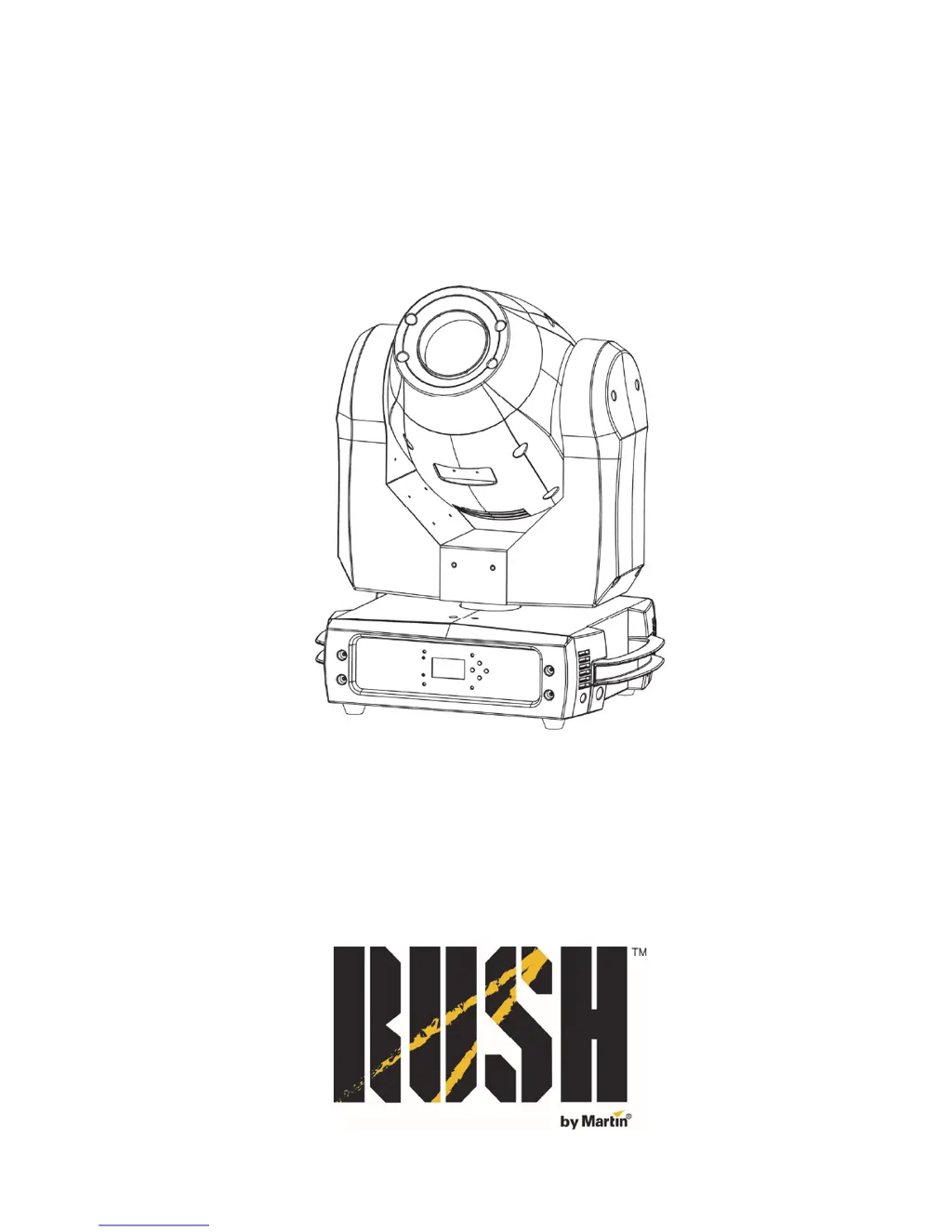
Rush MH 1 Profile Plus - User Manual

Rush MH 1 Profile Plus
44 pages
Print Icon
To Next Page IconTo Next Page
Loading...
MH 1 Profile Plus
User Manual

Questions and Answers

Summary

Safety Information

General Safety Precautions

Essential safety warnings and precautions for operating the MH 1 Profile Plus fixture.

Electrical Safety Guidelines

Guidelines to prevent electric shock, including grounding and cable safety.

Fire, Burn, and Eye Hazard Prevention

Precautions to avoid fire, burns, eye injury, and other hazards.

Physical Injury and Handling Safety

Guidelines for secure mounting, safe handling, and avoiding physical injury.

Introduction

Product Overview

Overview of the MH 1 Profile Plus features, capabilities, and included accessories.

First-Time Use Preparation

Steps to follow before operating the fixture for the first time, including safety checks.

Physical Installation

Mounting Options

Instructions for mounting the fixture on flat surfaces or trusses.

Securing with Safety Cable

Procedure for attaching a safety cable for enhanced fixture security.

AC Power and DMX Connectivity

AC Power Connection and Safety

Safety precautions and guidelines for connecting the fixture to AC mains power.

Linking Fixtures for Power

How to connect multiple fixtures in a daisy-chain for power distribution.

DMX Data Link Setup

Requirements and setup for connecting the fixture via DMX 512 data link.

Fixture Overview and Control Setup

Fixture Components and Indicators

Explanation of the fixture's display, LEDs, buttons, and connectors.

Using the Control Menus

Instructions on navigating and using the fixture's control menus.

DMX Function Settings

DMX Addressing and Viewer

Details on setting DMX address and using the DMX viewer for value checks.

Show Settings and Standalone Operation

Offline Mode and Show Modes

Configuring behavior when disconnected from DMX and selecting pre-programmed shows.

Gobo Focus and Sound Activation

Adjusting gobo focus and enabling music-triggered sound activation.

Fixture Settings and Calibration

Pan;Tilt and Iris Adjustments

Settings for pan/tilt inversion, feedback, and iris inversion.

Blackout and Brightness Calibration

Configuring blackout options and calibrating light output brightness.

Display Settings

Display Options

Inverting display, auto backlight off, and adjusting backlight brightness.

Error Message Display

Setting whether error messages are displayed or hidden on the control panel.

Fixture Testing and Information

Fixture Tests and Counters

Performing fixture tests and viewing operating hours and service timers.

Firmware Version

Checking the installed software version of the fixture.

Reset and Offset Functions

Resetting Functions and Defaults

Manually resetting functions, effects, or factory default settings.

Effect Home Position Adjustment

Adjusting the home position for various fixture effects.

Effects Description

Pan, Tilt, Gobo, Iris, Focus

Details on pan, tilt, gobo wheels, iris, and motorized focus functions.

Prism, Strobe, Dimming, Color

Information on prism, strobe, electronic dimming, and color wheel effects.

Maintenance Procedures

Cleaning and Fuse Replacement

Guidelines for cleaning the fixture and replacing the primary fuse.

Gobo Replacement

Information on replacing custom metal gobos in the fixture.

DMX Protocol Reference

Pan, Tilt, Dimmer, Strobe Channels

DMX channels for controlling pan, tilt, dimmer, and strobe effects.

Color Wheel Channels

DMX channels for controlling color wheels, including selection and rotation.

Gobo Wheel Channels

DMX channels for controlling gobo wheels, including gobos, shakes, and rotation.

Prism, Iris, Focus, Settings Channels

DMX channels for controlling prism, iris, focus, and fixture settings.

Control Menu Navigation

DMX Functions Menu

Menu options for DMX addressing and viewing DMX values.

Show Settings Menu

Menu options for offline mode, show mode, focus, and sound activation.

Fixture & Display Settings Menus

Menus for fixture settings, display options, and error message control.

Test & Information Menu

Menus for performing fixture tests and viewing operational information.

Reset and Offset Functions

Resetting Effects and Defaults

Manually resetting functions, effects, or factory default settings.

Effect Home Position Adjustment

Adjusting the home position for various fixture effects.

Error Messages and Troubleshooting

Error Message Reference

List of potential error messages and the conditions under which they appear.

Troubleshooting Common Issues

Troubleshooting steps for common problems like no light or DMX issues.

Technical Specifications

Physical and Dynamic Specs

Detailed physical dimensions, weight, and dynamic effects capabilities.

Control, Optics, Electrical Specs

Specs for control, optics, construction, installation, connections, and electrical.

Power, Thermal, Accessories, Ordering

Specs for power, thermal data, safety approvals, included items, accessories, and ordering.

Photobiological Safety Warning

Rush MH 1 Profile Plus Specifications

General IconGeneral
BrandRush
ModelMH 1 Profile Plus
CategoryLighting Equipment
LanguageEnglish

Related product manuals