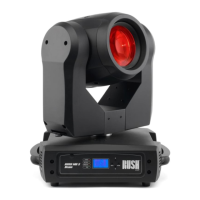
RUSH MH 1 Profile Plus User Manual 13
Linking fixtures to power in a chain
If you obtain a 14 AWG / 1.5 mm
2
power input cable and 14 AWG / 1.5 mm
2
throughput cables from Martin™ (see ‘Accessories’ on page 40), you can relay
mains power from one fixture to another by connecting fixtures to power in a
linked daisy-chain, MAINS OUT throughput socket to MAINS IN input socket.
Using 14 AWG or 1.5 mm
2
cables from Martin™, you can link:
• Maximum four (4) RUSH MH 1 fixtures in total at 100-120 V, or
• Maximum eight (8) RUSH MH 1 fixtures in total at 200-240 V.
If you install a power plug on the 14 AWG / 1.5 mm
2
power cable, install a
grounding type (earthed) plug with integral cable grip that is rated minimum
250 V, 16 A.
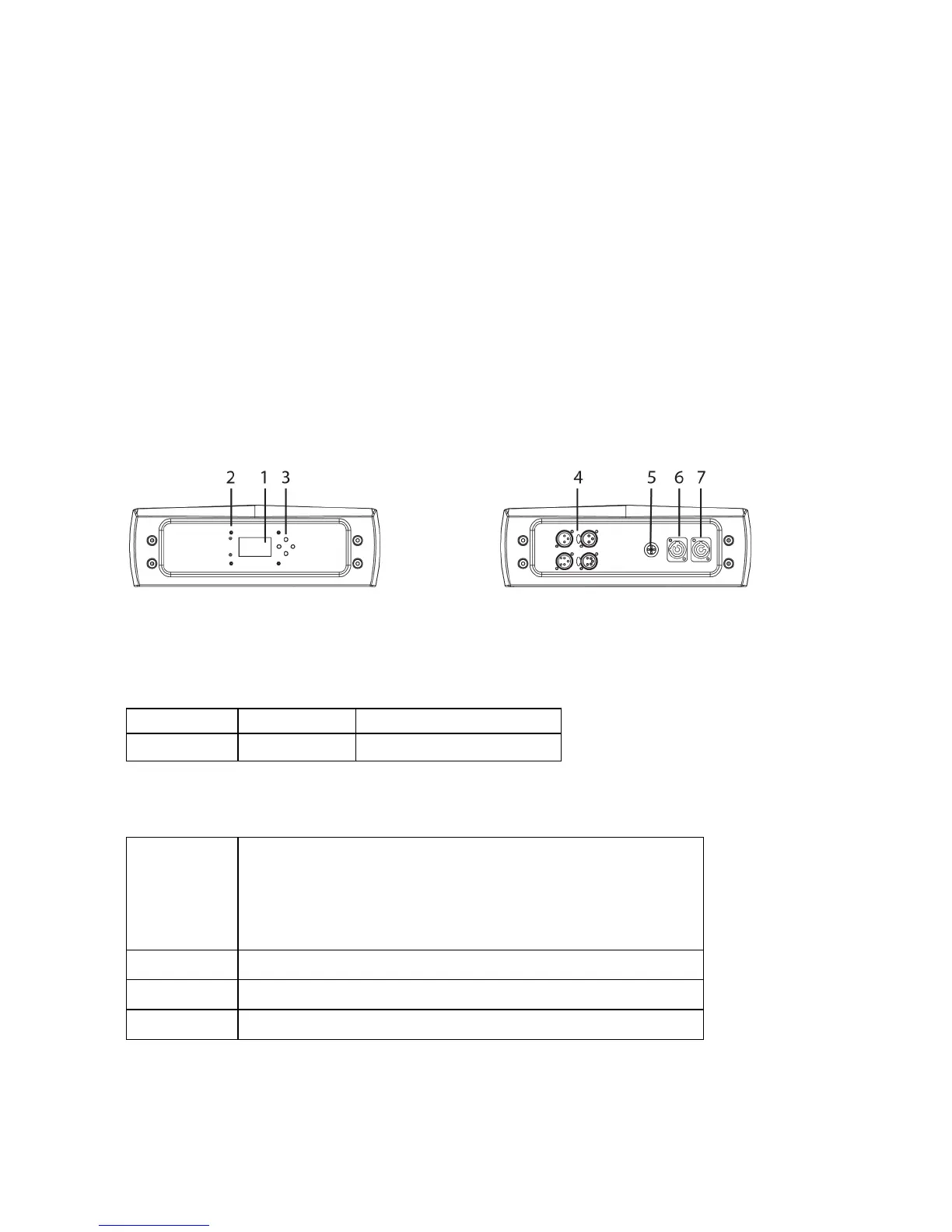
Fixture overview
1 - Display
2 - LEDs
The fixture has two LEDs on the front of the base with the following functions:
DMX On DMX input present
SOUND Flashing Sound activation
3 - Buttons
MENU
• Activate the menu mode functions, or
• Return to the previous level of the menu
structure, or
• Hold to exit the menus
DOWN Go down a menu branch
UP Go up a menu branch
ENTER Confirm the selected function
Press and hold the MENU button to exit the menu mode.


 To Next Page