EasyManua.ls Logo

Russound KPSC - KPSC Operation Details; Primary and Numeric Controls; Favorite Button Functions

Russound KPSC
11 pages
Print Icon
To Next Page IconTo Next Page
To Previous Page IconTo Previous Page
Loading...
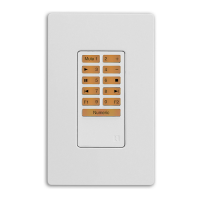
KPSC
Operation
The
KPSC
keypad
adds
source
control
and
numeric
con-
trol
capability
to
a
KP6
or
KPL
keypad
via
a
12-pin
connec-
tion.
The
amber
backlit
buttons
provide
primary
source
controls
when
pressed,
such
as
stop,
play,
next,
etc.
When
the
Numeric
button
is
pressed,
it
becomes
backlit
in
red,
and
changes
the
buttons
to
numeric
entry
(0
-
9).
It
will
also
send
a
Prefix
command.
A
second
press
of
the
Numeric
button
sends
a
Suffix
command
and
puts
the
key-
pad
back
into
the
source
control
mode.
If
the
button
is
not
pressed
a
second
time,
a
3-second
time
out
sends
a
Suffix
command
and
exits
Numeric
control
mode.
The
Fl
and
F2
favorite
buttons
are
programmed
by
a
press
and
hold.
They
save
current
input
and
volume
level
settings
for
recall,
and
can
be
overwritten
with
another
press
and
hold.
,
..
I
...
I
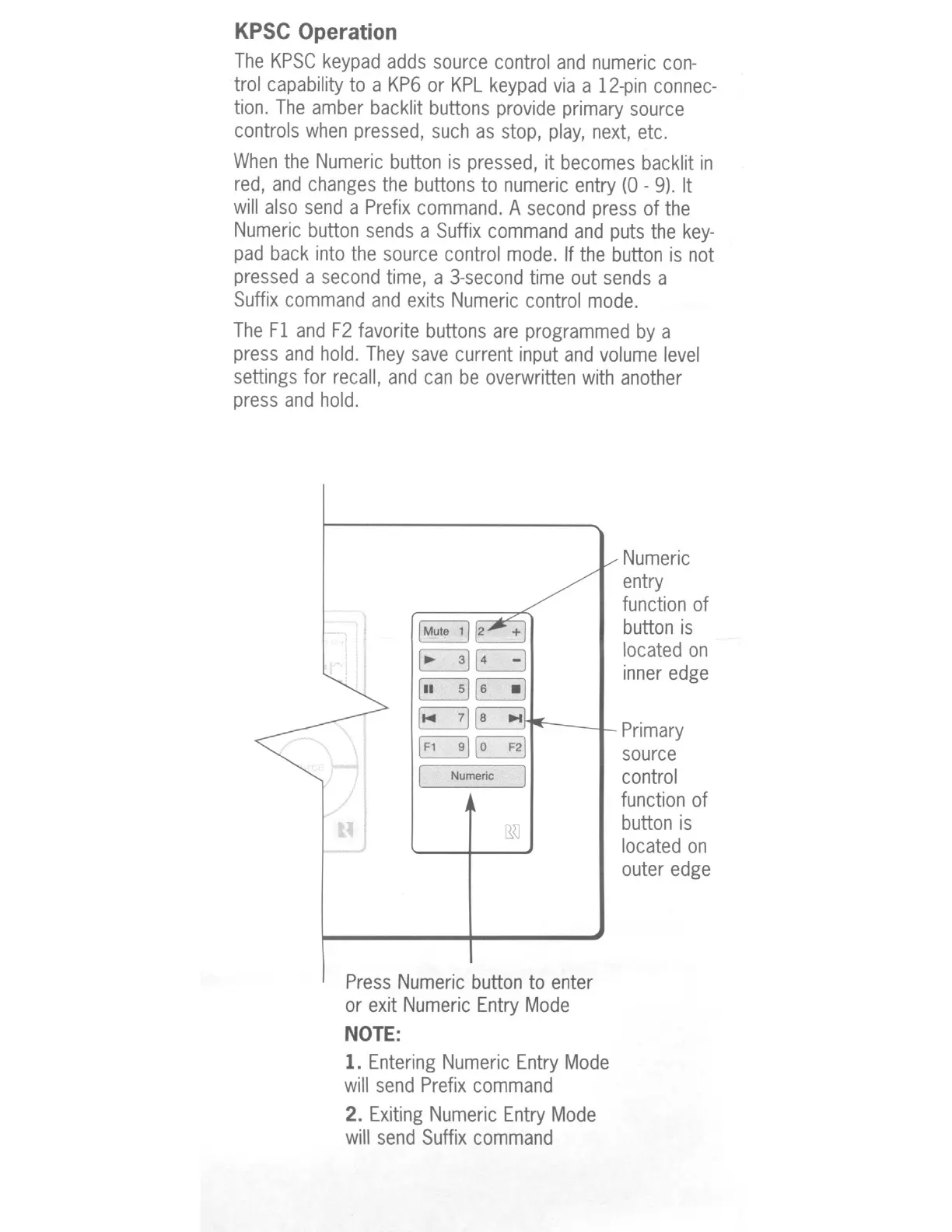
F1
F21
I
Numeric
I
Press
Numeric
button
to
enter
or
exit
Numeric
Entry
Mode
NOTE:
1.
Entering
Numeric
Entry
Mode
will
send
Prefix
command
2.
Exiting
Numeric
Entry
Mode
will
send
Suffix
command
Numeric
entry
function
of
button
is
located
on
inner
edge
Primary
source
control
function
of
button
is
located
on
outer
edge

Other manuals for Russound KPSC

Related product manuals