14
Controlling the Media Server
Control Panel
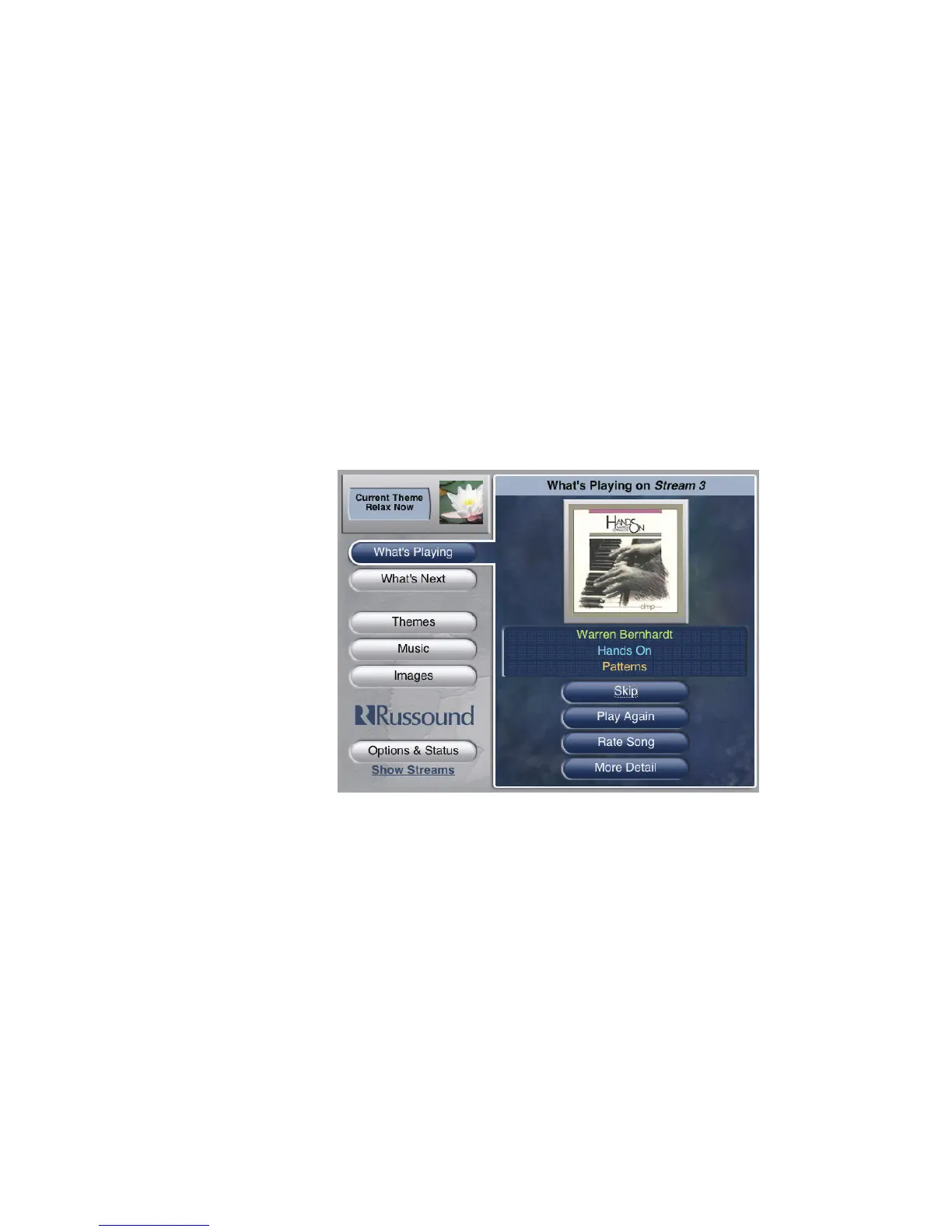
The control panel or “Home” page of the media server’s onscreen display shows the
main functions used to navigate the SMS3: What’s Playing, What’s Next, Themes, Music,
Images and Options & Status.
The page also displays the current Theme in the upper left corner and the stream
name on the top of the right-hand window. This large window also displays information
when making selections.


 To Next Page