34
Viewing Images
Viewing My Photo Albums
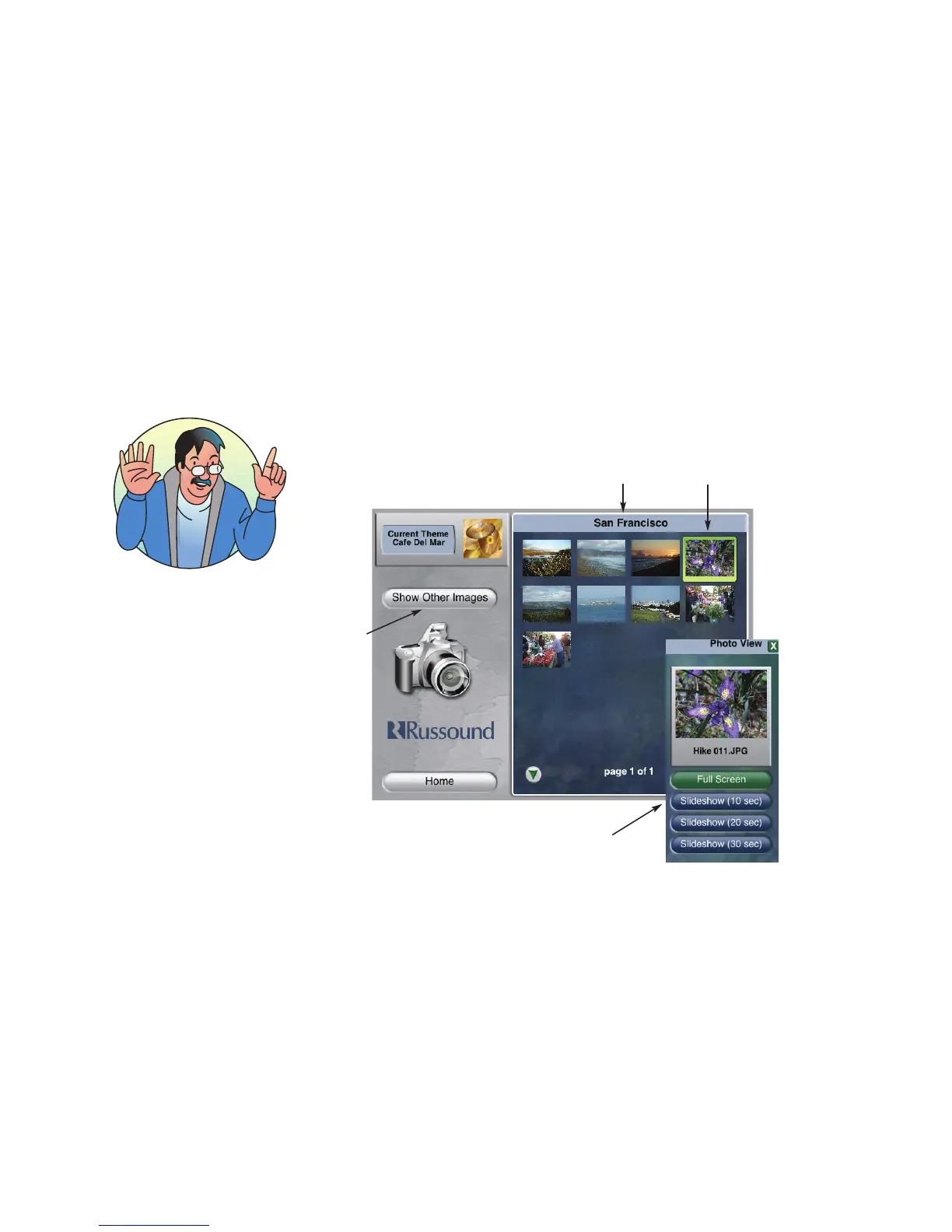
To view your images, choose “Images” from the Home page. Choose a photo “album”
from the list of image folders. From the Images page, you can scroll through the image
thumbnails, as a mid-sized image on the media server page, or create a full-screen
slideshow.
Select an
image to view
Name of selected
image folder
If you plan to import images
AND music files, I suggest
you import the music files
first. The image importing
process always takes
precedence over importing
music files. Sooo, importing
a large number of image
files makes your music files
take a back seat when
traveling to the media server
hard drive.
Returns to Photo
Albums page to
see list of image
folders
View images in mid-sized view, full
screen or slideshow



 To Next Page