
 Need help?
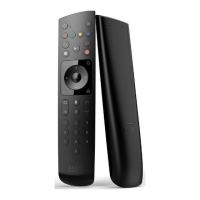
Do you have a question about the Ruwido 827A01 and is the answer not in the manual?
Pairing process by pressing 'play/pause' and 'home' keys for 3 seconds. LED indicates success. Includes pairing deletion.
Describes LED flashing patterns for BLE and IR command transmission. Red for BLE, green for IR.
Resets the remote control to factory mode by holding 'apps' + 'left' keys for 3 seconds. LED confirmation.
 General
| Brand | Ruwido |
|---|---|
| Model | 827A01 |
| Category | Remote Control |
| Language | English |


 To Next Page