EasyManua.ls Logo

Ruwido Amadeus Symphony - User Manual

Ruwido Amadeus Symphony
16 pages
Print Icon
To Next Page IconTo Next Page
Loading...
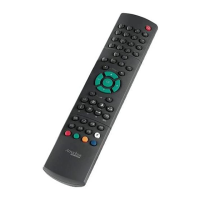
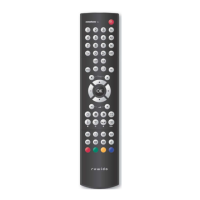
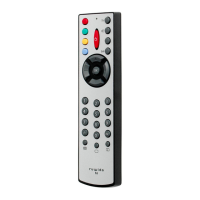
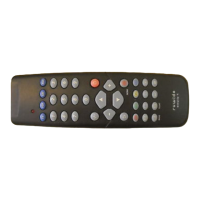
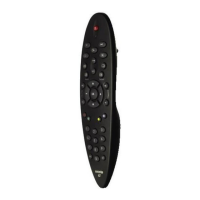
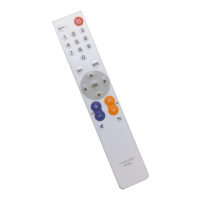
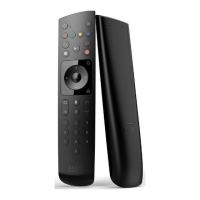
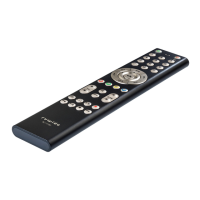
The revolution in the
field of 1:1 replacement
remote controls
Die Revolution unter den Ersatzfernbedienungen!
Une révolution dans l’univers de la Télécommande de remplacement 1:1
La revolución en el sector de los mandos a distancia de recambio equivalentes
Rivoluzione nel settore dei telecomandi di ricambio 1:1
Rewolucja w dziedzinie zamiennych pilotów zdalnego sterowania 1:1
Question and Answer IconNeed help?

Do you have a question about the Ruwido Amadeus Symphony and is the answer not in the manual?

Summary

The Revolution in 1:1 Replacement Remote Controls

A New Era in Remote Technology

What You Need for Setup

Details required components for setting up the Amadeus Symphony remote control.

Key Advantages of Amadeus Symphony

Highlights benefits like instant service, model replacement, and cost savings.

Setup Guide

Connect Remote Control to PC

Connect the Amadeus Symphony device to your PC using the interface adapter.

Select Original Device Model

Choose the correct device type and brand from the software interface.

Install IR System

Install the selected IR system onto the Amadeus Symphony device via the software.

Insert Batteries and Ready

Insert batteries into the remote and it is ready for use.

Stock Requirements and Costs Comparison

Advantages of Amadeus Symphony Over Conventional Controls

Highlights benefits like no outdated stock and less storage space needed.

Demand vs. Storage Costs Comparison

Additional Advantages for Amadeus Symphony

Benefits include eliminating unsold stock and reducing storage space.

Ruwido Amadeus Symphony Specifications

General IconGeneral
BrandRuwido
ModelAmadeus Symphony
CategoryRemote Control
LanguageEnglish

Related product manuals