Need help?
Do you have a question about the Ruwido Symphony and is the answer not in the manual?
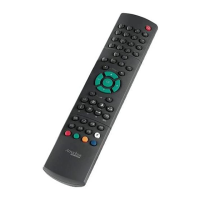
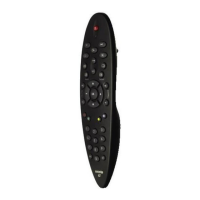
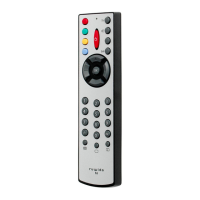
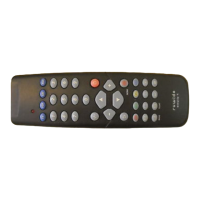
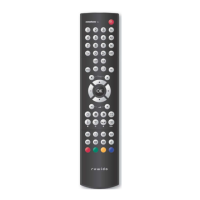
The Symphony remote control is the classic among replacement remote controls for 300,000 models.
Programming requires a PC with internet access and the Symphony interface cable for system installation.
Connect the Symphony remote control to your PC using the provided interface cable.
Choose device type and brand, then filter by code, spare part, or model number.
Download and install the selected IR system onto the Symphony remote control.
Insert batteries and attach the plastic cap to cover the USB port.
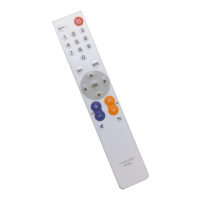
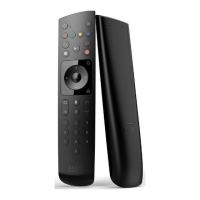
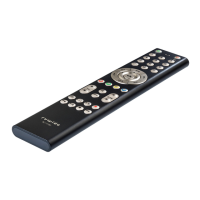
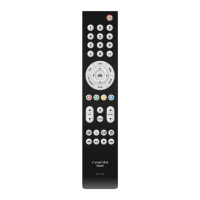
The Ruwido Symphony is a universal replacement remote control system designed to offer immediate customer service by replacing over 300,000 original remote controls, thereby helping businesses save costs and reduce stock risk. The system comprises two main remote control models: the Symphony TV, optimized for television sets, and the Symphony Digital, designed for digital set-top boxes. Both models are capable of replacing every function of a vast array of original remote controls within seconds.
The core function of the Ruwido Symphony system is to provide a highly versatile and continuously updated solution for replacing lost or broken original remote controls. It achieves this by allowing retailers or service providers to program a Symphony remote with the infrared (IR) system of a customer's original remote control. This programming capability ensures that the replacement remote can replicate all the functions of the original device, offering a seamless user experience.
The programming process is streamlined into four main steps:
In summary, the Ruwido Symphony system offers a robust, user-friendly, and continuously updated solution for universal remote control replacement, benefiting both service providers through efficiency and cost savings, and end-users through reliable and comprehensive device control.
 General
| Brand | Ruwido |
|---|---|
| Model | Symphony |
| Category | Remote Control |
| Language | English |

 To Next Page