Registration
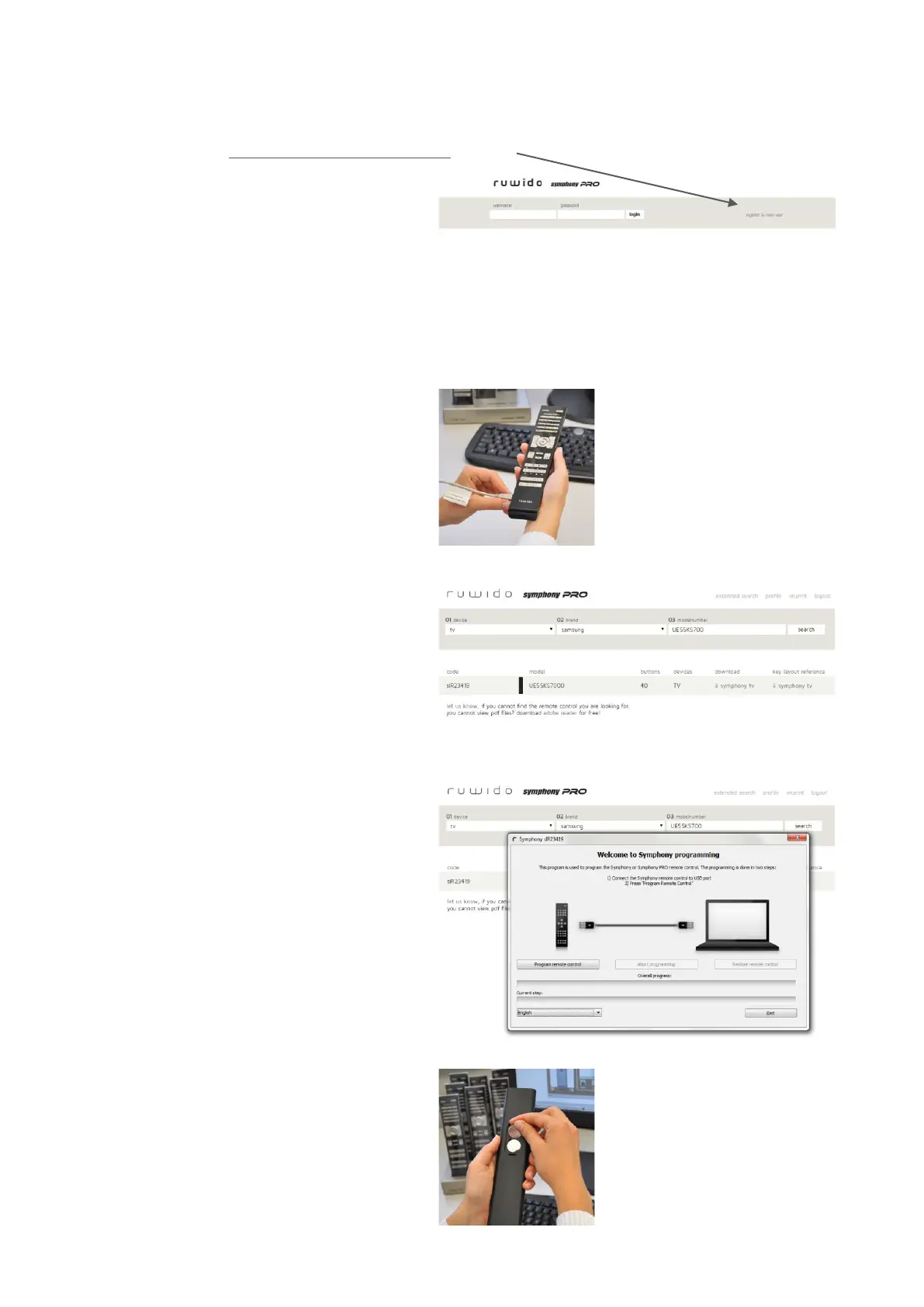
Please register at www.ruwido.com/symphony
here:
This is only needed first time you are
using the Symphony database.
____________________________________________________________________________
Easy programming in 4 steps
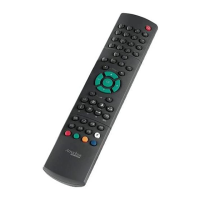
1 connect remote control to PC
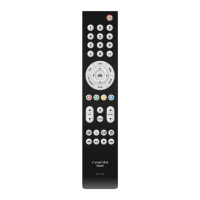
Connect either a Symphony tv (for TV-
sets) or a Symphony digital (for digital
set-top boxes) to your PC with the
supplied interface cable.
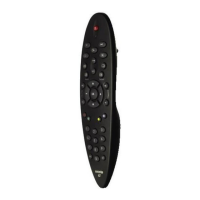
2 select original device mode
Select the device type (for Symphony
PRO either ‘TV’ or ‘STB’ are valid)
and brand of the remote you want to
replace. Filter the results by adding
the original RC code, spare part or
model number. Alternatively you can
search for original remote pictures.
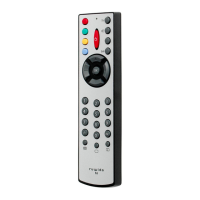
3 install IR system
After having selected the original device,
click on DOWNLOAD to download the
selected IR system and then open the
downloaded file and start it to install the
IR system on your Symphony tv or digital.
Please print the key layout reference
sheet as manual for your customer.
4 insert batteries and fix USB cover
To complete the product, insert batteries.
In the battery case you will also find a
plastic cap to cover the USB port.


 To Previous Page