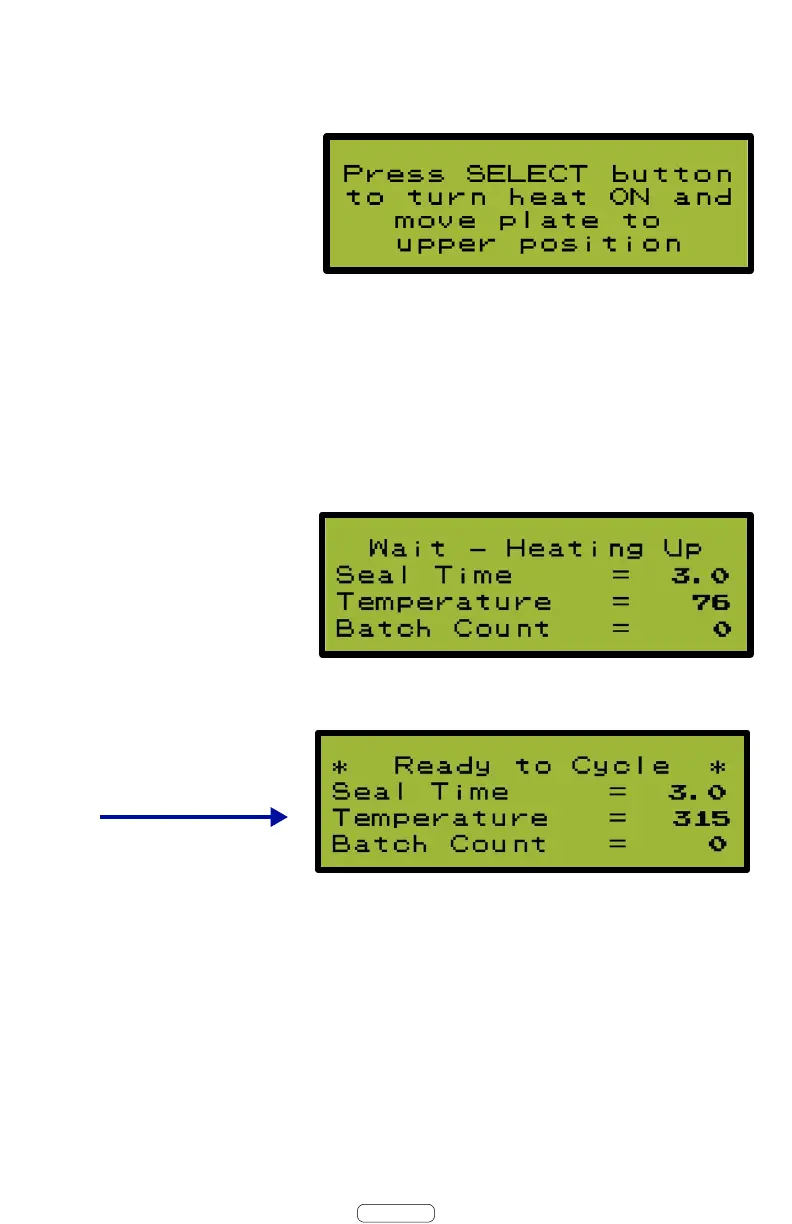
5.1 Turn the Power Switch ON.
5.2 Press & Release the Select Dial to Turn Heat ON &
Raise Heat Plate.
5.3 Allow the AutoSealer to heat up 10 to 15 minutes.
AutoSealer will not operate until it is up to set temperature.
When the AutoSealer is
ready the screen will show
5.4 Your AutoSealer is now ready for operation.
Note:
Your New AutoSealer is preprogrammed to seal all Rx
Systems heat seal pill cards. This User Guide will cover settings
& adjustments on a seperate page.
5. Daily Power Up Routine
Page 6


 To Next Page