EasyManua.ls Logo

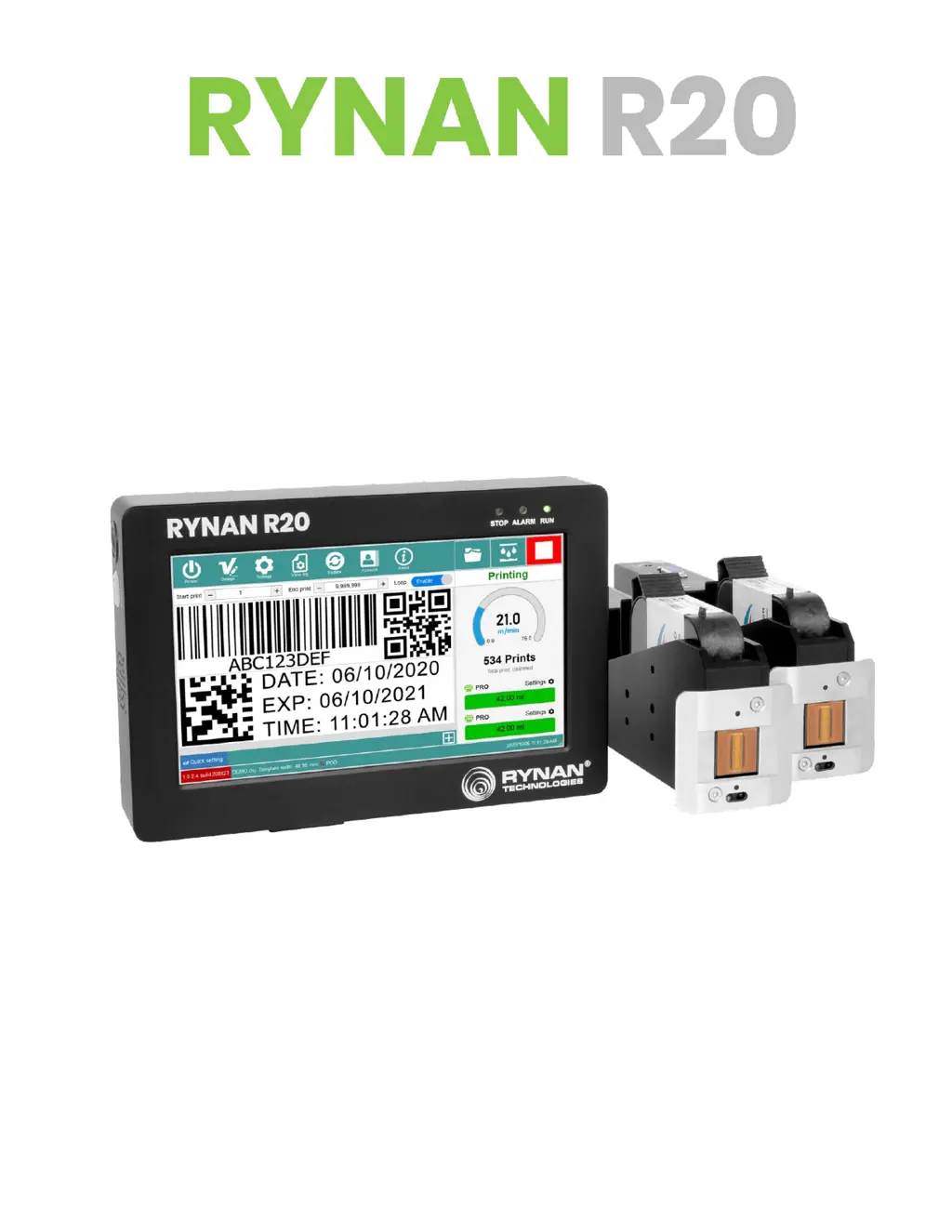
Rynan R20 PRO - User Manual

Default Icon
61 pages
Print Icon
To Next Page IconTo Next Page
Loading...
T H E R M A L I N K J E T P R I N T E R
USER MANUAL

Questions and Answers

Summary

SAFETY INFORMATION

EMERGENCY CASE

I. ABOUT THE PRINTER

1. Technical Specifications

Detailed specifications of the RYNAN R20 printer, including dimensions, weight, and power.

II. INSTALLATION

6. SOFTWARE USING

6.1. Main interface

Overview of the RYNAN R20 printer's main user interface and its elements.

6.2. DesignJet

Introduction to the template design software, including its interface and tools.

6.3. Printing parameters

Detailed explanation of various settings that affect print quality and performance.

6.3.1. Head Settings

Configuration options for each printhead, including resolution, density, and alignment.

6.3.2. System Settings

Various system-wide configurations for the printer, including encoder and mode settings.

III. GETTING STARTED

IV. OPERATION

1. How to design a template!

Step-by-step guide on creating print templates using the DesignJet interface.

1.8. Add Database object

How to load and use data from external files for variable printing.

1.9. Add Barcode object

Guide on adding and configuring various types of barcodes to templates.

2. How to print?

Step-by-step guide on opening a template and preparing for printing.

2.2. Step 2: Adjust Printing Parameters

Adjusting settings like resolution and speed before starting the print job.

V. TROUBLE SHOOTING

No Reply (Code 1)

Solution for when the printer cannot receive commands or communicate with the printhead.

No Reply (Code 3)

Solution for when the printer cannot send settings to connected devices.

No Reply (Code 4)

Solution for when the printer cannot send start print commands.

No Reply (Code C)

Solution for when the printer cannot send stop print commands.

No Reply (Code D)

Solution for when the printer cannot send commands for firmware updates.

No Reply (Code 11)

Solution for when the printer cannot send commands related to the purge function.

No Reply (Code 12)

Solution for when the printer cannot send commands to unlock.

Lost Data While Printing

Troubleshooting steps for data loss issues during the printing process.

Delay Data

Solutions for print position errors caused by incorrect delay or fixed length settings.

Empty Data

Steps to resolve issues with empty prints or missing POD data.

Rynan R20 PRO Specifications

General IconGeneral
Print Resolution203 DPI
ConnectivityUSB, Ethernet
Supported Barcode TypesUPC-A, UPC-E, EAN8, EAN13, CODE39
Power Supply24V DC, 2.5A
Operating Temperature5°C to 40°C
Storage Temperature-20 to 60°C
Operating Humidity25 - 80%

Related product manuals