EasyManua.ls Logo

Rynan R20 - User Manual

Rynan R20
61 pages
Print Icon
To Next Page IconTo Next Page
Loading...
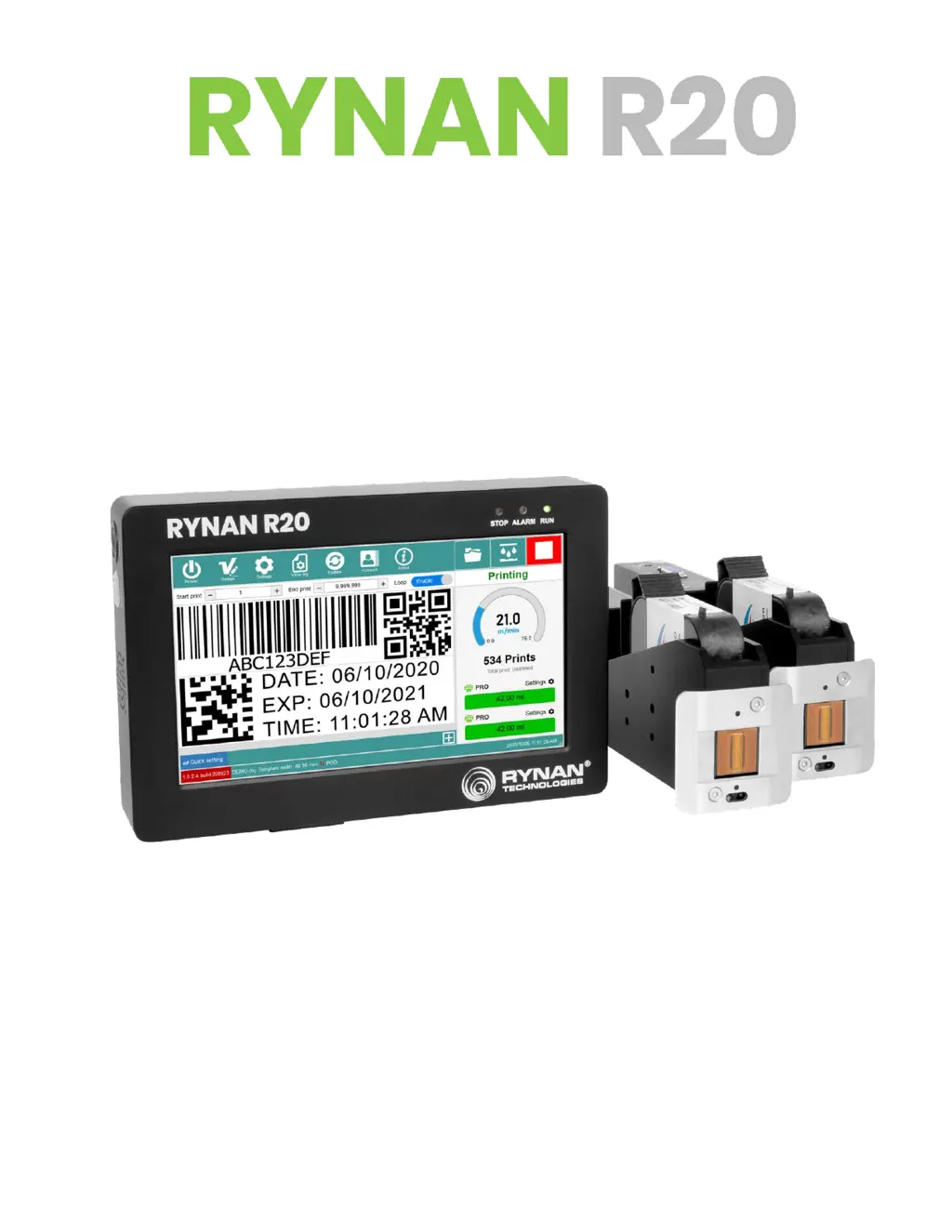
T H E R M A L I N K J E T P R I N T E R
USER MANUAL

Questions and Answers

  • M
    murphydavidSep 18, 2025
    What to do if Rynan R20 has No reply (Code 11)?
    • B
      Barbara LeblancSep 18, 2025
      If the Rynan Printer shows no reply (Code 11), press the "Refresh connection" button, remove and re-insert the data cable, restart the controller, and check the grounding PE.
  • B
    Brett WeberAug 25, 2025
    Why does my Rynan Printer show a timeout error when updating firmware?
    • M
      Matthew FosterAug 25, 2025
      If you are experiencing a timeout error while updating the firmware on your Rynan Printer, it is probably due to a lost connection. To resolve this: * Try the update again. * Check the grounding PE. * Check the hardware.
  • J
    Jonathan FrenchAug 25, 2025
    How to fix a Rynan R20 displaying the wrong firmware version?
    • R
      robert58Aug 26, 2025
      If the Rynan Printer displays the wrong firmware version, re-update the firmware version and check the bootloader.
  • R
    robin82Aug 27, 2025
    What to do if Rynan R20 software crashes?
    • J
      Juan MillerAug 27, 2025
      If the Rynan Printer software crashes, try the following: 1. Turn the controller off and on again. 2. Update to the latest firmware and software.
  • A
    Amanda SingletonSep 19, 2025
    What to do if Rynan R20 has No reply (Code 12)?
    • M
      Mrs. Nicole HortonSep 22, 2025
      If the Rynan Printer shows no reply (Code 12), press the "Refresh connection" button, remove and re-insert the data cable, restart the controller, and check the grounding PE.
  • D
    Dylan RoseSep 23, 2025
    What to do if Rynan Printer shows empty data?
    • S
      Scott BlanchardSep 23, 2025
      If the Rynan Printer shows empty data, check the data of the POD field and check the connection.
  • L
    Leonard JacksonSep 9, 2025
    What to do if Rynan R20 Printer is 'Receiving data timeout'?
    • R
      Ronald CalhounSep 9, 2025
      If you are getting a 'Receiving data timeout' error on your Rynan Printer, there are two possible scenarios: * If the printer can continue printing: * No action needed. * If the printer cannot continue printing: * Click on the 'Refresh connections' button and start printing again. * Remove the data cable. * Restart the controller.
  • K
    Kenneth PetersonSep 12, 2025
    What to do if Rynan Printer displays 'Printhead unknown'?
    • D
      Donald CookSep 12, 2025
      If the Rynan Printer displays 'Printhead unknown', check the firmware and software version, restart the controller, and check the grounding PE.
  • P
    Patrick ColemanSep 3, 2025
    How do I fix an 'Incorrect printhead' error on my Rynan R20?
    • M
      Michelle PenningtonSep 3, 2025
      If your Rynan Printer shows 'Incorrect printhead', reload a template compatible with the connected printhead or create a new template corresponding to the connected printhead.
  • M
    Matthew GreenSep 1, 2025
    What to do if Rynan R20 shows 'Wrong FW version' during firmware update?
    • C
      Christine KellySep 1, 2025
      If the Rynan Printer displays 'Update firmware: Wrong FW version', check the files used for the update.

Summary

About the Printer

1. Technical Specifications

Detailed specifications of the RYNAN R20 printer, including model, dimensions, and resolution.

2. Printing Speed Table

Chart showing print speeds for various resolutions and densities.

3. Printer Overview

Visual identification of controller front and back panel components.

Installation

1. Component List

Lists all items included in the printer package.

2. Printhead Setup

Instructions for correctly installing the printhead.

3. Controller Setup

Guide for setting up the main printer controller unit.

4. Printhead Cable Setup

Procedures for connecting printhead cables.

5. External Devices Connections

How to connect sensors, encoders, and alarm beacons.

6. Software Using

Overview of the printer's software interface and functions.

Getting Started

Operation

1. How to Design a Template

Step-by-step guide to creating custom print templates.

2. How to Print?

Process for opening templates and initiating printing.

3. Updating Instructions

Guidance on updating printer software, firmware, and fonts.

Trouble Shooting

Troubleshooting Guide

Lists common error codes and their corresponding solutions.

Rynan R20 Specifications

General IconGeneral
BrandRynan
ModelR20
CategoryPrinter
LanguageEnglish

Related product manuals