How to resolve delay data issue on Rynan R20?
- AAlicia WilliamsSep 12, 2025
If you experience delayed data with the Rynan Printer, decrease the speed, increase the fixed length, and, in realtime mode, increase the delay before.
How to resolve delay data issue on Rynan R20?
If you experience delayed data with the Rynan Printer, decrease the speed, increase the fixed length, and, in realtime mode, increase the delay before.
What to do if Rynan Printer displays 'Printhead unknown'?
If the Rynan Printer displays 'Printhead unknown', check the firmware and software version, restart the controller, and check the grounding PE.
What to do if Rynan R20 Printer is 'Receiving data timeout'?
If you are getting a 'Receiving data timeout' error on your Rynan Printer, there are two possible scenarios: * If the printer can continue printing: * No action needed. * If the printer cannot continue printing: * Click on the 'Refresh connections' button and start printing again. * Remove the data cable. * Restart the controller.
Why is updated software not applying on my Rynan R20 Printer?
If the updated software on your Rynan Printer is not applying, check the private label of the software on the controller and update with the correct private label software.
What to do if Rynan R20 Printer cannot set Vfire?
If the Rynan Printer cannot set Vfire, remove and re-insert the cartridge again, check the smartcard, and check the hardware.
Why can't I start printing with my Rynan Printer?
If the Rynan Printer cannot start printing, it might be due to incompatible firmware and software. To resolve this, update the software and firmware.
Why does my R20 MAX/R20 REACH Rynan Printer show 'No cartridge'?
If your R20 MAX or R20 REACH Rynan Printer shows 'No cartridge', check the smartcard on the cartridge, check the smartcard pin on the printhead (it may be damaged), and check the current firmware and software.
How do I fix a Rynan R20 counter that is not working?
If the Rynan Printer's counter isn't working, disable the 'Print Static Image' function at Settings => System Settings => Print Static Image => Disable.
How do I fix an 'Incorrect printhead' error on my Rynan R20?
If your Rynan Printer shows 'Incorrect printhead', reload a template compatible with the connected printhead or create a new template corresponding to the connected printhead.
How to resolve 'Write flash error' during Rynan R20 firmware update?
If the Rynan Printer displays 'Update firmware: Write flash error', try the update again and check the hardware.
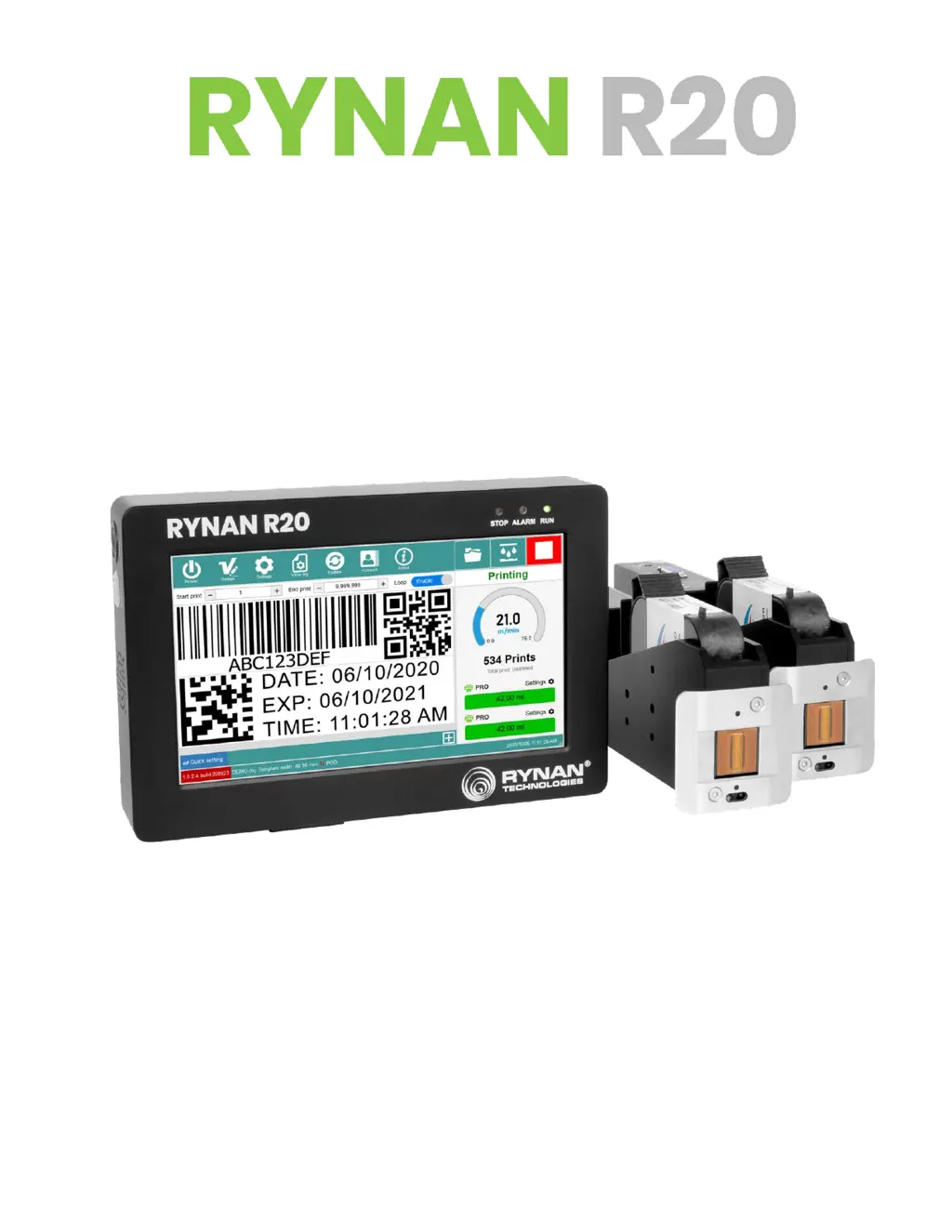
Detailed specifications of the RYNAN R20 printer, including model, dimensions, and resolution.
Chart showing print speeds for various resolutions and densities.
Visual identification of controller front and back panel components.
Lists all items included in the printer package.
Instructions for correctly installing the printhead.
Guide for setting up the main printer controller unit.
Procedures for connecting printhead cables.
How to connect sensors, encoders, and alarm beacons.
Overview of the printer's software interface and functions.
Step-by-step guide to creating custom print templates.
Process for opening templates and initiating printing.
Guidance on updating printer software, firmware, and fonts.
Lists common error codes and their corresponding solutions.