USER MANUAL V4.0 | Updated Jan 06, 2021 40
III. GETTING STARTED
Install the printer on your conveyor according to the installation instructions.
Set print direction and appropriate throw distance to obtain best print quality (1-3
mm).
Insert ink cartridge.
Connect printhead cable, sensor and encoder.
Plug the power cord into an appropriate power source to start up the printer.
Turn on the power button.
Set up the software (Design template, Resolution, Density, Print mode…).
IV. OPERATION
1. How to design a template!
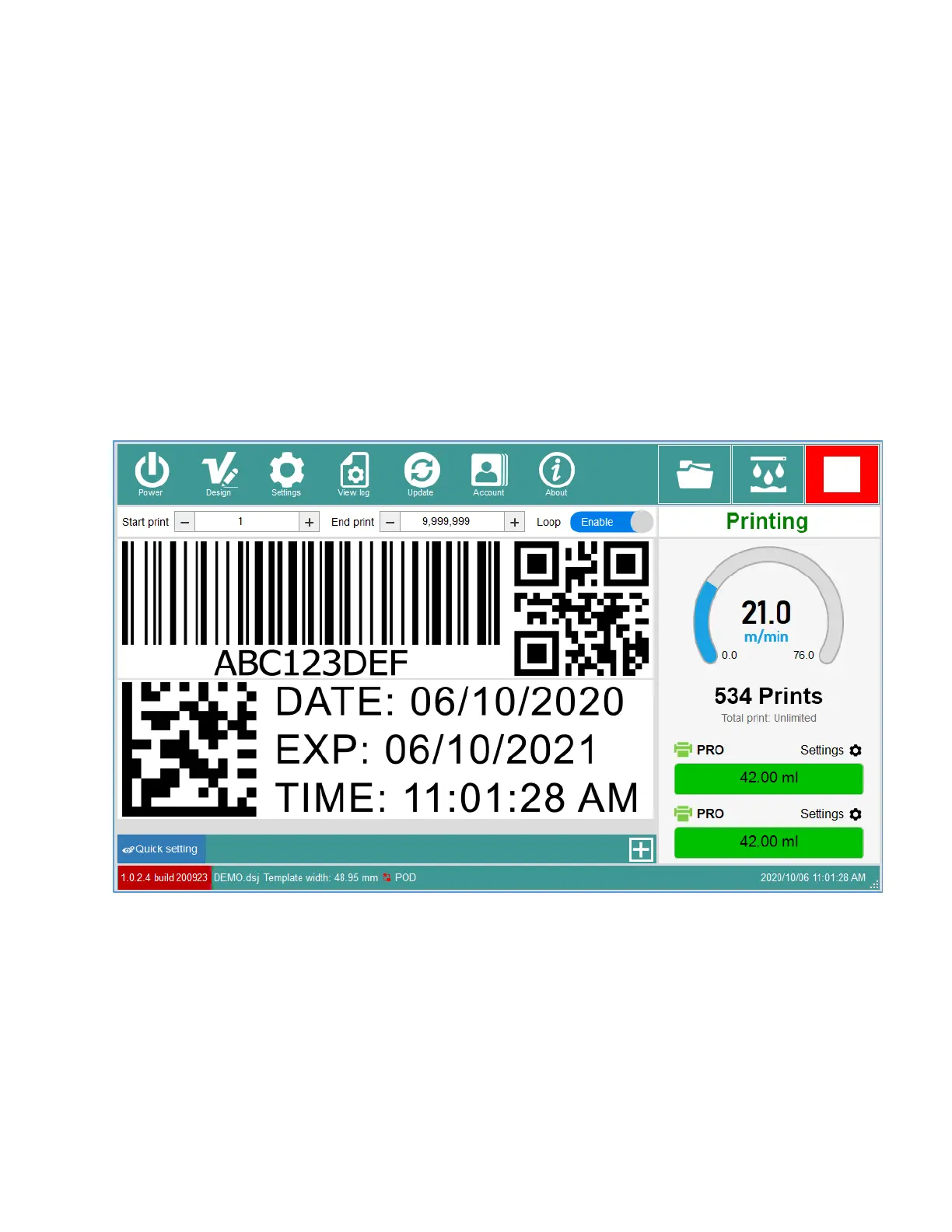
From the Main interface, click Design button to open the DesignJet interface.
1.1. New template
Click New to open a new template form.
Set the Template name, Number of head, printhead type and Width of template. Click OK
button to apply.


 To Next Page