USER MANUAL V4.0 | Updated Jan 06, 2021 55
2.2. Step 2: Adjust Printing Parameters
Before start printing, you should adjust and select printing parameter that suitable with your
configuration.
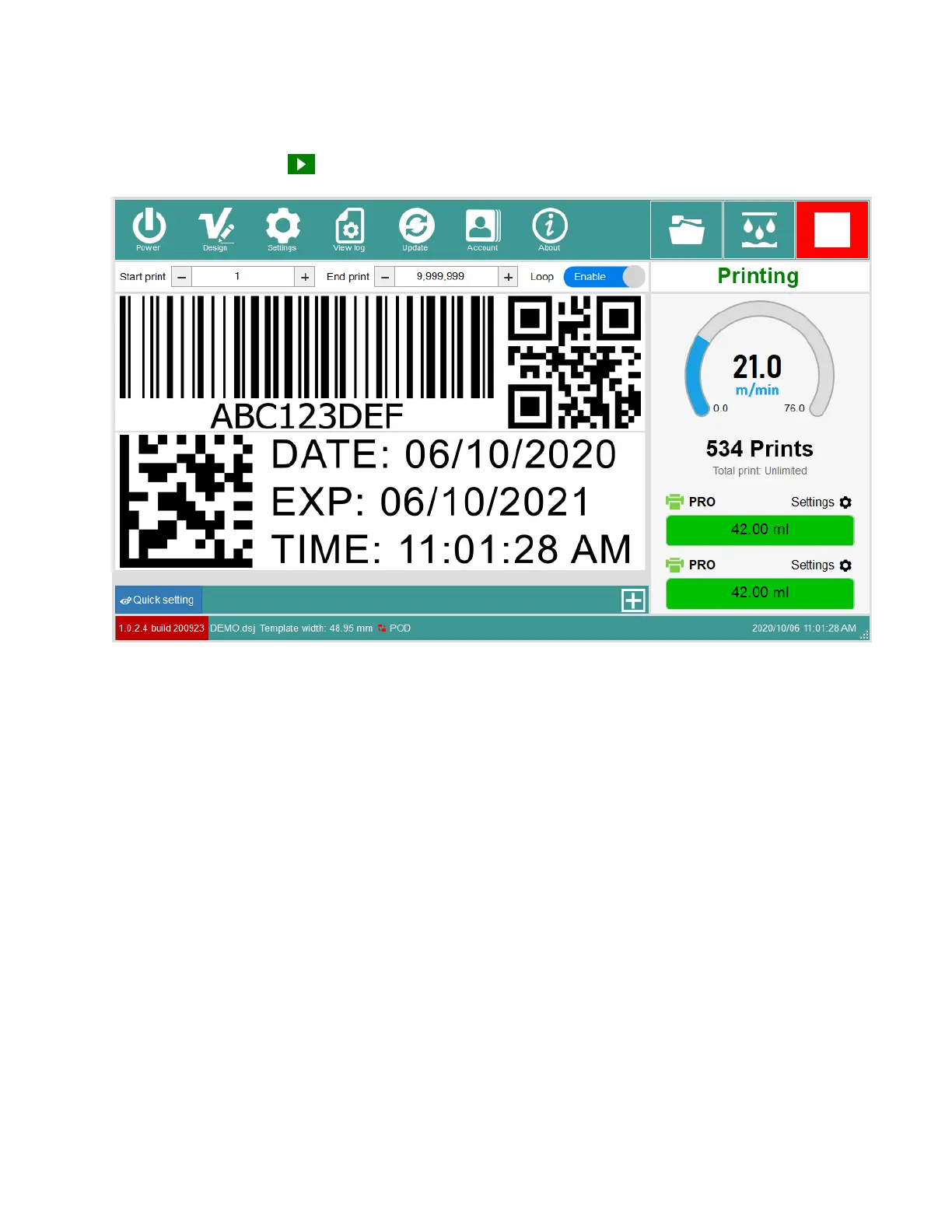
Click on Start button to begin your printing!
3. UPDATING INSTRUCTIONS
3.1. Update Software / Firmware / Keyboard / Font
This tool will help you update your printers to newer Software / Firmware / Keyboard / Font.
Please ask your supplier to get these needed files.
Copy them to USB Flash then plug to controller box.


 To Next Page